Once you have an activated event or event series, choose how its maps publish, in one of three ways.
- Auto-publish all - Automatically publishes all your event maps, regardless of whether you have booth assignments or not
- Auto-publish next - Automatically publishes the next event map as soon as the current one starts
- Manual publish - Only publishes an event map when you mark it published yourself. See Publish or unpublish a map manually
Set the publish mode
-
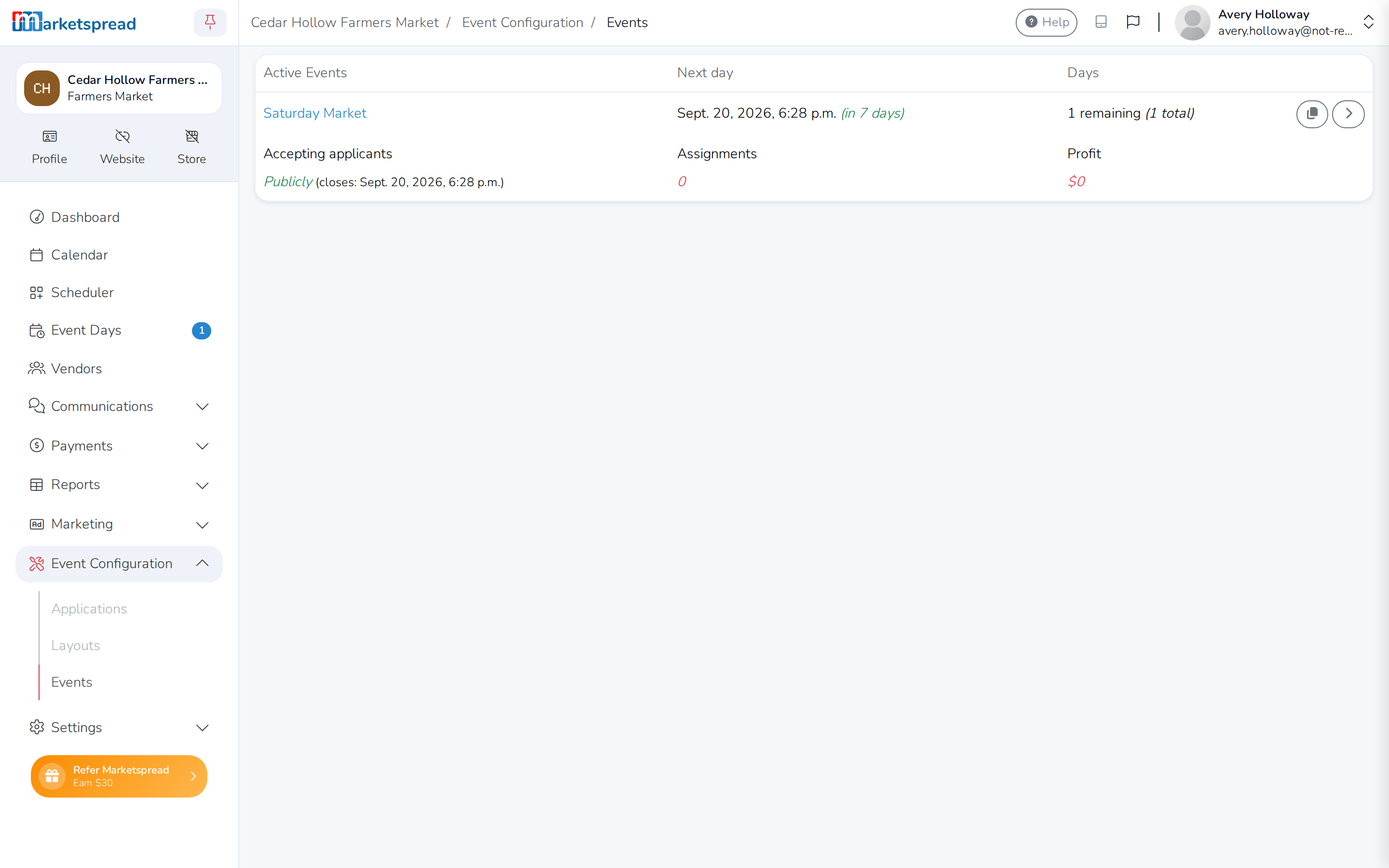
Open Event Configuration, then click Events.
-
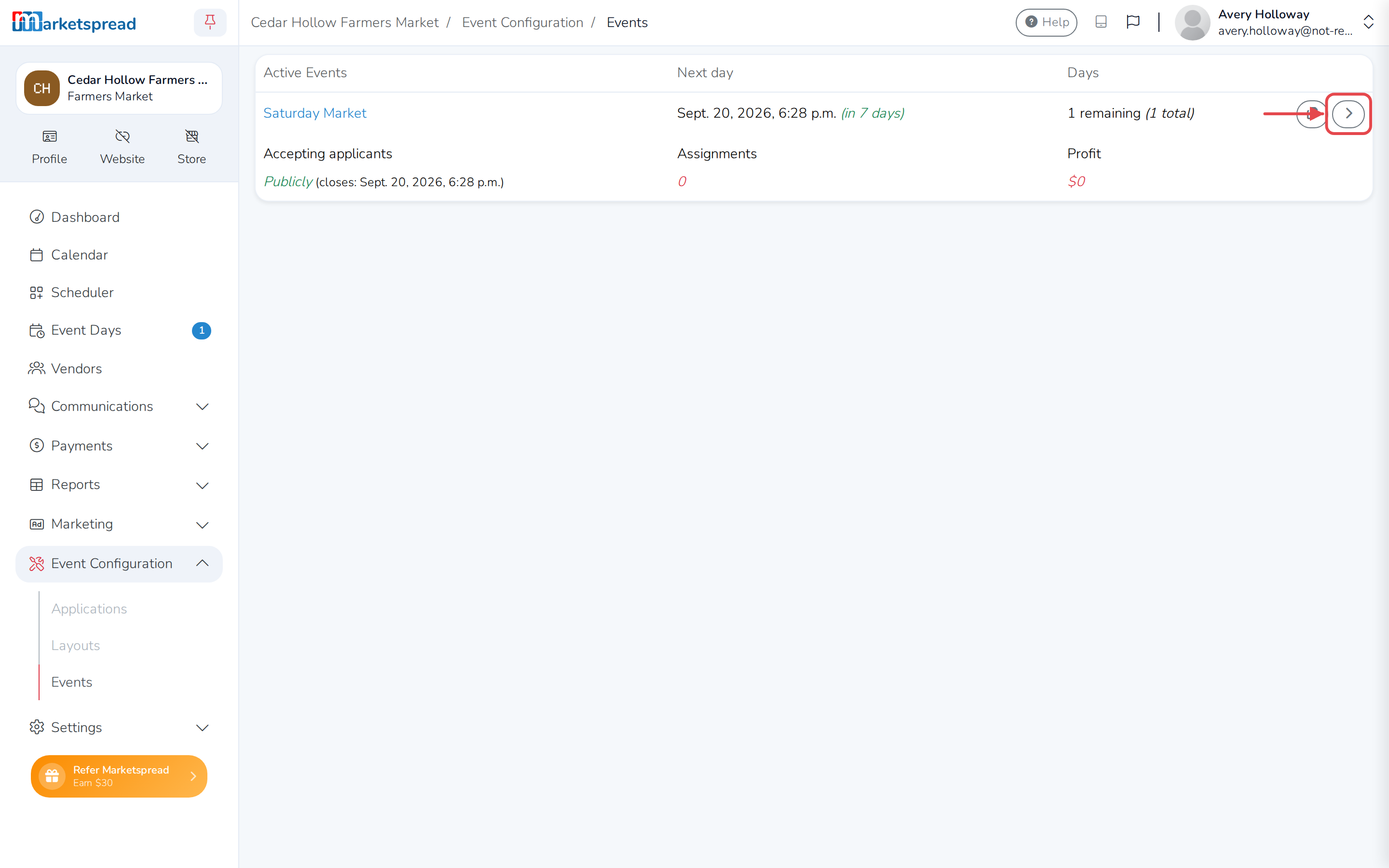
Click the grey arrow next to the event or event series you want to change.
-
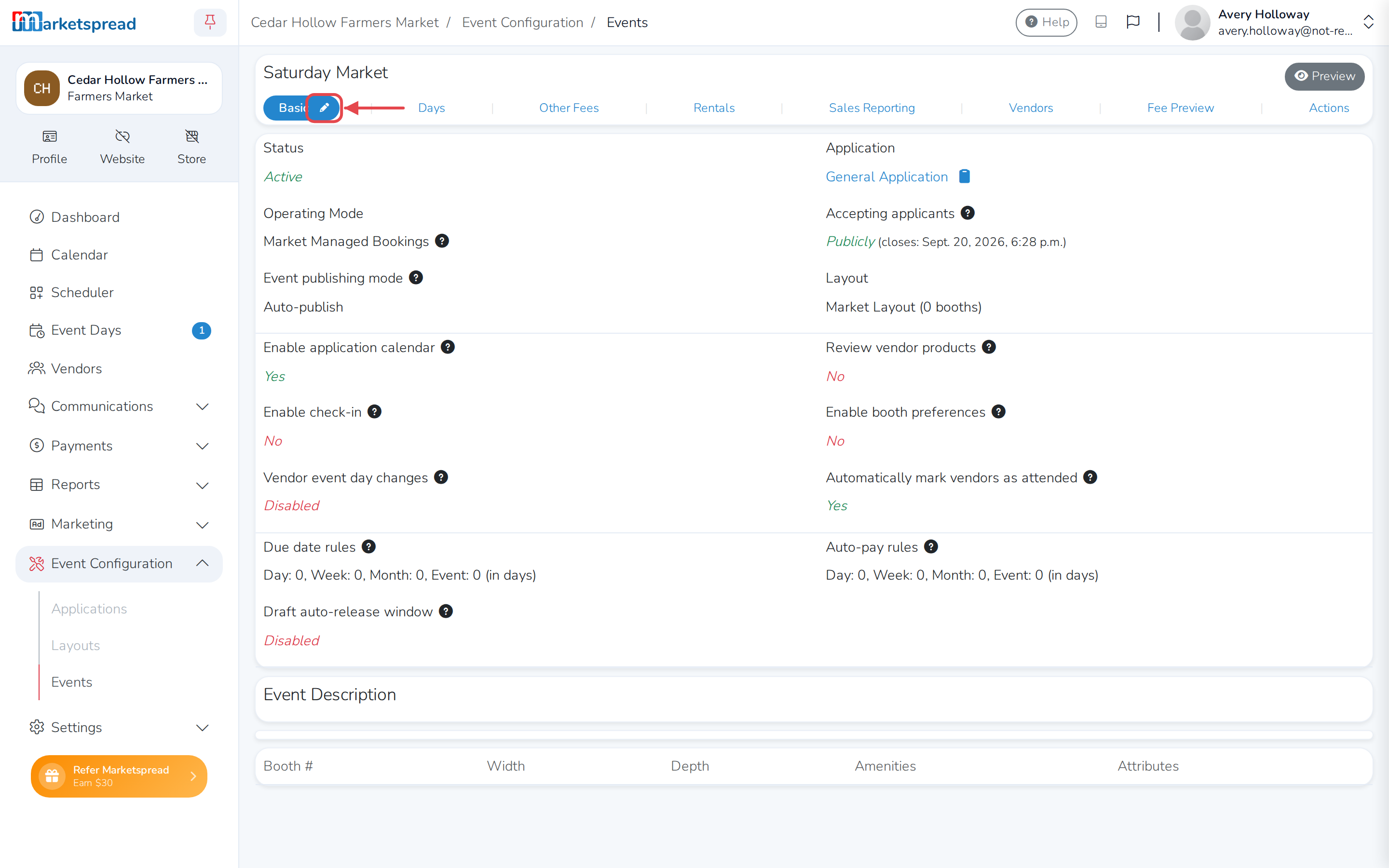
Click the blue pencil icon next to the Basic tab.
-
Scroll to Event publish mode, under Event Layout.
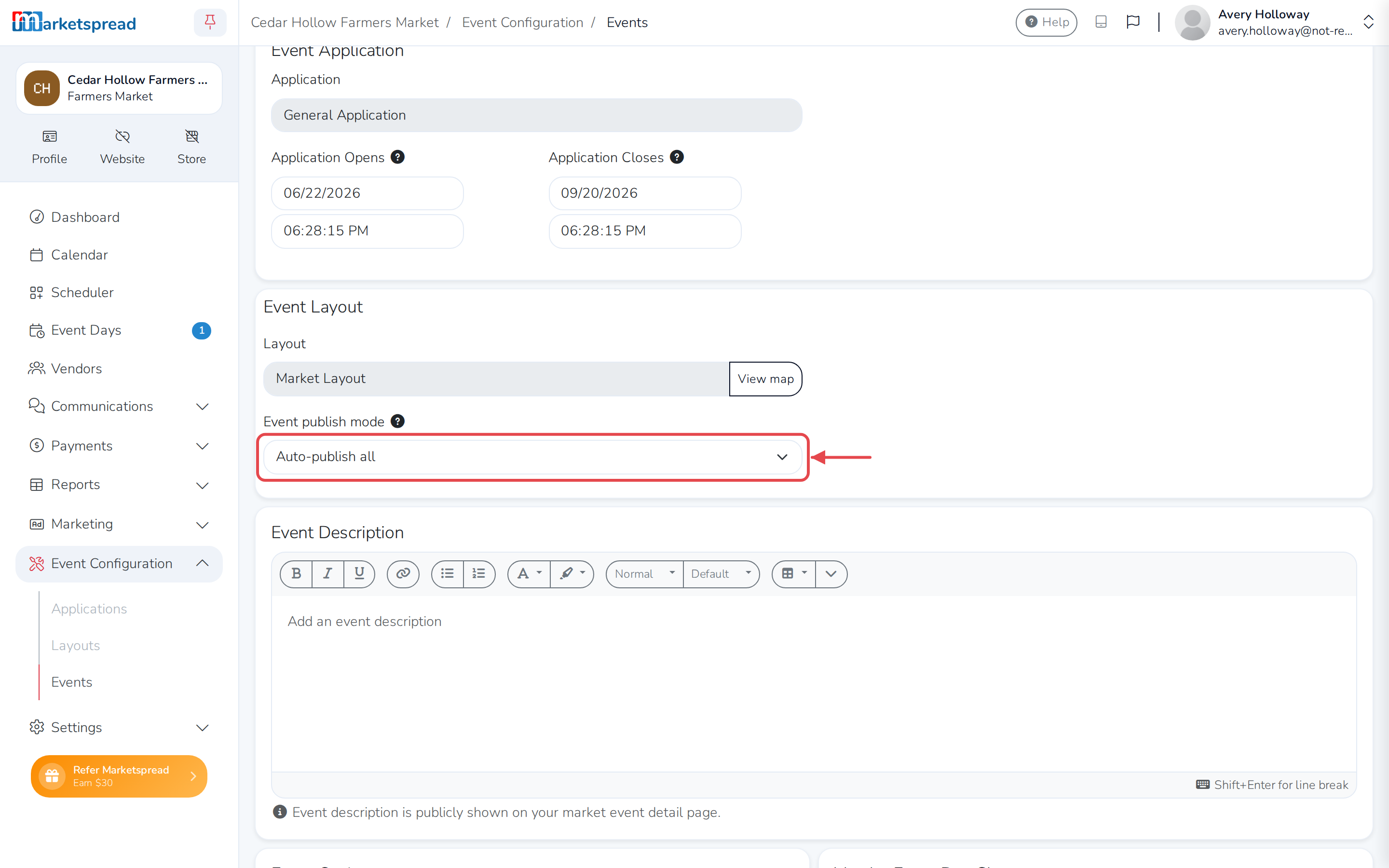
-
Choose the mode you want.
-
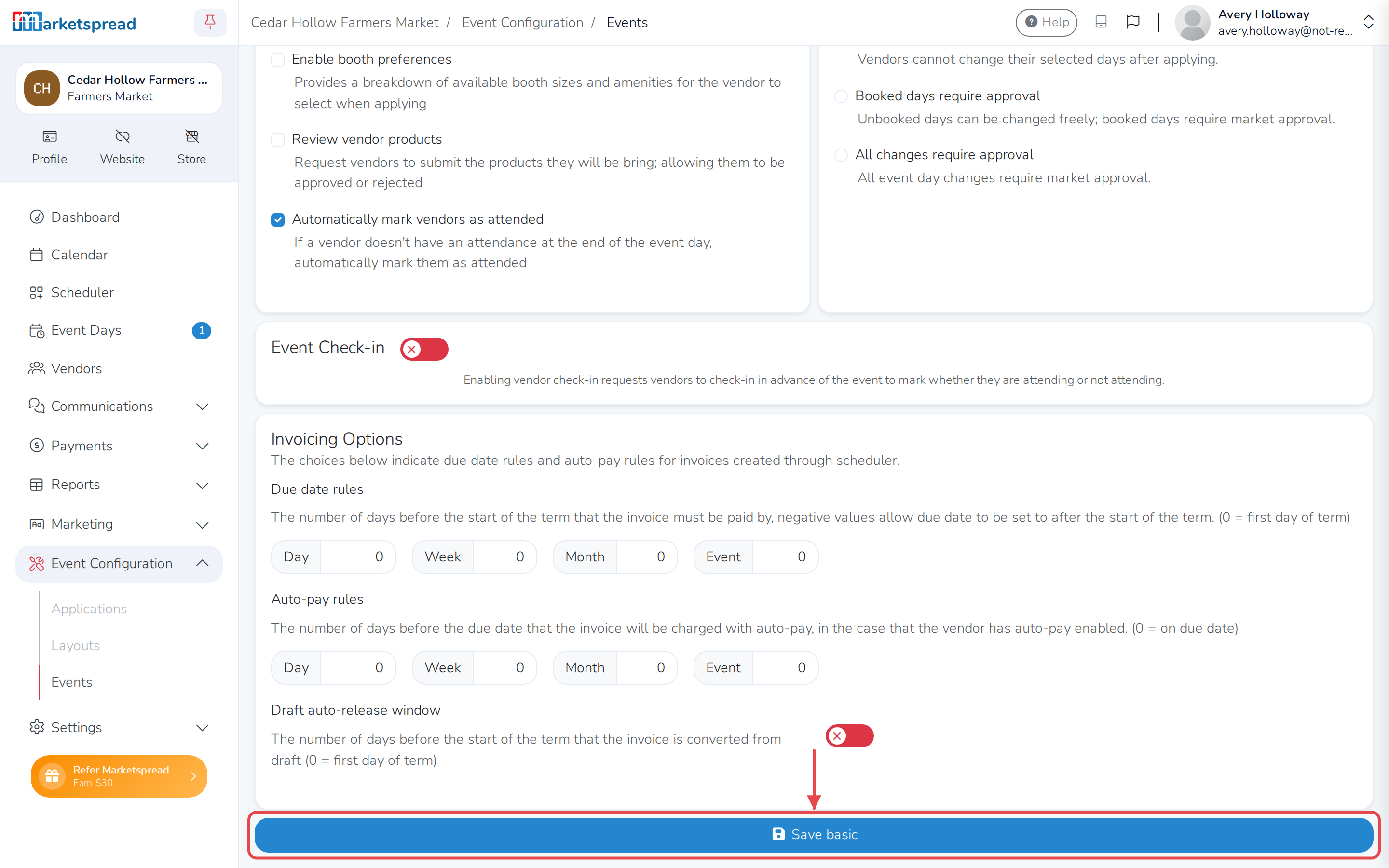
Click the blue Save basic button at the bottom of the page.