


You can search for vendors to invite to your market event through the Vendors section of your Market Dashboard.
Go to: Market Dashboard → Vendors
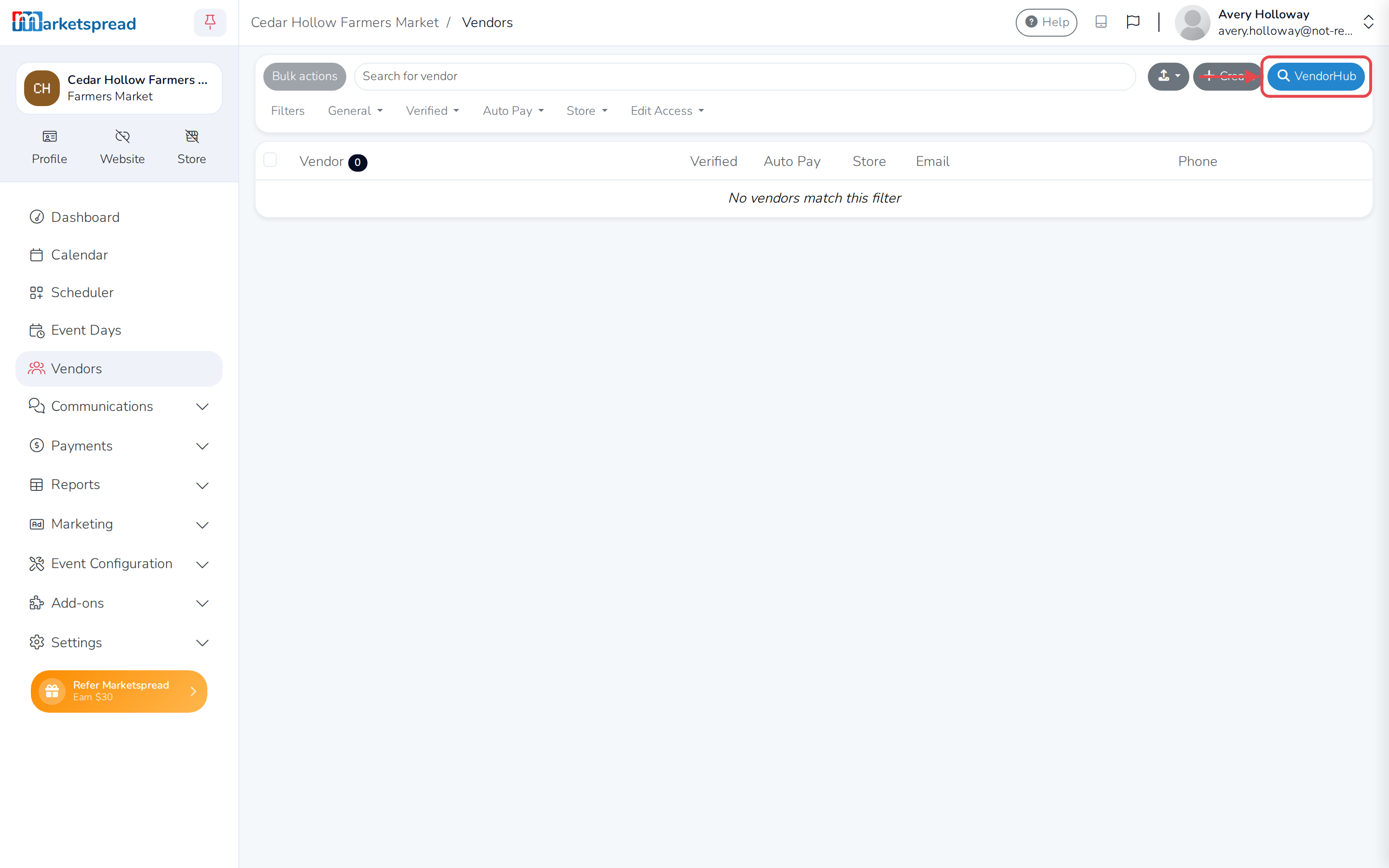
Then click VendorHub in the upper-right corner.
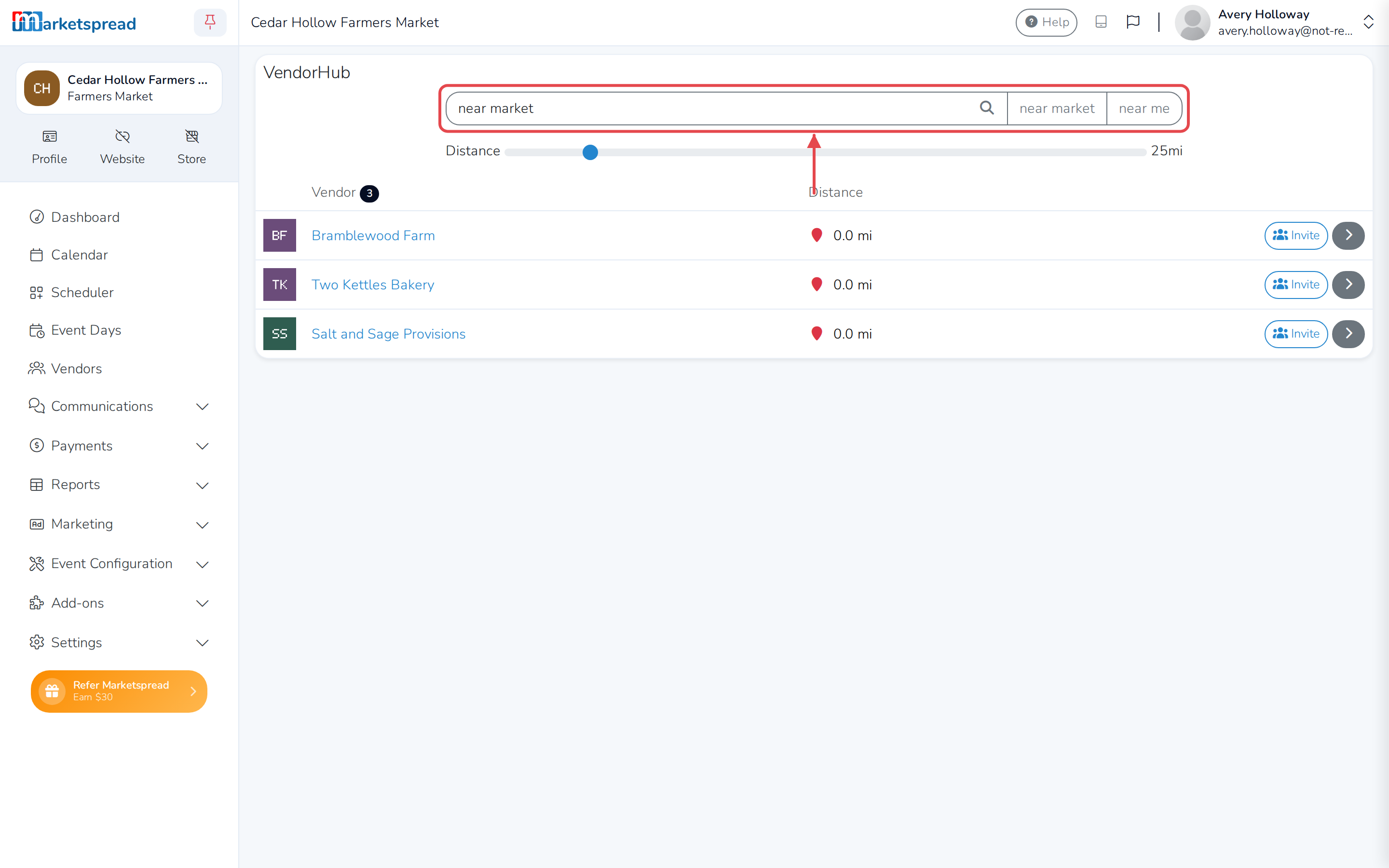
From there, you can search for vendors near market or near me.
To view a vendor’s profile, click the gray arrow to the right of the listing. To invite a vendor to your market or event, click Invite. The vendor gets an email invitation.
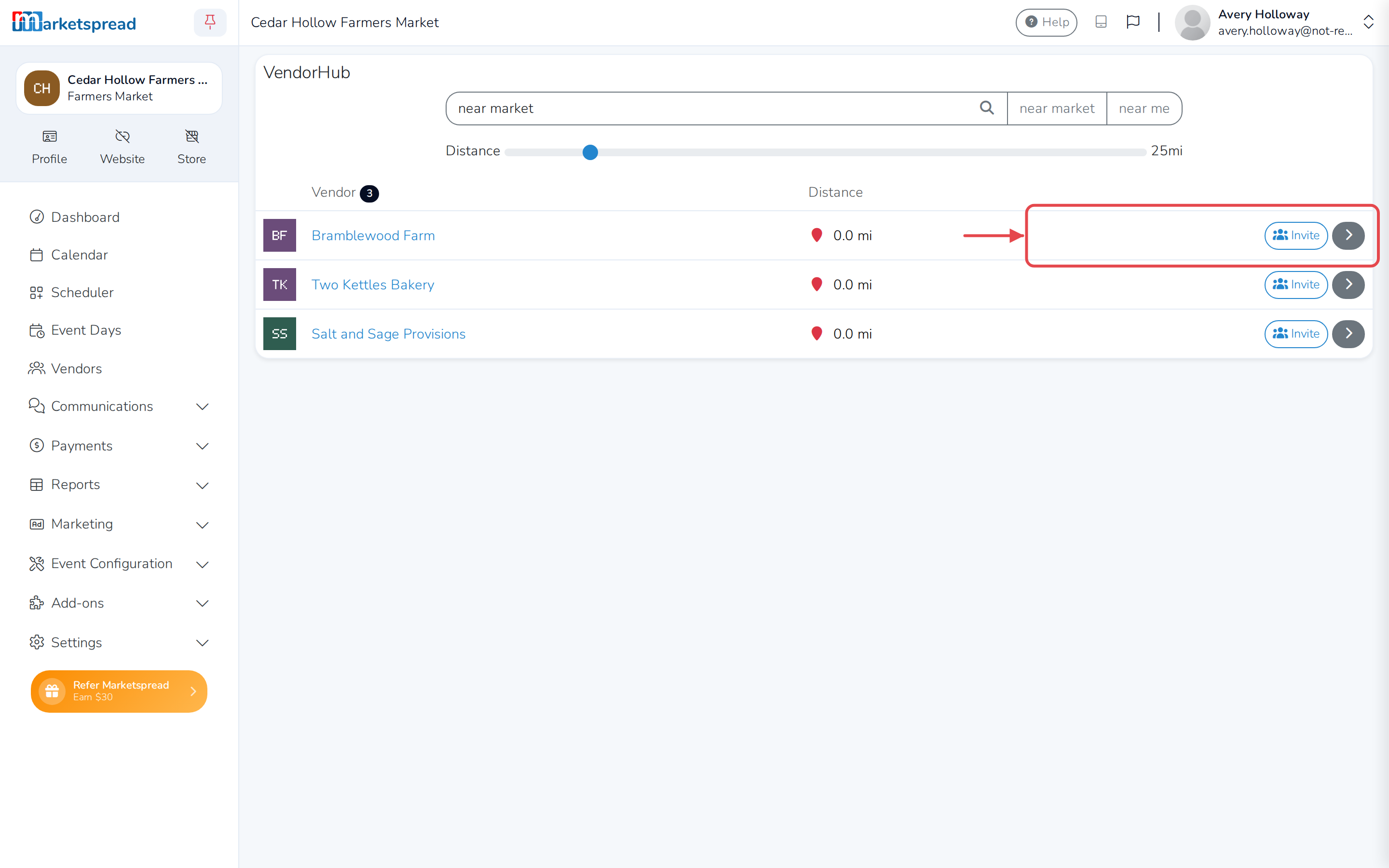
Continue inviting vendors until your market or event is full. Vendors can also search for your market or event on their own. Depending on which vendor types you allow to apply, they may also be able to submit an application directly.