


Your market's Event publishing mode can be set to Manual. When it is, each event day's map stays off your public profile until you publish it. See Choose how your event maps publish for how to turn on manual mode.
Find an event day's map
-
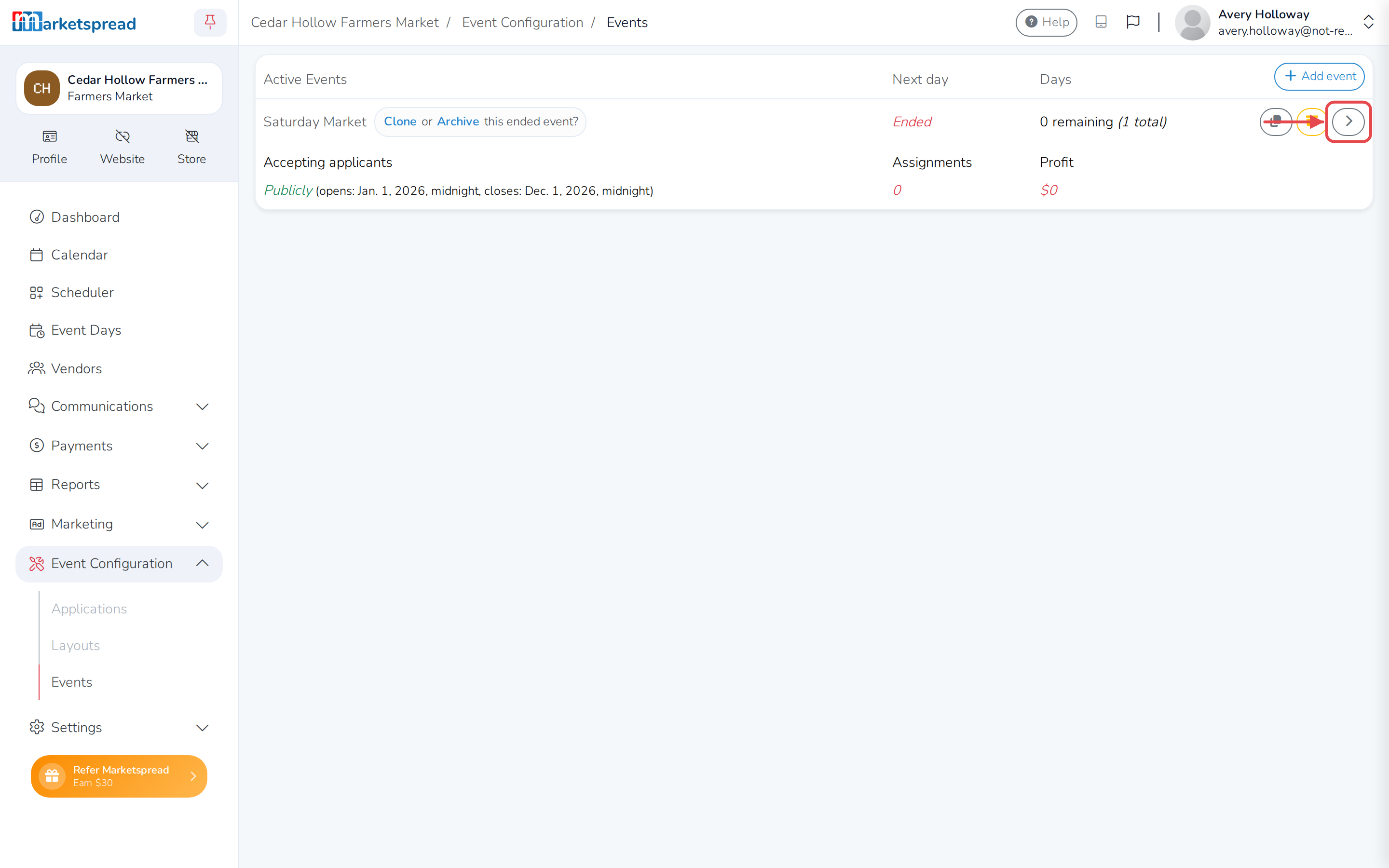
Open Event Configuration, then click Events.
-
Click the arrow on the right of the event series.
-
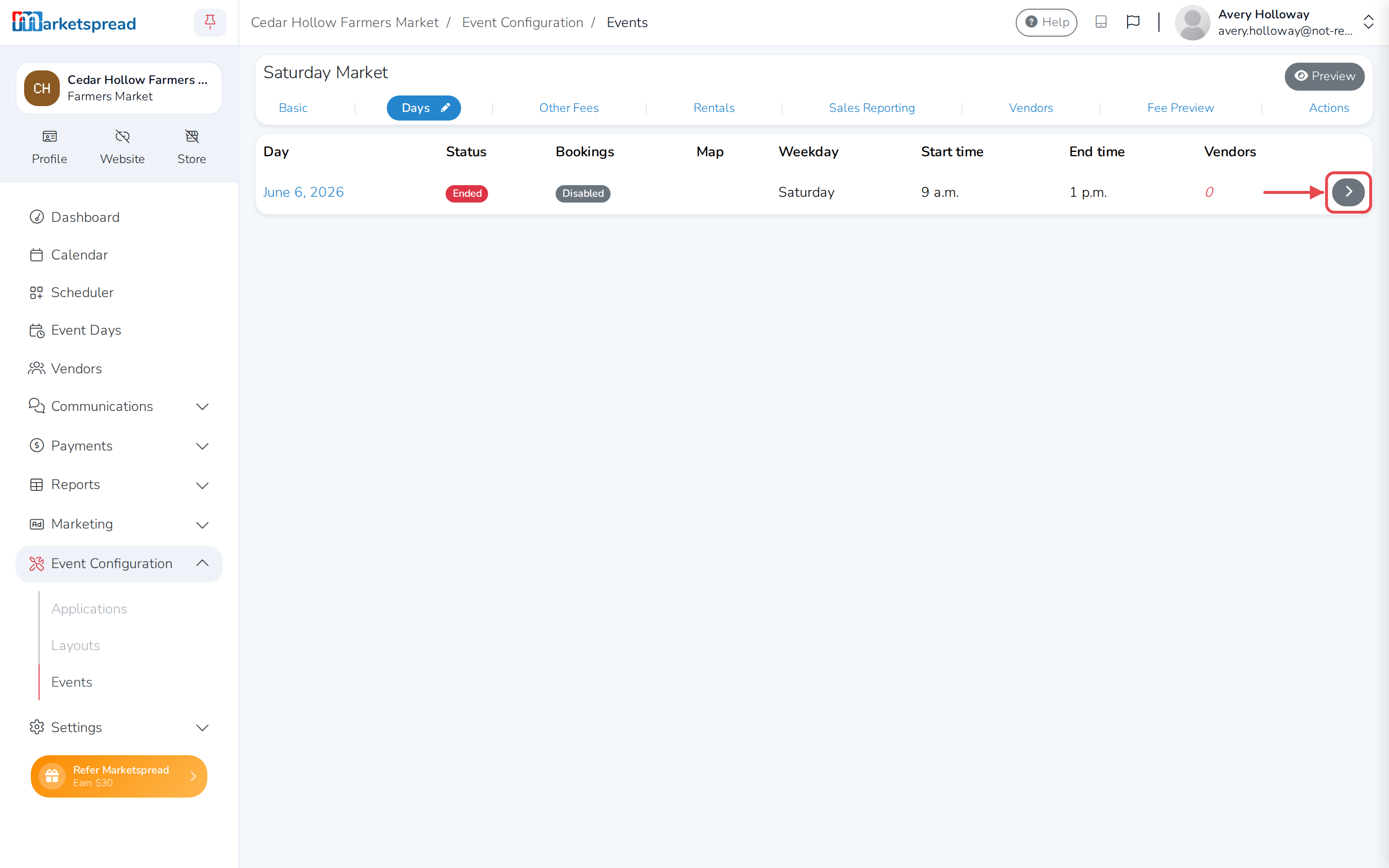
Click the Days tab.
-
Click the arrow on the right of the event day you want.
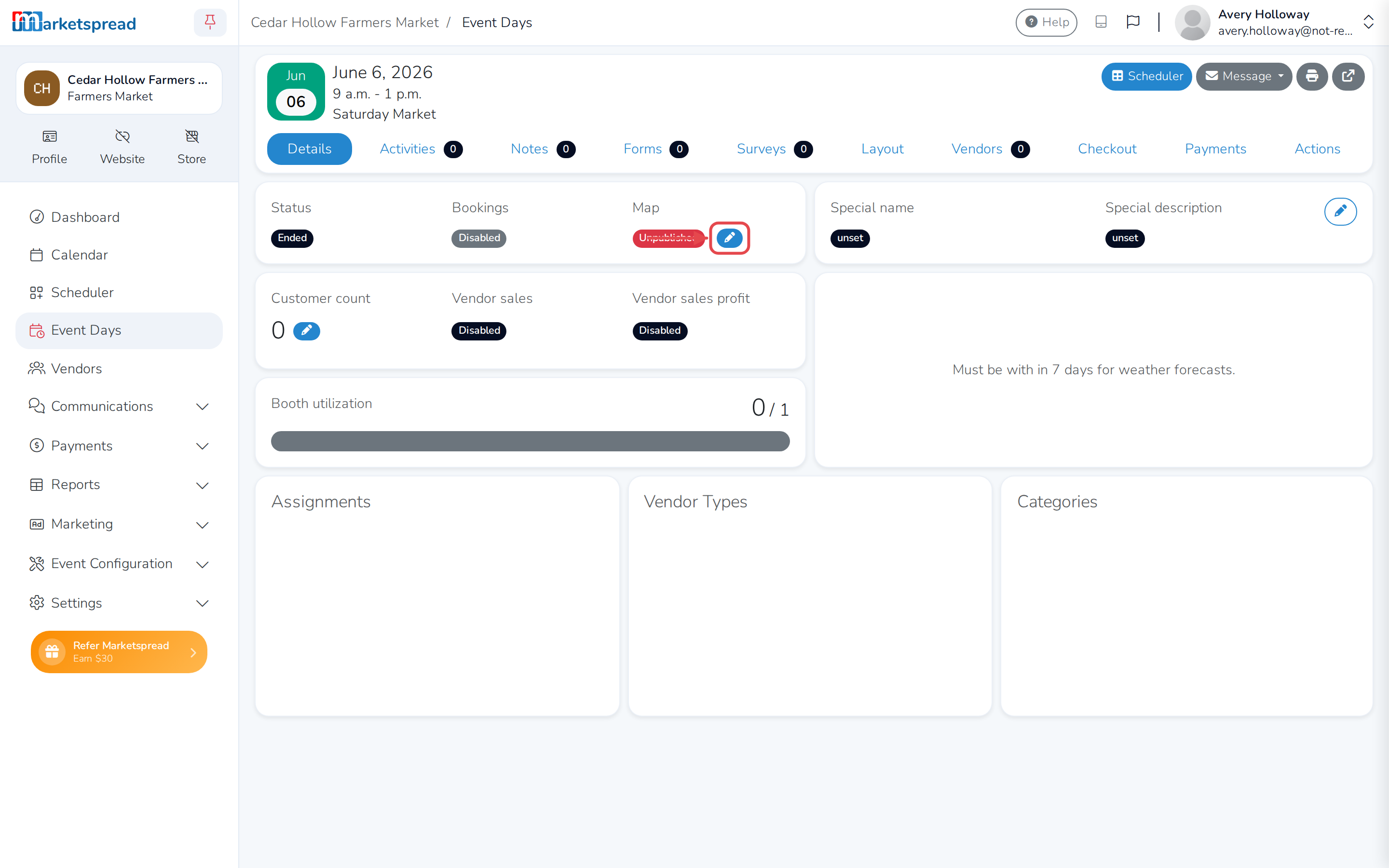
This opens the event day's Details tab, with Map showing Published or Unpublished.
Publish a map
-
Under Map, click the pencil next to Unpublished.
-
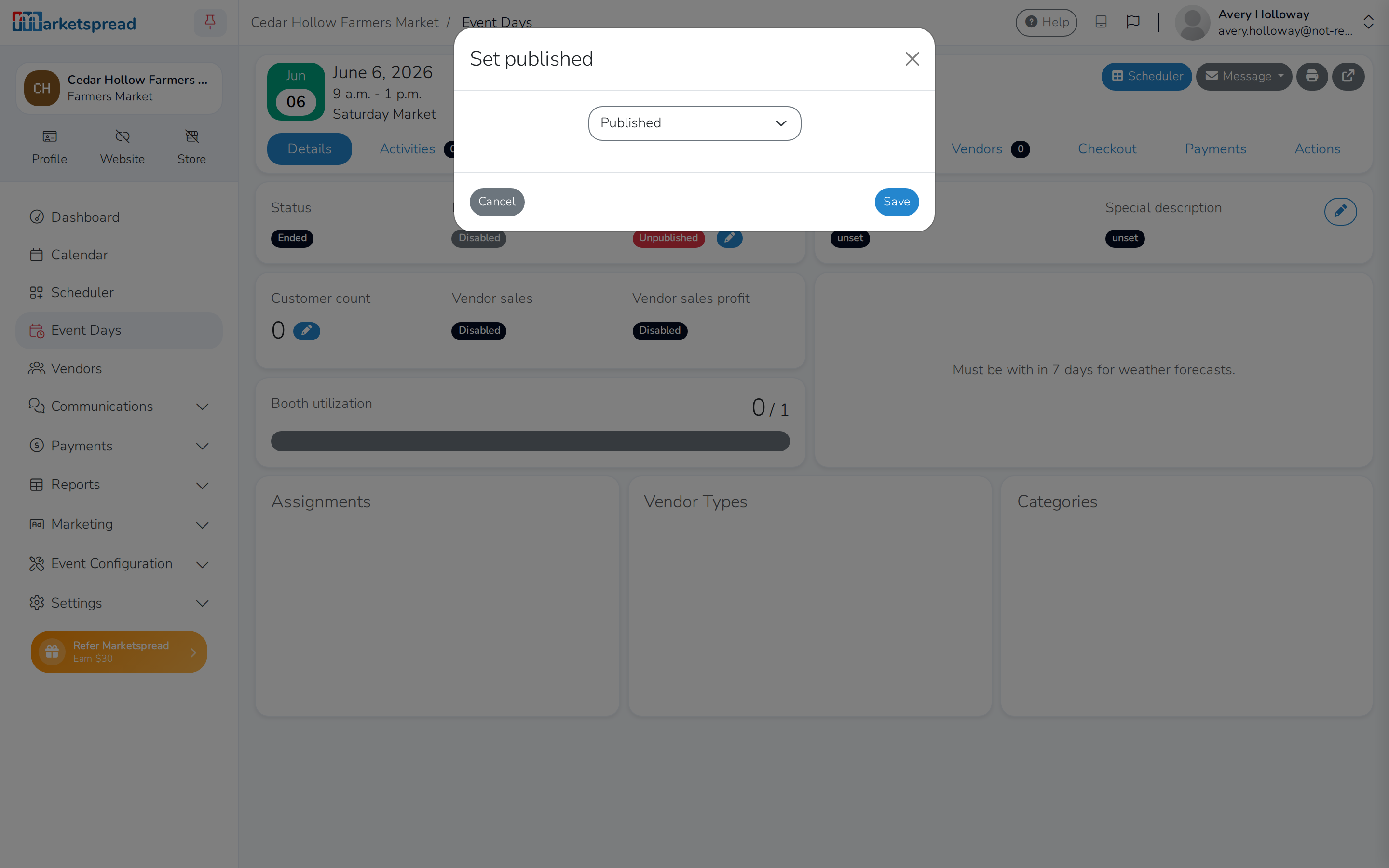
In the Set published window, choose Published.
-
Click Save.
The map is now visible on your public profile.
Unpublish a map
- Under Map, click the pencil next to Published.
- In the Set published window, choose Unpublished.
- Click Save.
This takes the map down again.