


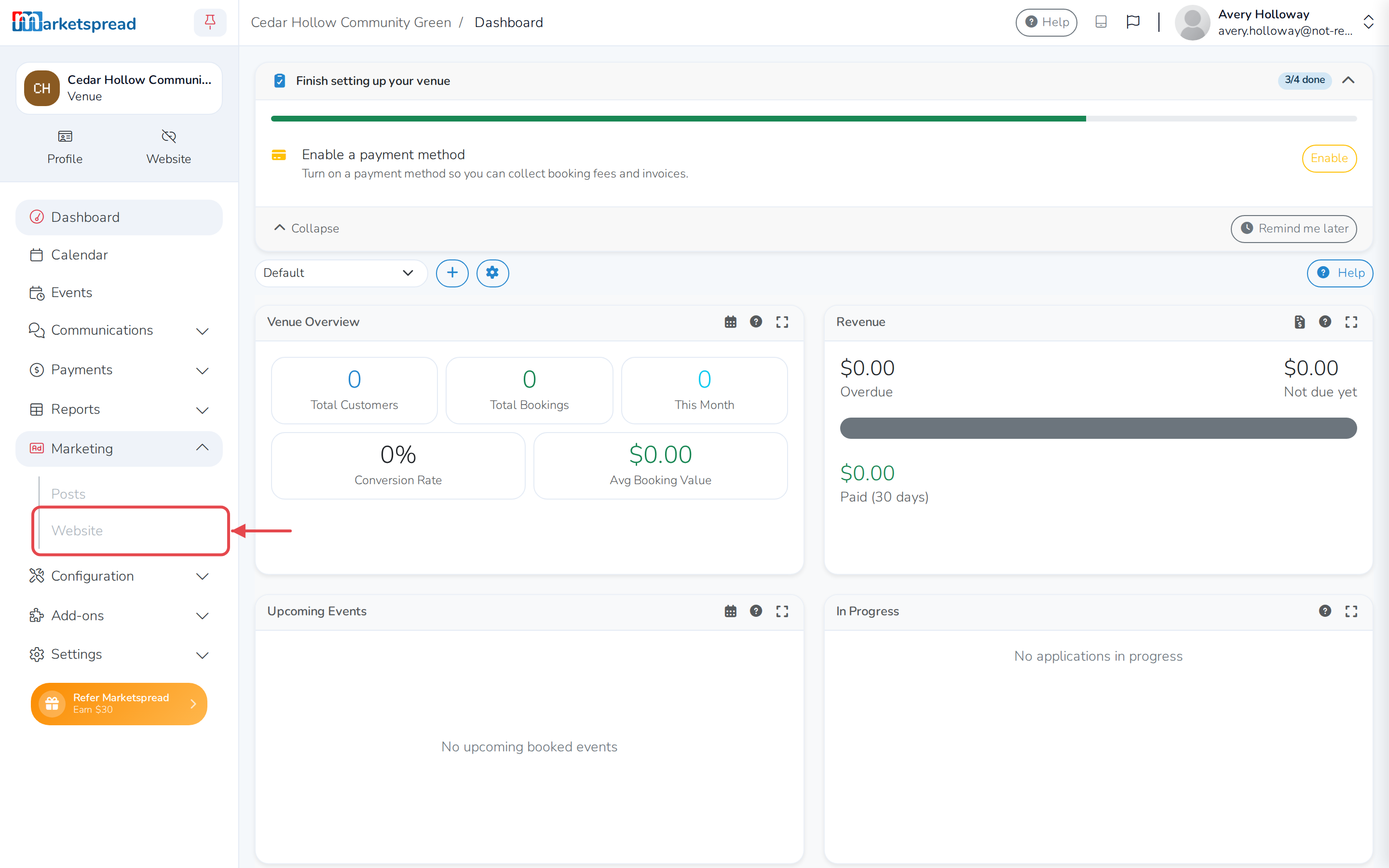
Marketspread includes a website builder, so you can have a website for your venue without building one yourself. It's separate from your venue's public page — the profile customers find when they search for your venue on Marketspread. Open the builder from Marketing > Website in your venue's dashboard.
Open your website builder
- Click Marketing in the left-hand menu, then click Website.
Tip
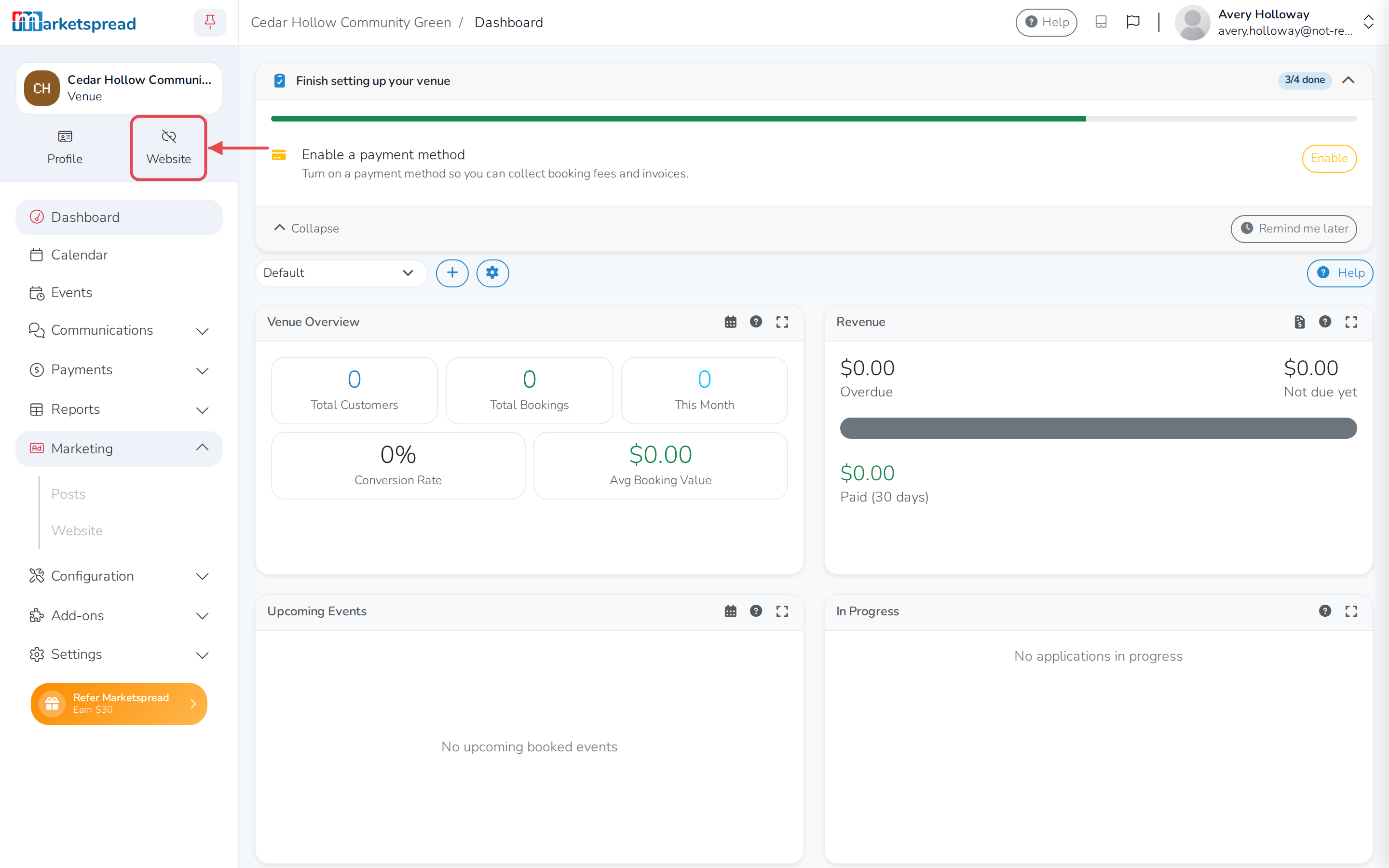
You can also click Website near the top of your venue dashboard to jump straight to it.
Good to know
Your website gets a free address ending in marketpress.site. Once your site is live, you can connect your own domain name to it instead.
Note
Once your website is live, the Website shortcut near the top of your dashboard opens your live site instead of the builder.