


The Widgets page gives you a button you can add to your own website. When a visitor clicks it, they go straight to your venue's booking request form. You don't need to send them to your Marketspread page first.
Preview the widget
- Click Settings in the left-hand menu.
- Click Widgets.
- Click Preview next to Request button.
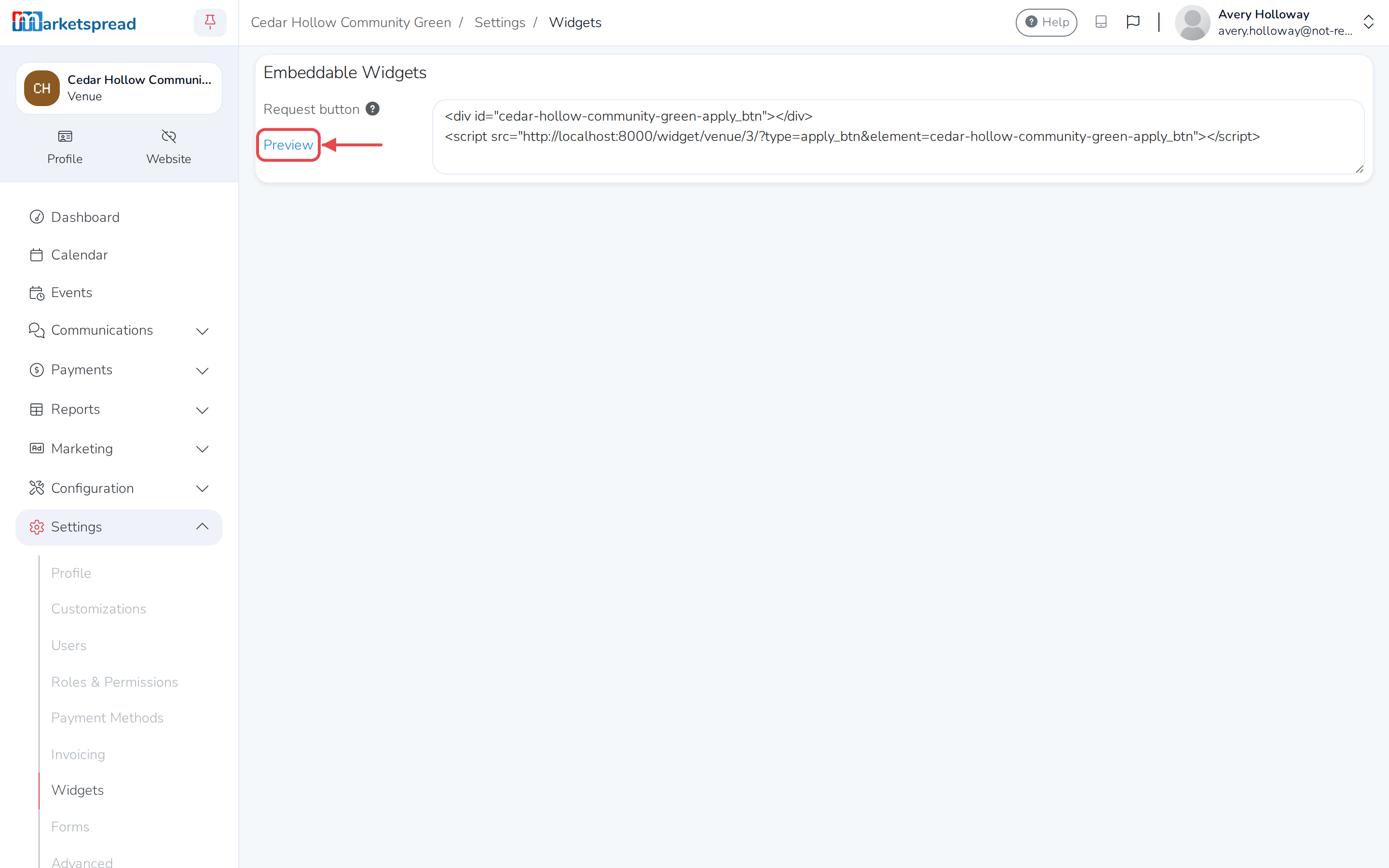
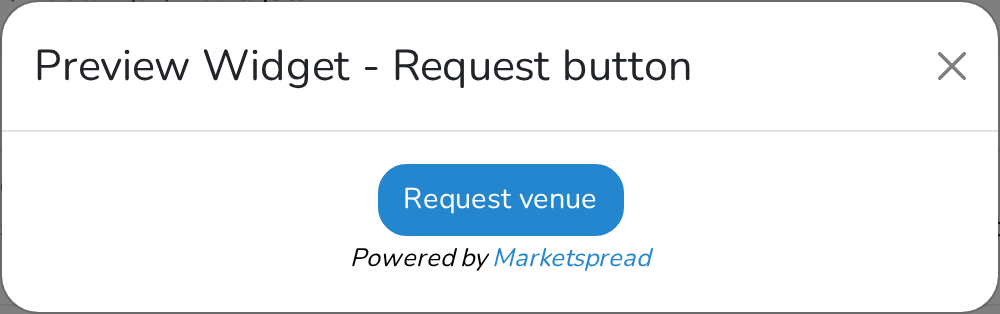
It's a Request venue button with a small "Powered by Marketspread" note underneath.
Add it to your website
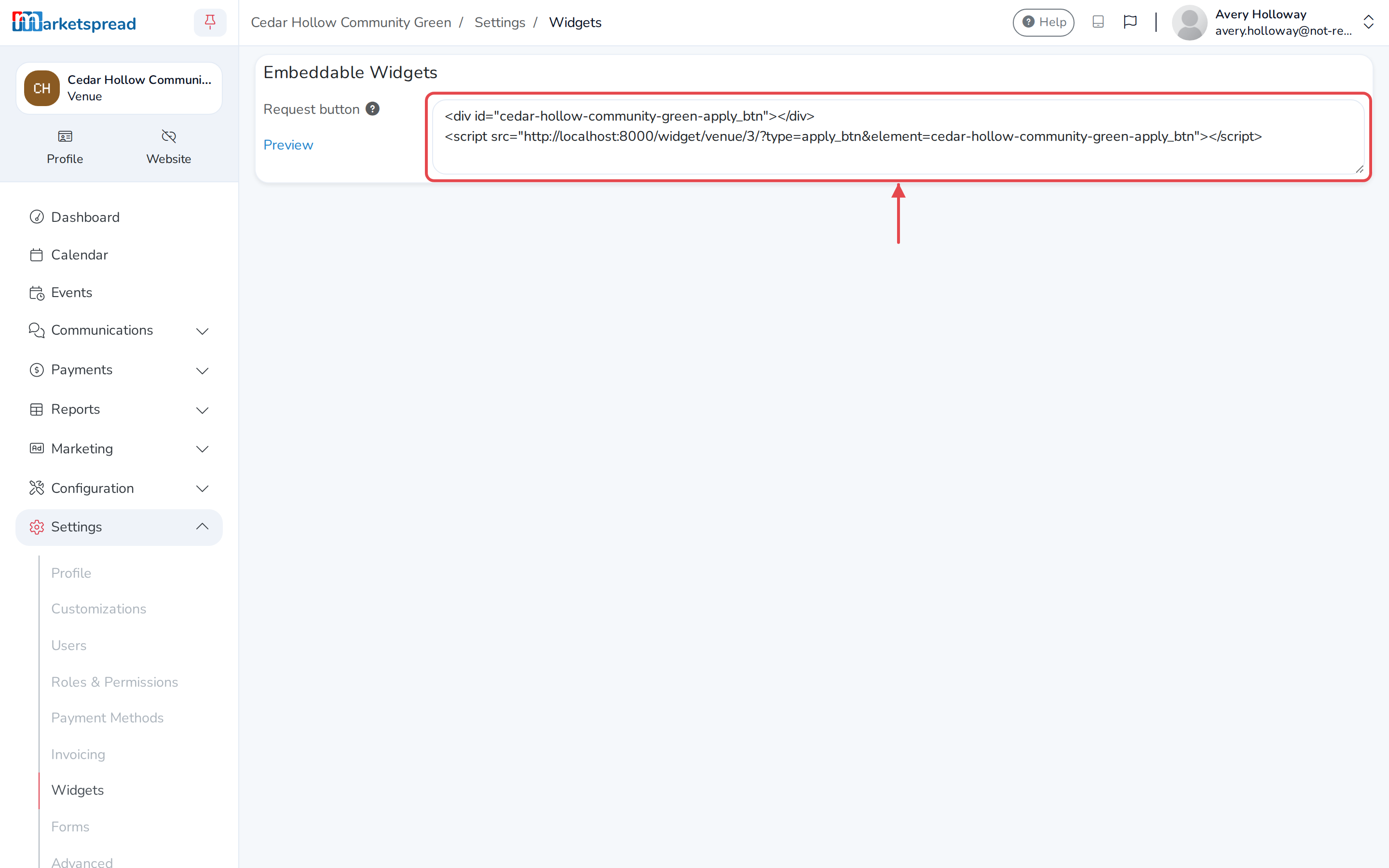
- On the Widgets page, copy the code shown under Request button.
- Paste it into your website, wherever you want the button to appear.
Anyone who clicks it goes to your venue's request form. Once they submit it, it shows up on your Events page like any other booking request.