


If you build a new layout for your venue, you can move everything currently booked on the old one onto it in one go. Marketspread matches up spaces automatically where it can, and lets you match anything left over yourself.
Swap a layout
- Click Configuration, then Layouts, in the left-hand menu.
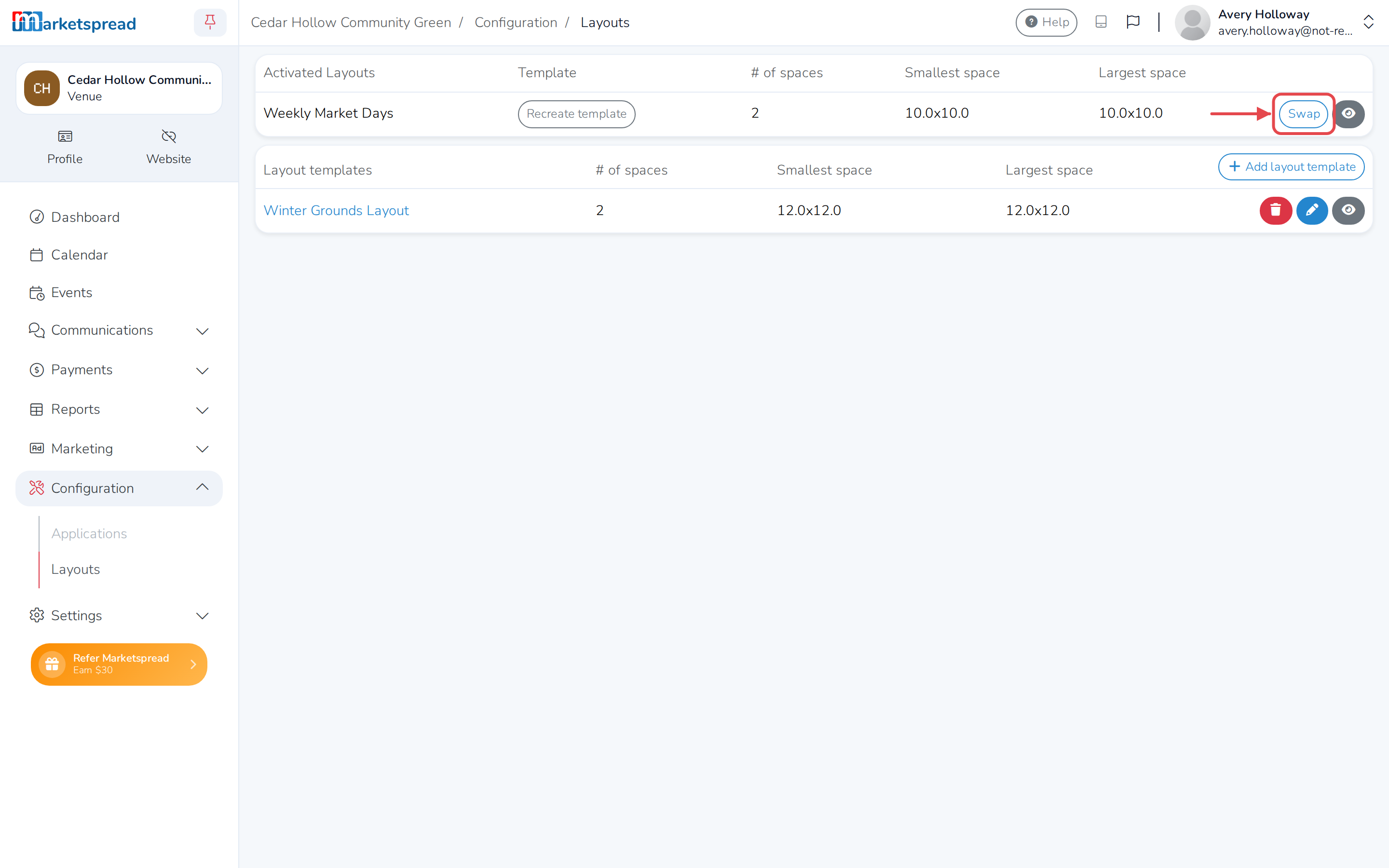
- Under Activated Layouts, find the layout you want to replace, then click Swap in its row.
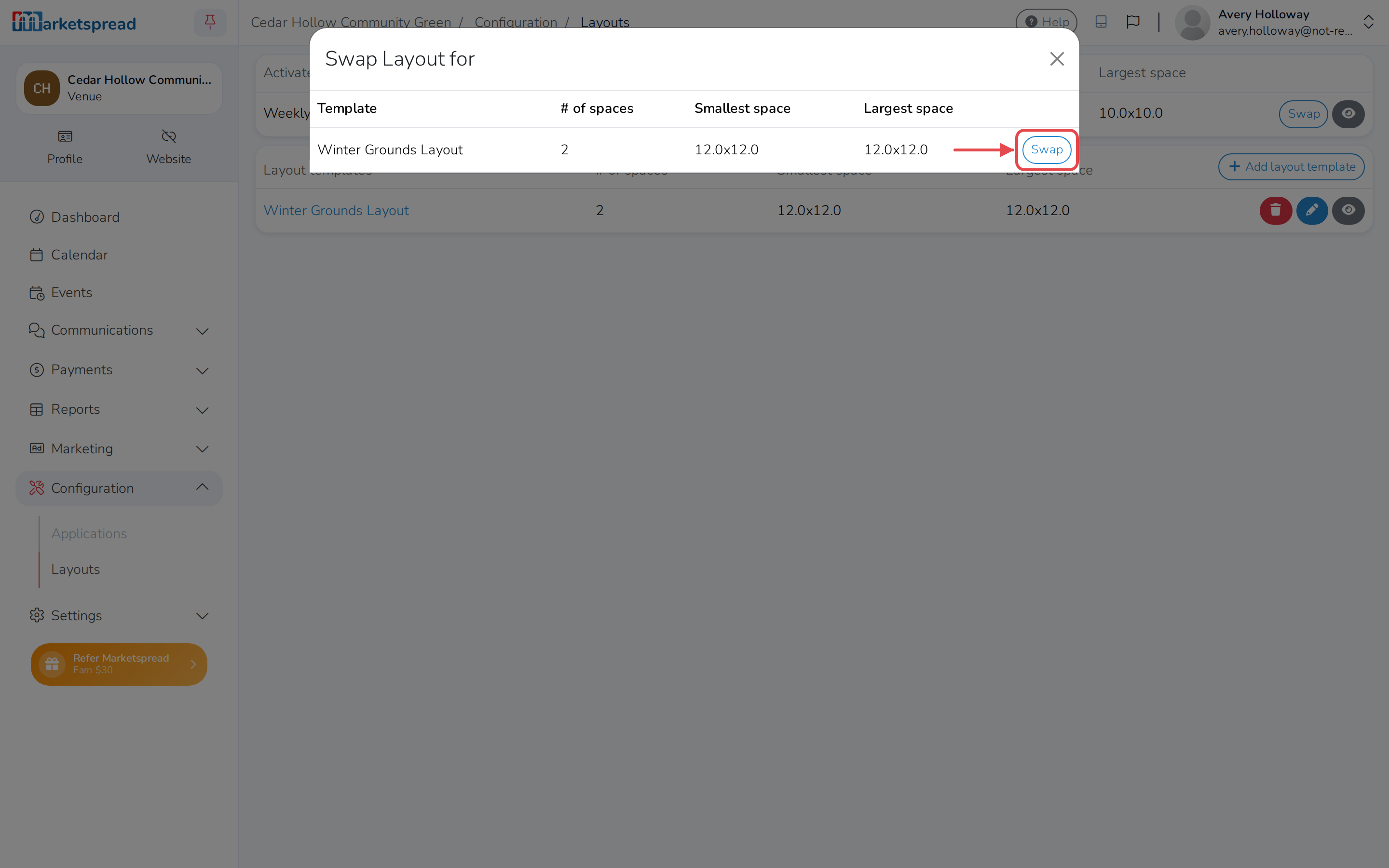
- Click Swap next to the layout template you want to switch to.
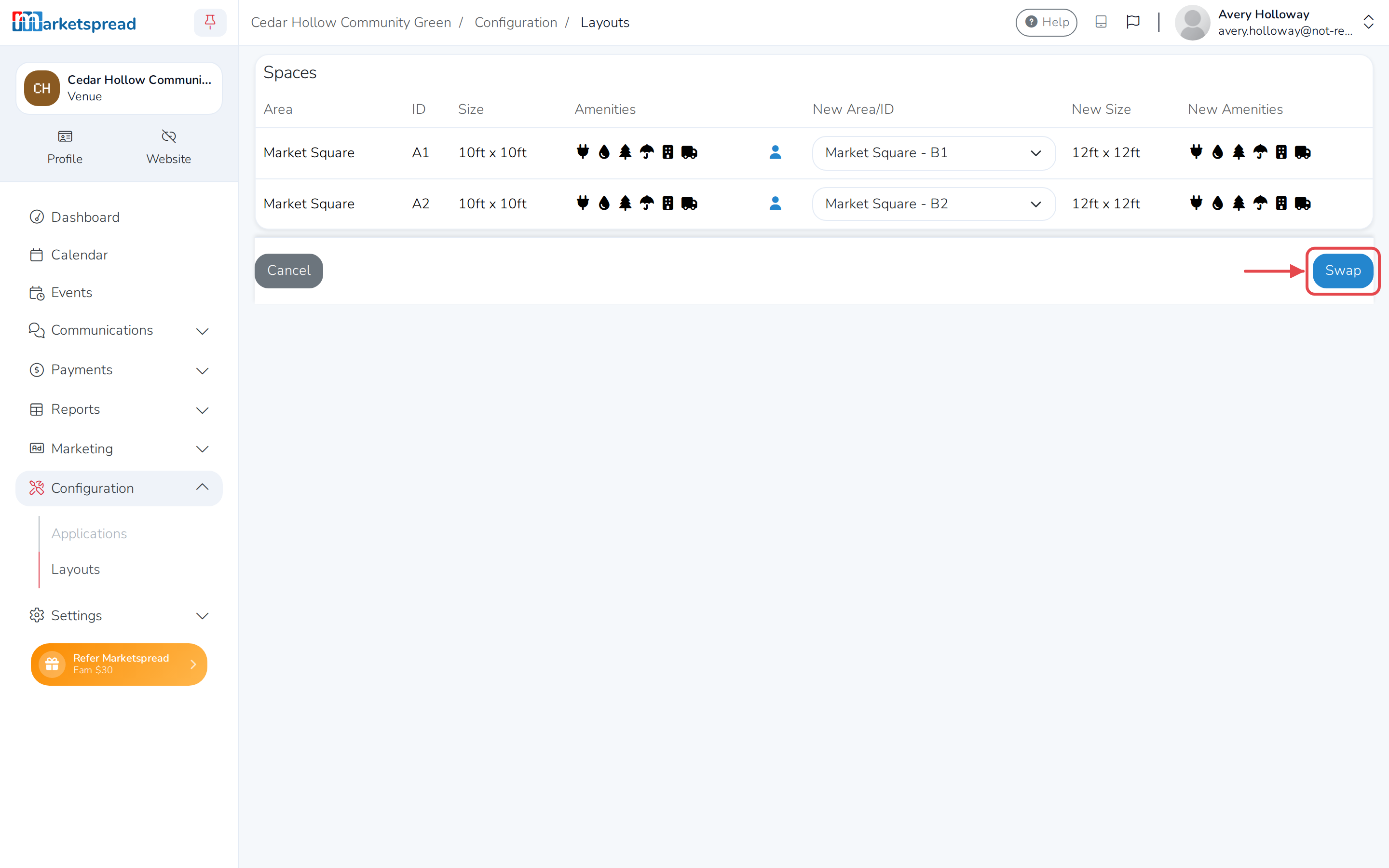
If every space in the current layout matches one in the new layout, the swap finishes right away and you're back on the Layouts page. If it doesn't, you'll see the Spaces page, so you can match them by hand.
Match spaces to the new layout
- For each space, use the dropdown next to it to choose which space in the new layout it becomes.
- Click Swap.
Note
Every space with a booking needs a match before you can save. A space
with no booking can be left without one — that removes it from the new
layout instead.
Click Cancel instead to leave without swapping.