When a customer accepts the quote you sent them, their booking moves to Quote accepted. You don't have to do anything to make this happen. You're notified, and the booking is ready for its next step: a contract.
See that a quote was accepted
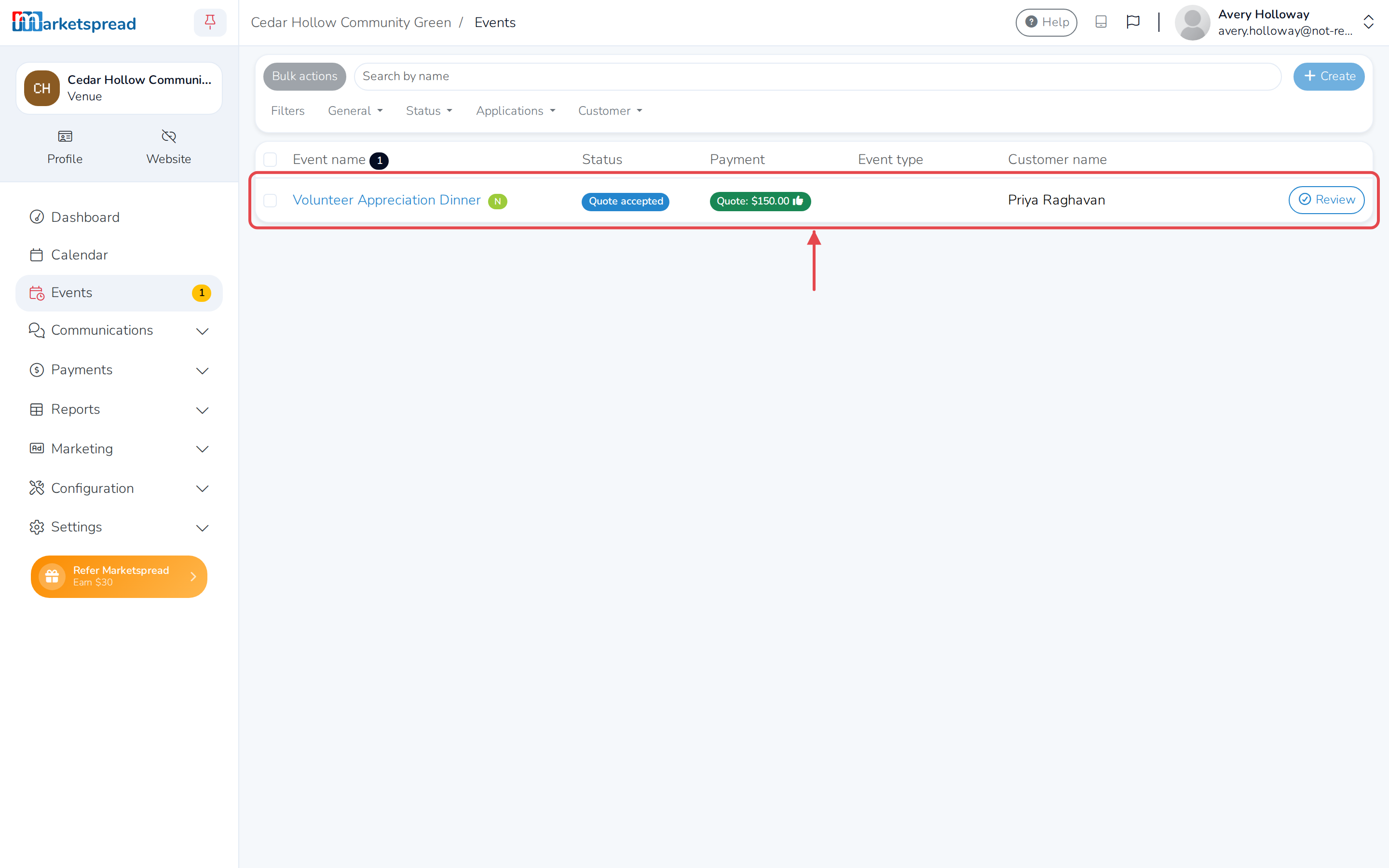
- Click Events in the left-hand menu.
- Find the booking. Its Status column shows Quote accepted.
Read the notification
- Click the Notifications icon (a flag, top right of the dashboard).
- Open the notification for this booking.
- Click Review booking to go straight to it.
You also get an email with the same notification.
Add a contract
Adding a contract creates one for you to prepare and send to the customer.
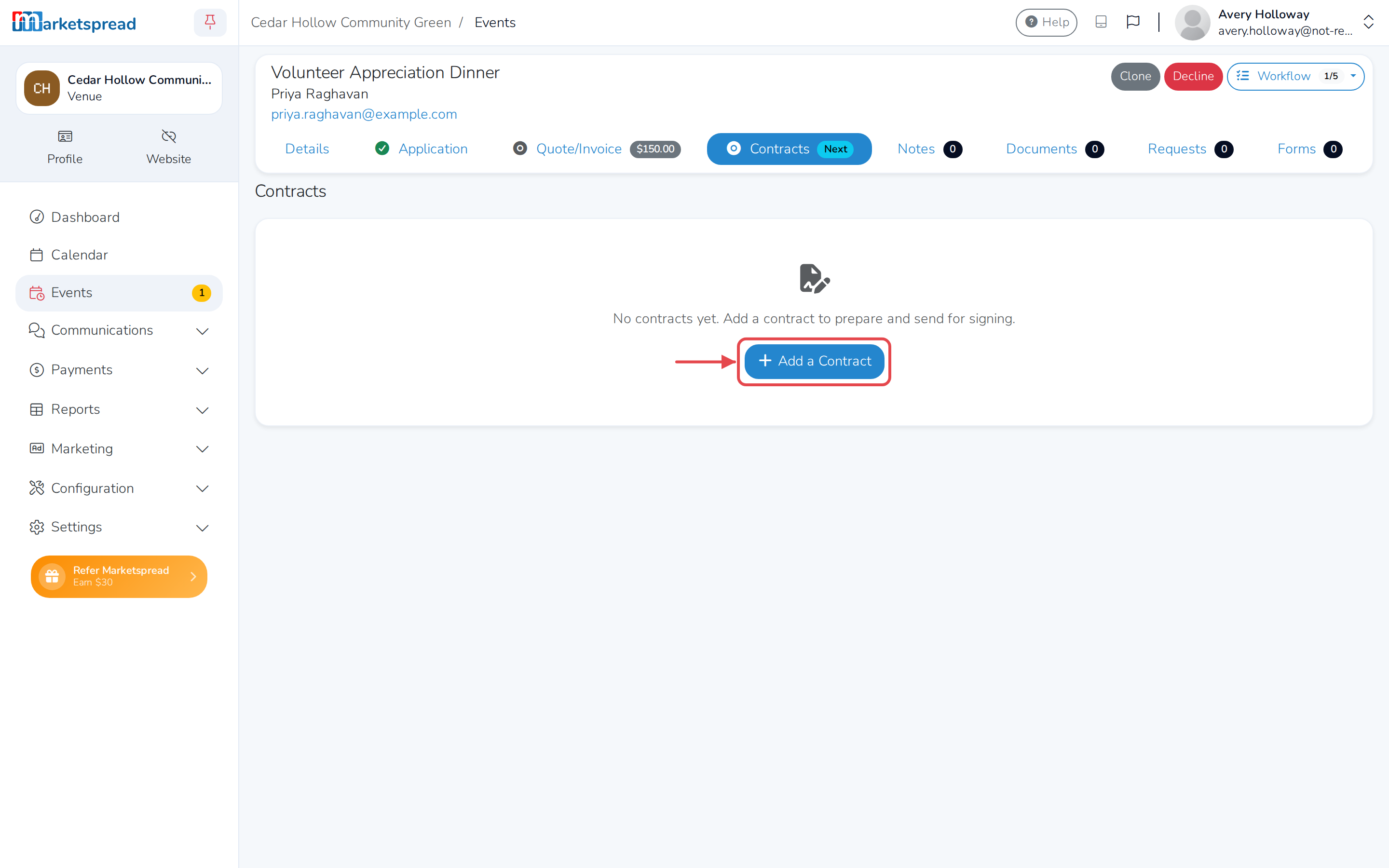
- Click the booking's name to open it.
- Click Contracts.
- Click Add a Contract.