


Point of Sale is Marketspread's app for taking a payment in person — a card tapped or swiped at your counter, or cash a customer hands you. It runs on a phone or tablet, not in your venue's dashboard; the dashboard is where you get it.
Get the Point of Sale app
-
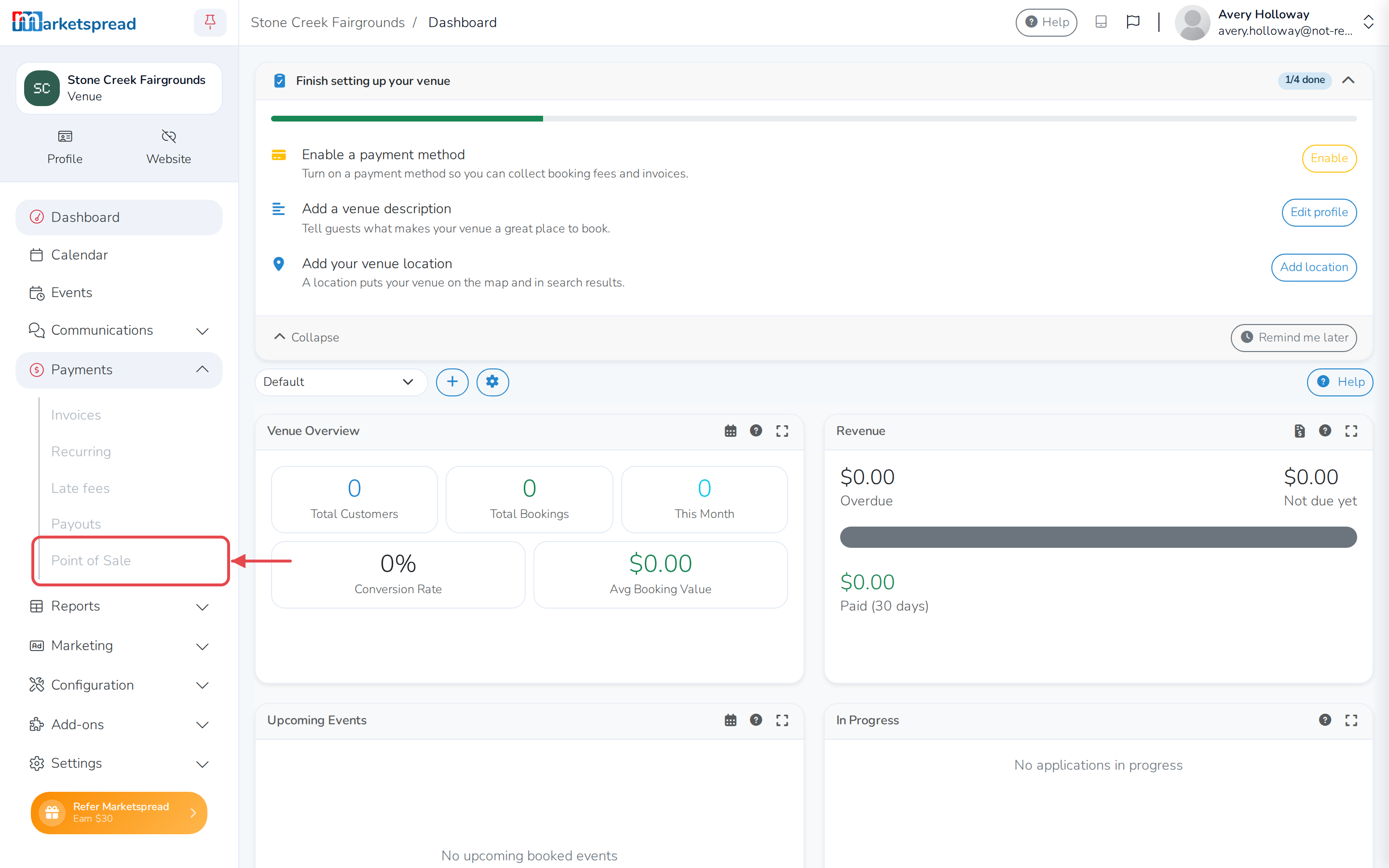
Click Payments in the left-hand menu.
-
Click Point of Sale.
-
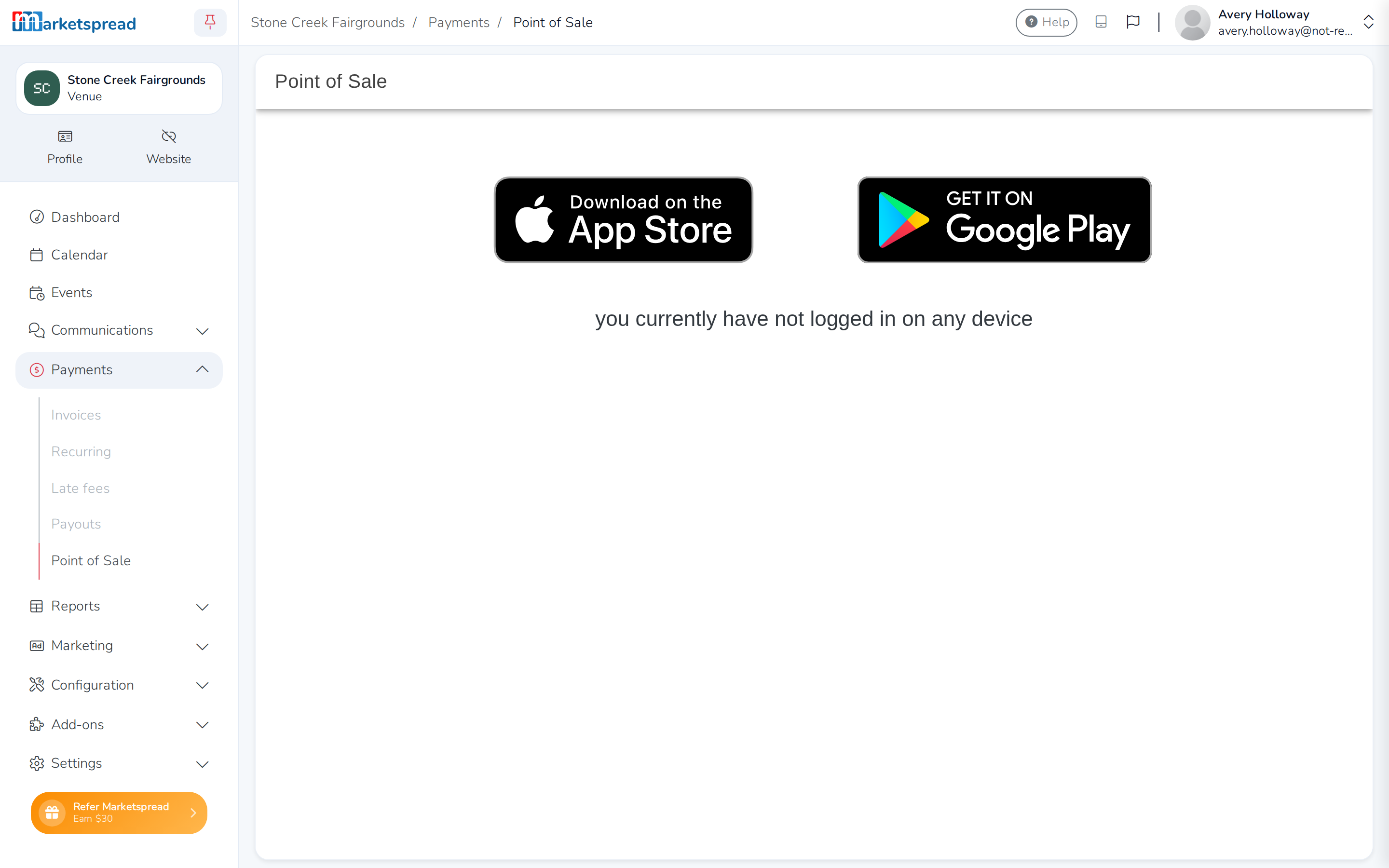
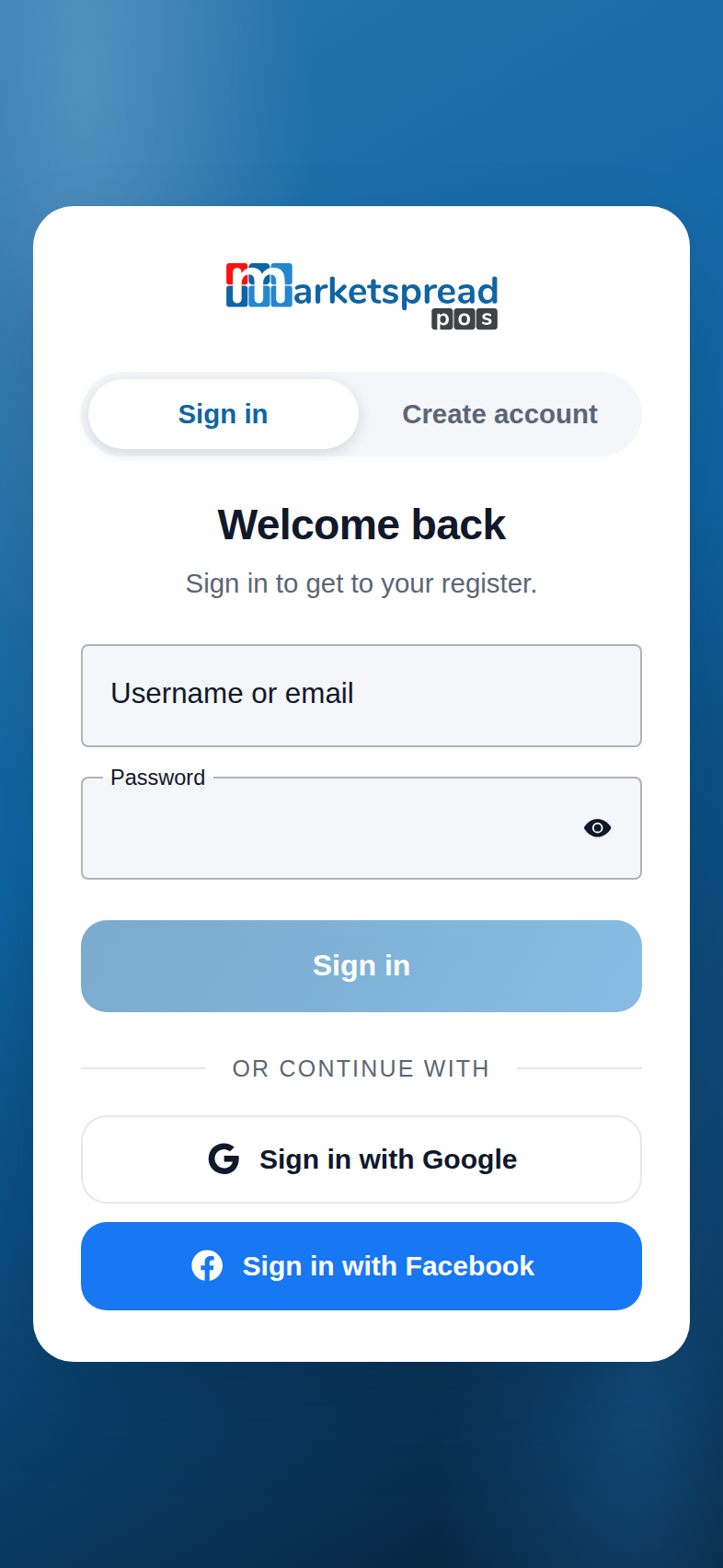
Download the app from the App Store or Google Play, then sign in on your phone or tablet with your venue's login.
Note
Once you sign in on a phone or tablet, this same page lists it under Current Devices, so you can check it's connected. Until then, it says you currently have not logged in on any device.
Note
If Point of Sale shows a lock icon, your role doesn't include viewing invoices. Ask an admin to check your permissions.