Markets can run an online store that their vendors sell through. You do not
apply to join it — once you are eligible, the market can add you, and from then
on you decide what of yours appears.
Check where you stand
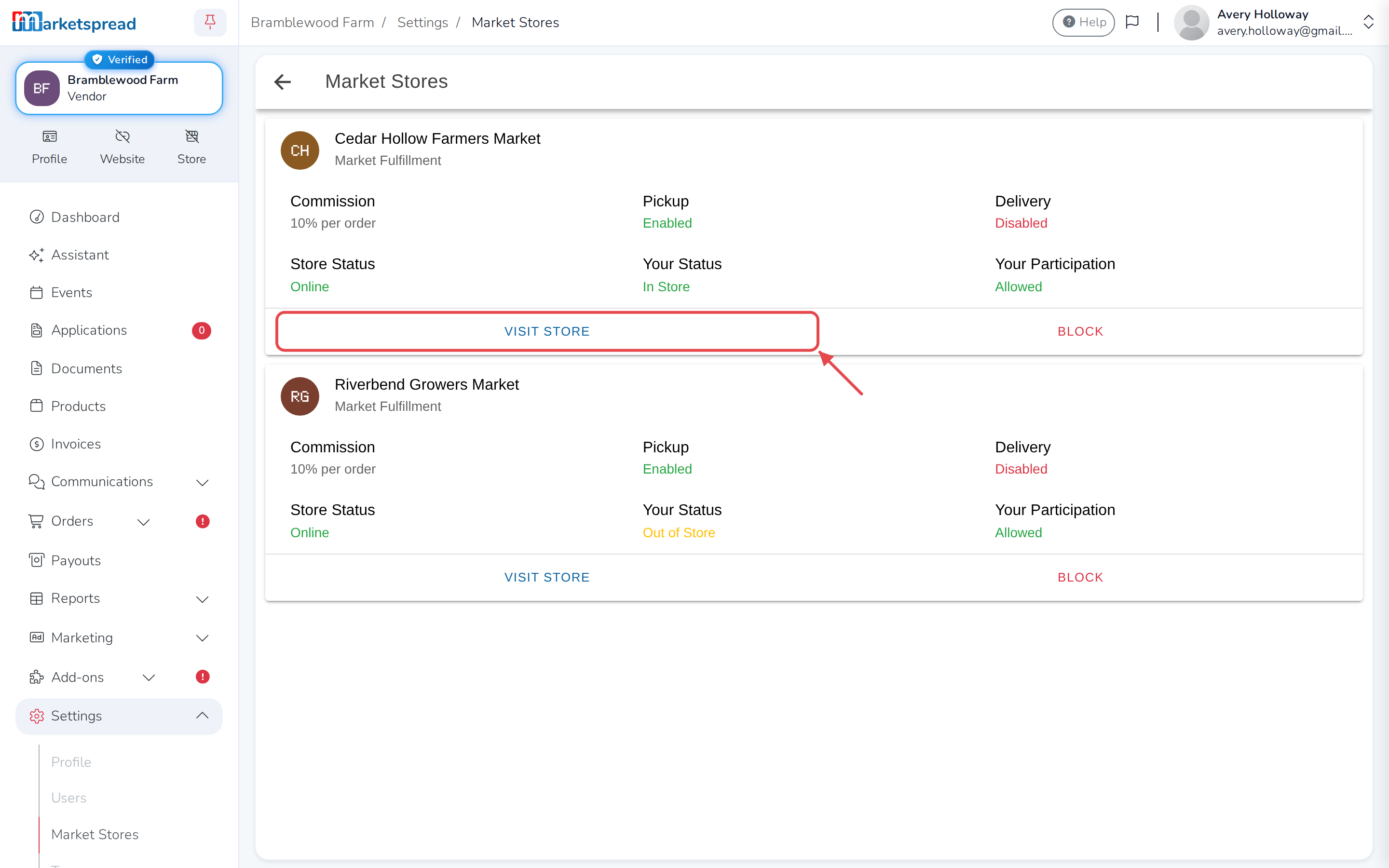
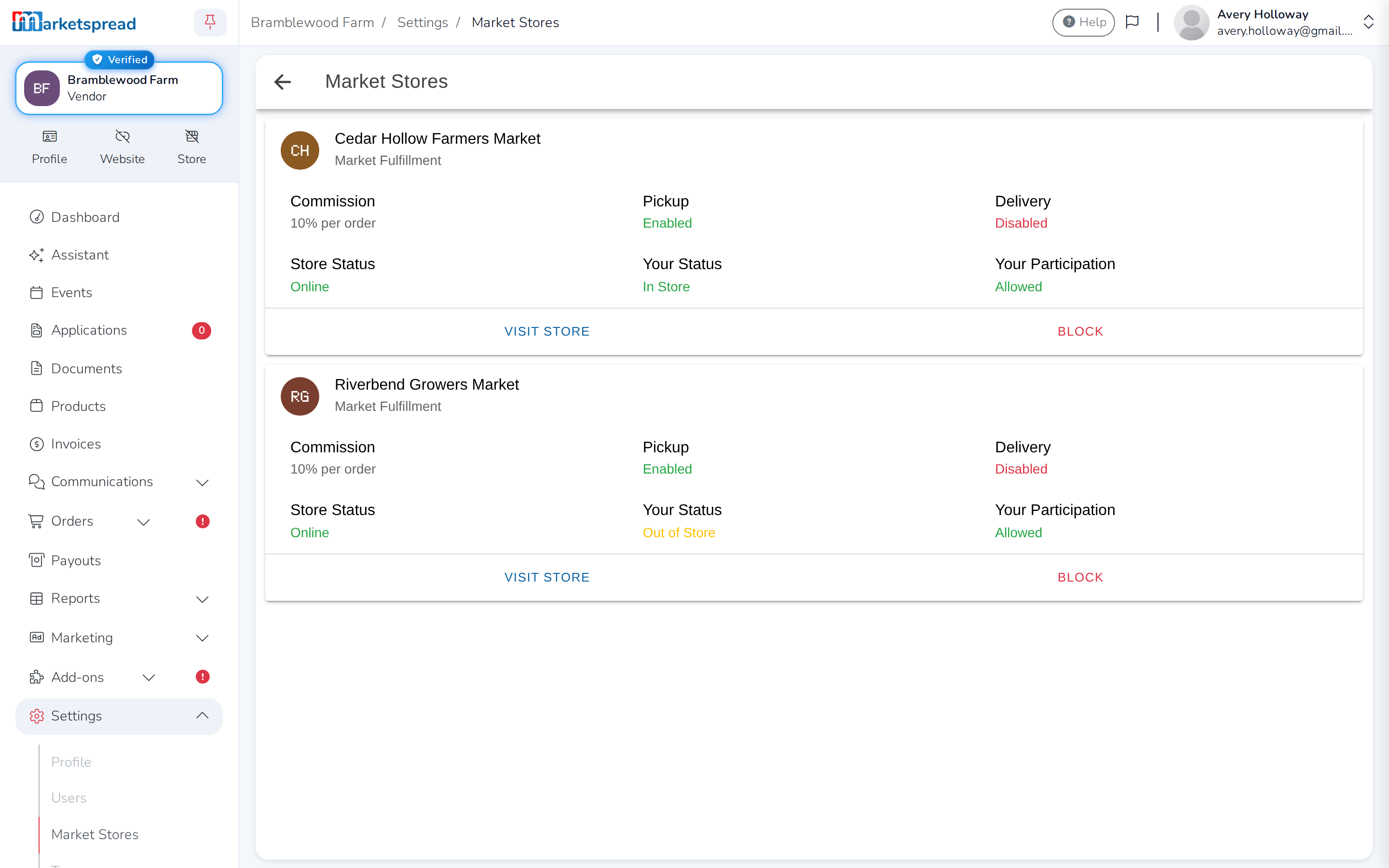
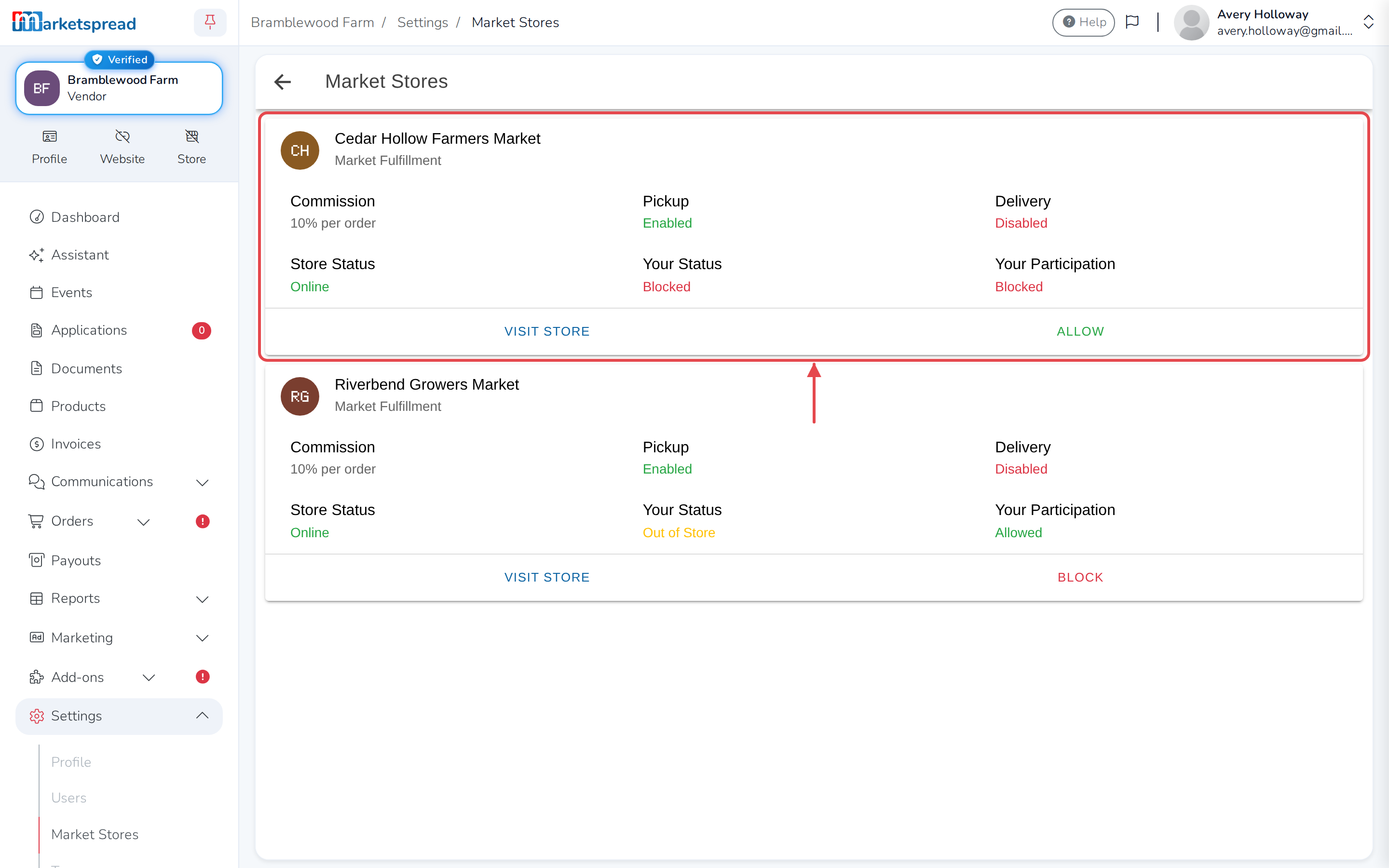
Open Settings, then Market Stores. It lists every market you have
applied to that runs a store, and whether you are in it.
Online Store is a different setting — it's about your own separate shop,
not the market's.
Become eligible
Two things make you eligible, and they are the same two needed for any selling:
- Turn on Vendor Premium.
- Apply to take card payments, and be approved.
Both are steps on your dashboard. Until both are done the market sees you as
not eligible and cannot add you. Approval to take payments takes 24 to 48
hours.
Once you are eligible the market sees you flagged in their vendor list, and can
add you to their store. When they have, your status under Market Stores
changes to show you are in it.
Take yourself out
You stay in control of whether you are in a market's store — useful if you
are away for a few weeks, or if you are done for good.
-
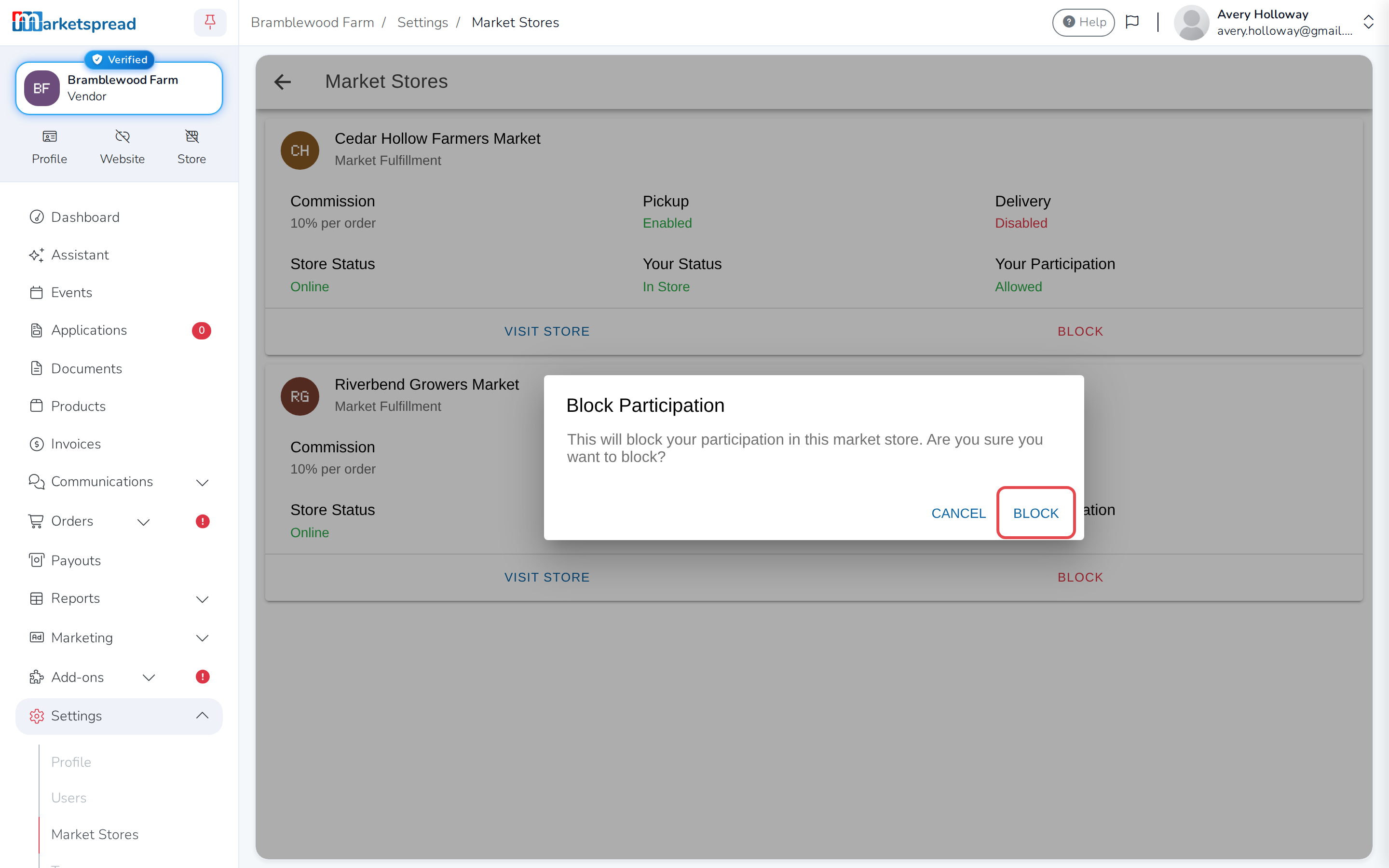
Under Market Stores, click Block under the market you want to
stop taking part in. -
Click Block again to confirm.
Your status changes to Blocked, with Allow to take part again when you're
ready.
Keep one product out of the store
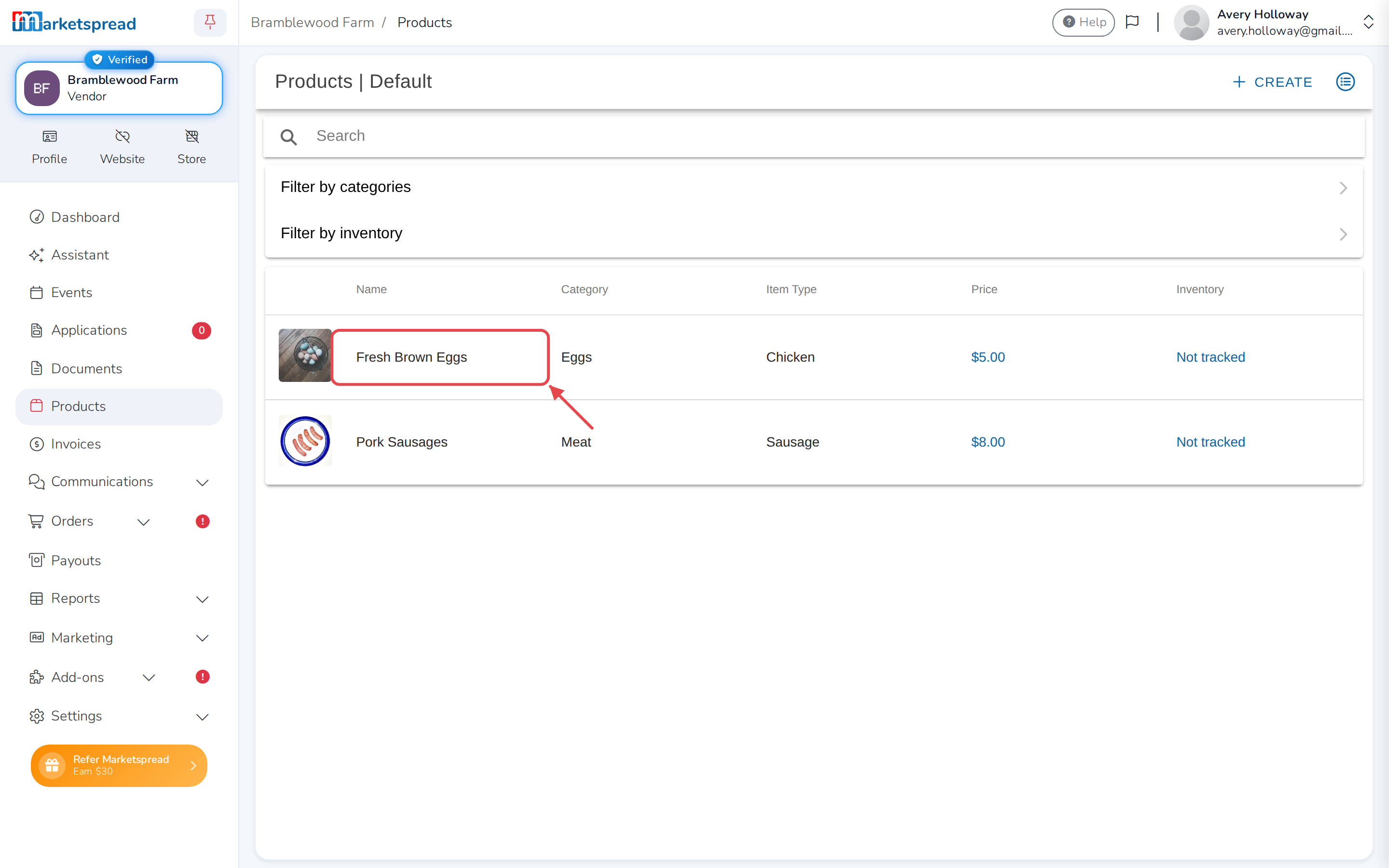
-
Open Products and click the product.
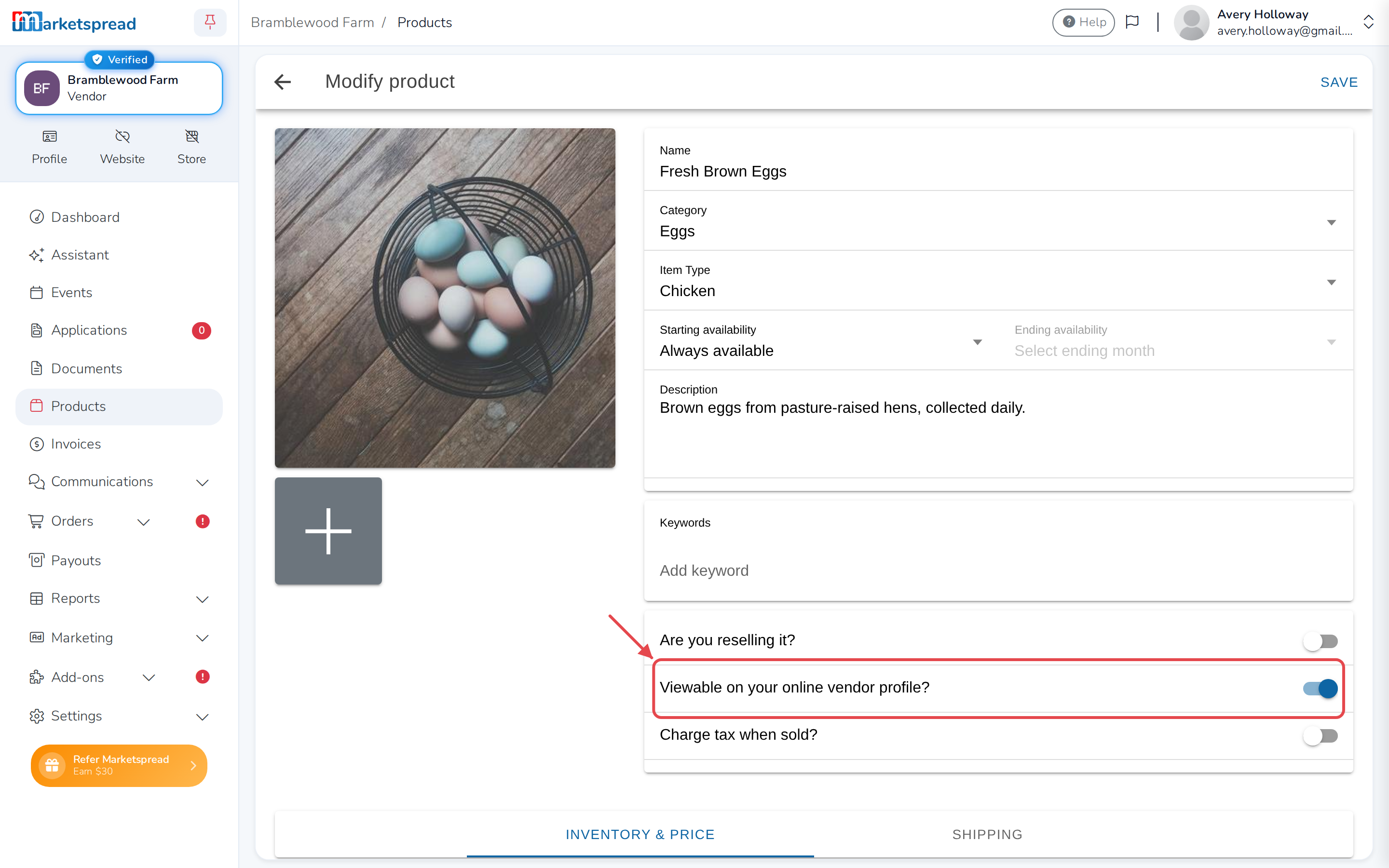
-
Turn off Viewable on your online vendor profile?
-
Click Save.
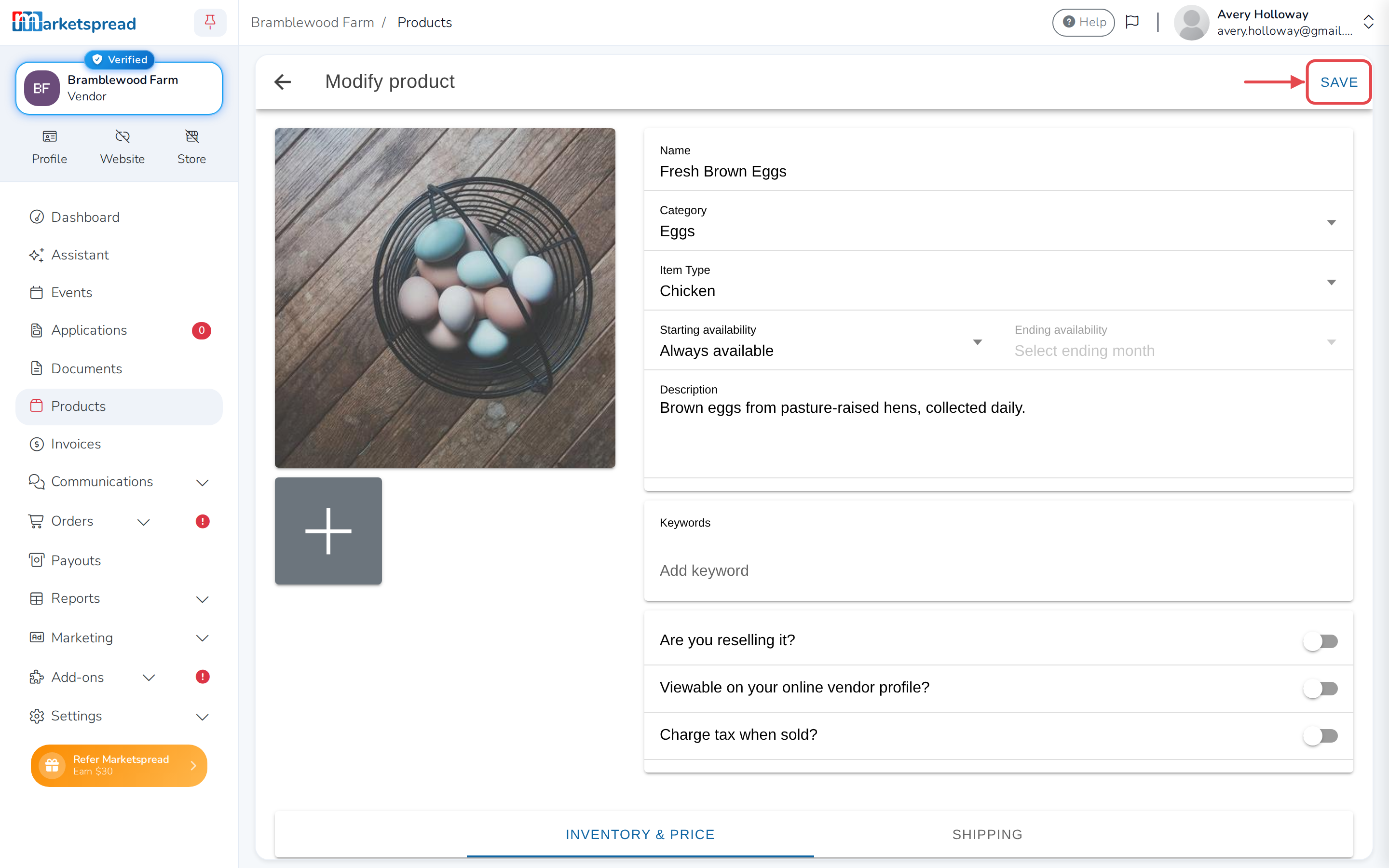
It stops appearing in the store, and everything else of yours stays.
Check how you look
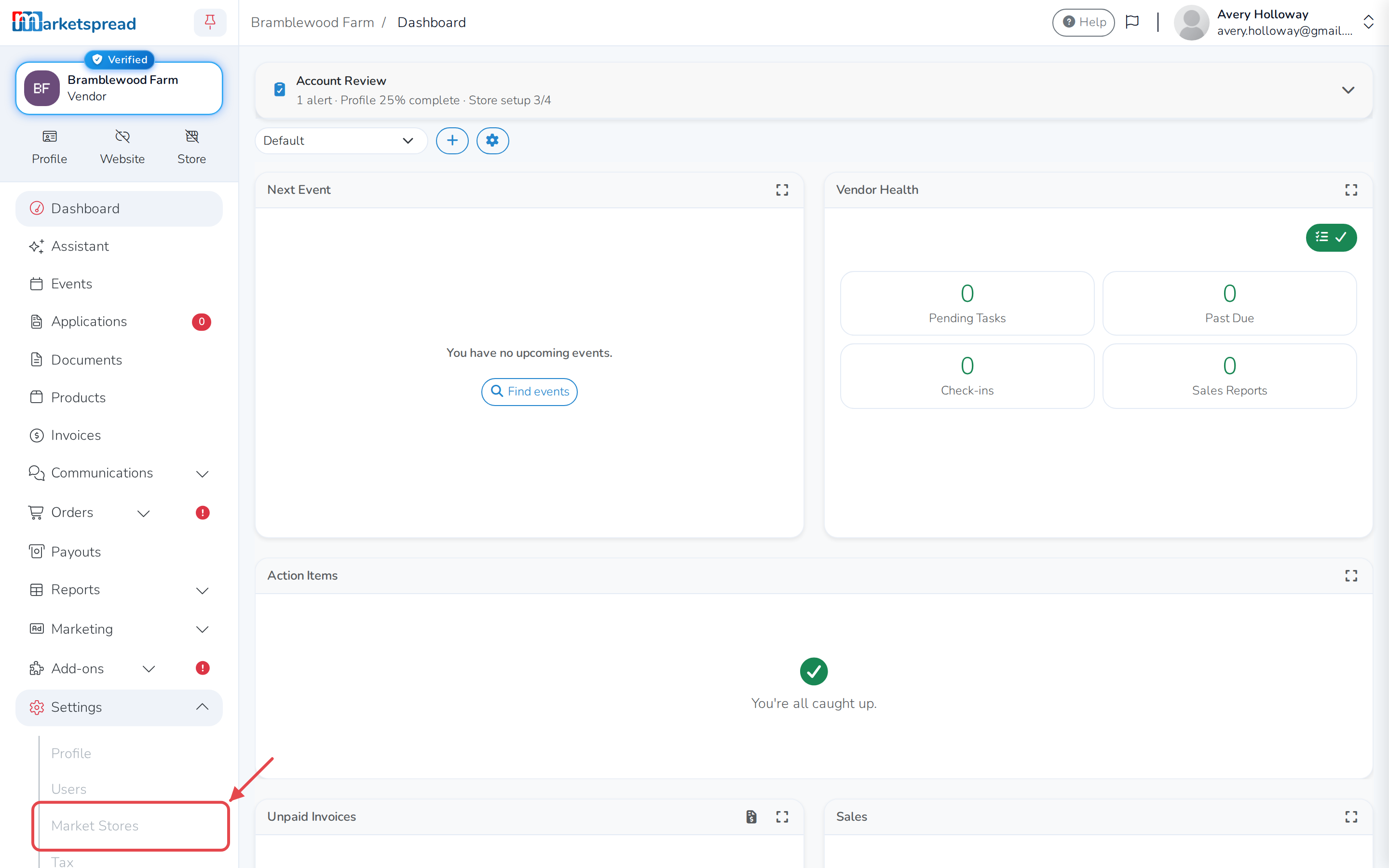
Click Visit Store under a market you're in, then filter by Vendor
and pick your own name to see your products the way a customer sees them.