


Your vendor profile is what market managers see when you apply to their markets. It's also what shows on your public profile page. From your vendor dashboard, open Settings, then Profile to update it.
From here you can:
- Update your business information
- Add your certifications and production practices
- Add manager information
- Update your contact information
- View your public profile
Note
If you have an individual account, most of these fields sync from your Marketspread account and can't be changed here — your address details are the exception. Convert to a business account for full editing.
Update your business information
-
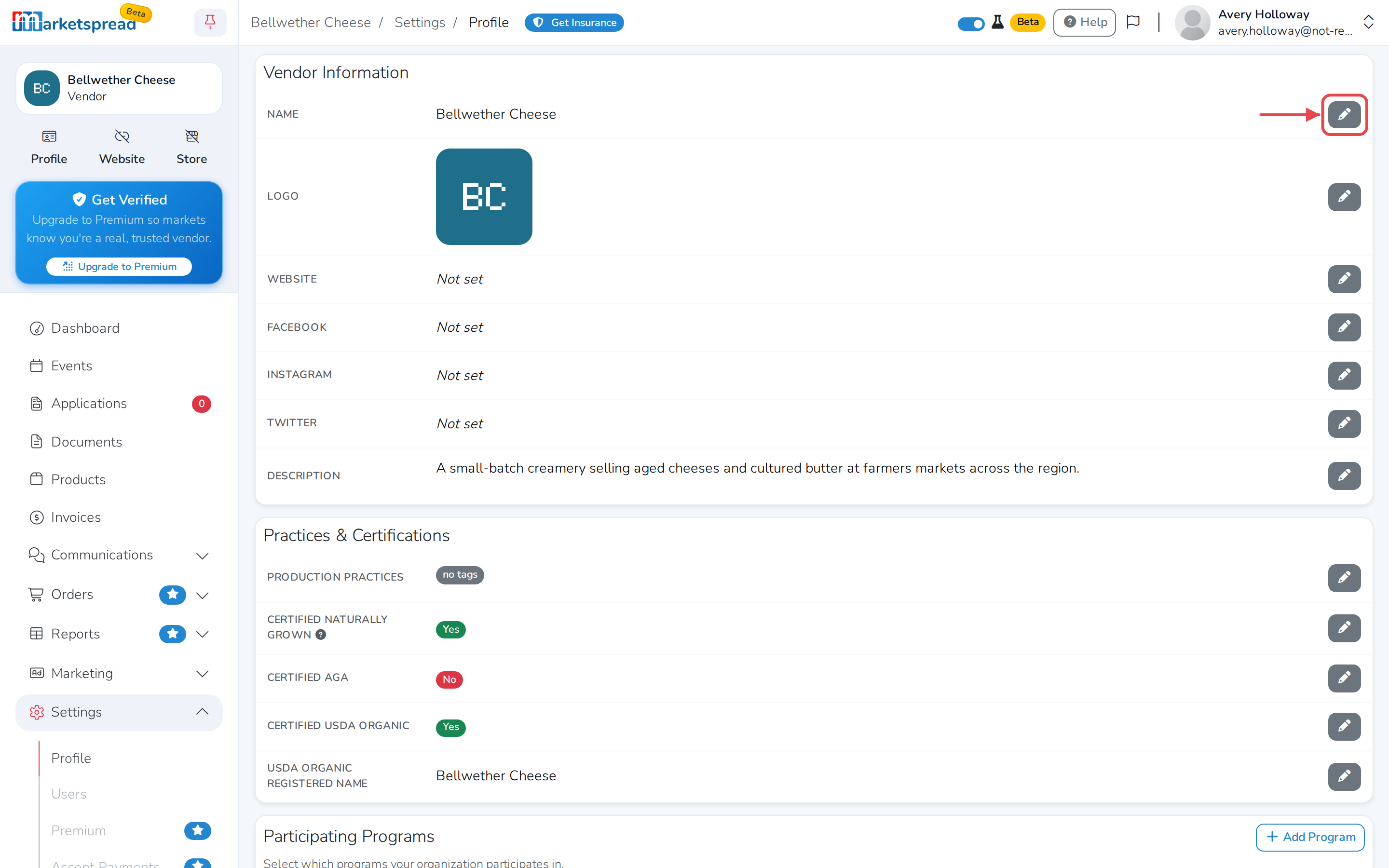
Under Vendor Information, click the pencil icon next to the field you want to change — Name, Website, Facebook, Instagram, Twitter or Description.
-
Make your change.
-
Click Save.
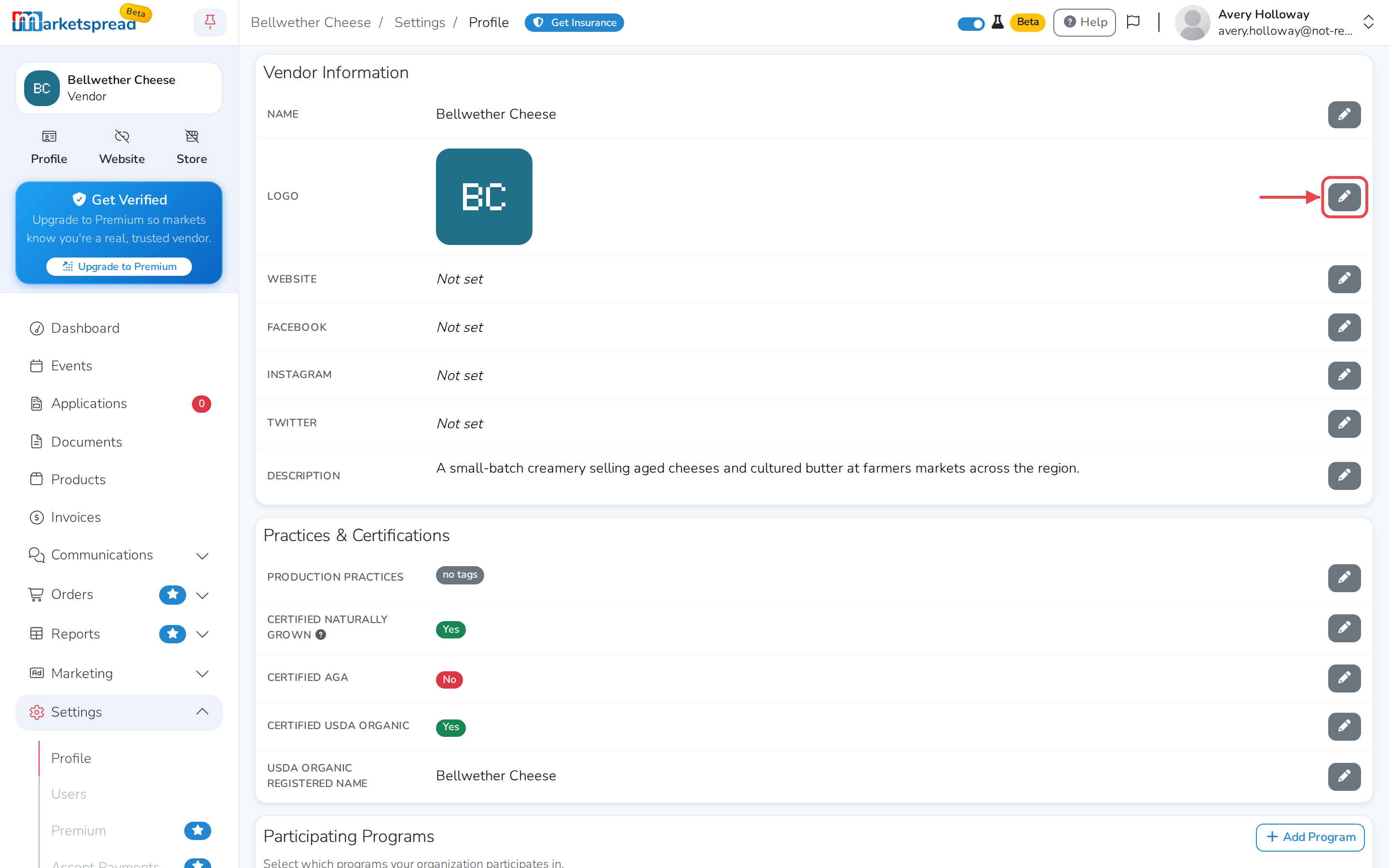
To change your logo, click the pencil next to it, choose an image, then click Upload.
Add your certifications and production practices
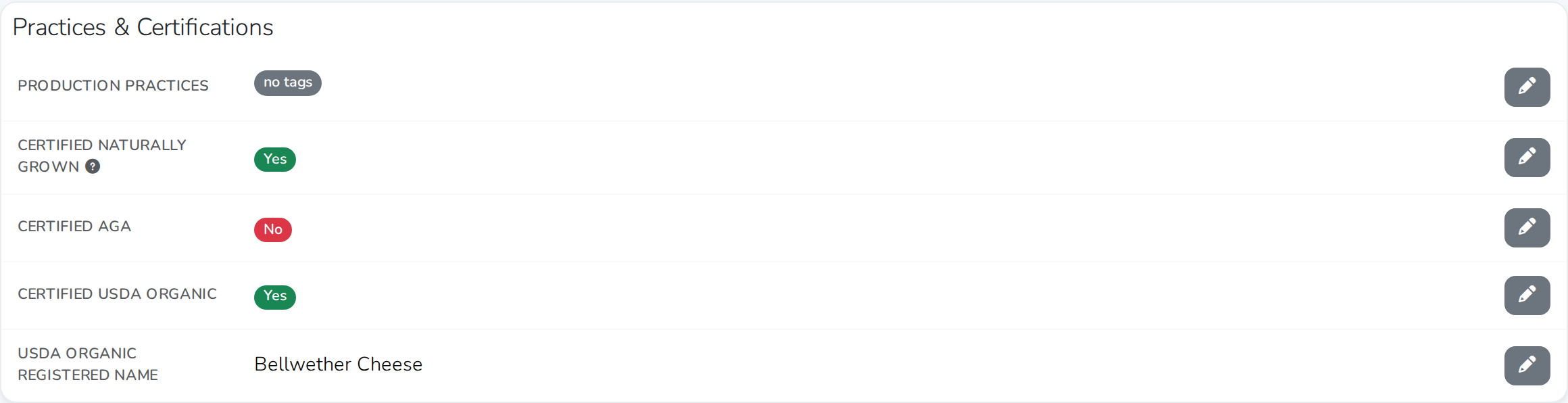
- Under Practices & Certifications, click the pencil icon next to the field you want to change.
- Describe your farming or business practices under Production Practices, or mark any of Certified Naturally Grown, Certified AGA and Certified USDA Organic that apply. Fill in USDA Organic Registered Name if you're USDA certified.
- Click Save.
Note
The certification switches only show for vendors based in the US.
Add manager information
- Under Manager Information, click Edit below the photo to add a picture of your manager.
- Click the pencil icon next to Name or Biography to add their details.
- Click Save.
Update your contact information
- Under Contact Information, click the pencil icon next to Location Address, Mailing Address, Office phone or Cell phone.
- Make your change.
- Click Save.
Use the Allow contact switch to let customers reach you through Marketspread. Use Publish office phone and Publish cell phone to choose whether those numbers show on your public profile.
View your public profile
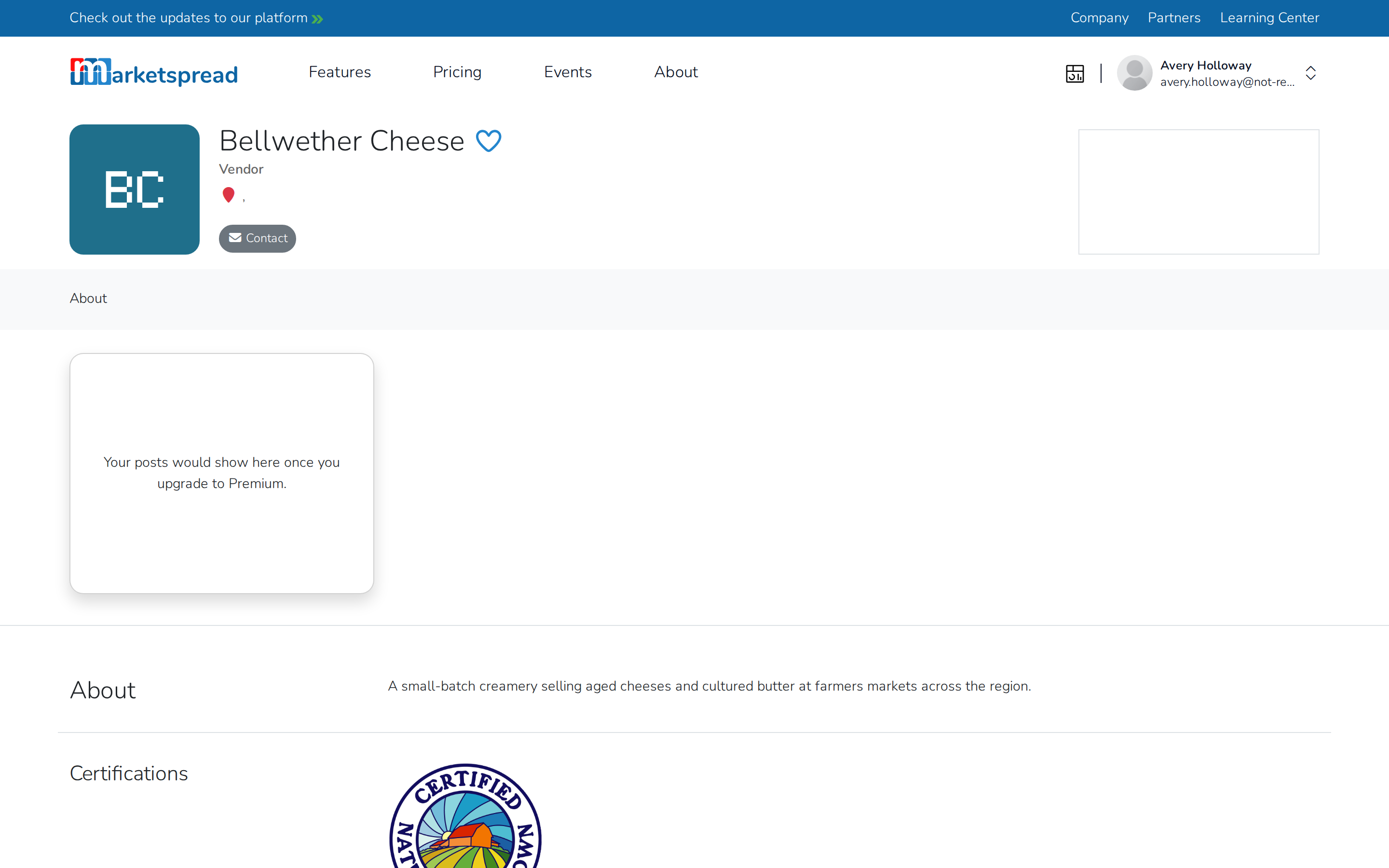
In your vendor dashboard, click Profile below your business name.
Note
Business accounts only. Any change you make to your profile shows up immediately for market managers and customers.