


Selling online and selling in person both need the same two things first:
Vendor Premium, and approval to take card payments. Until both are done,
you cannot take money from a customer either way.
Your dashboard tracks both as steps you can tick off.
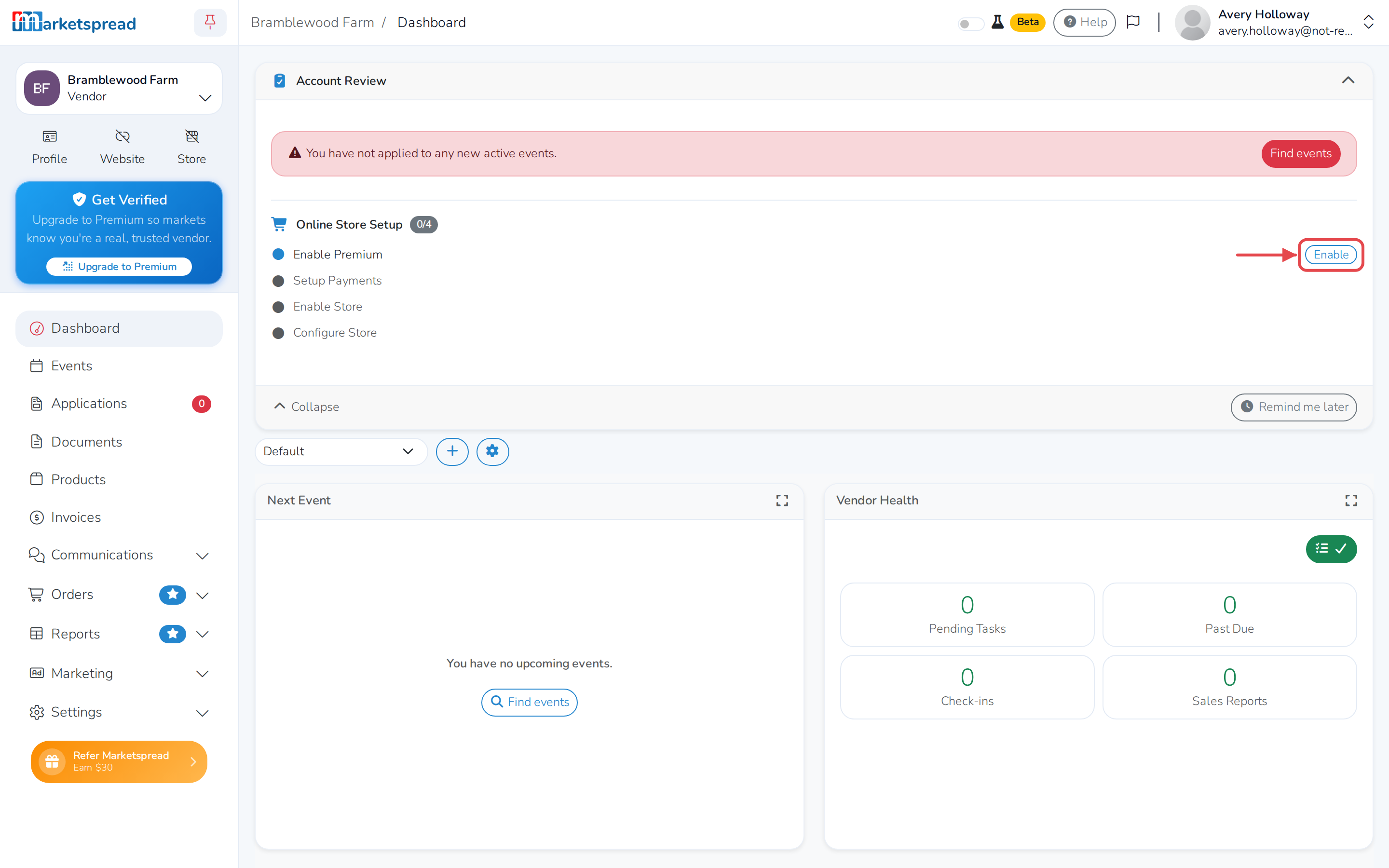
Turn on Vendor Premium
Premium is what unlocks your online store and Point of Sale. In your dashboard,
the extra services it includes are marked with a star.
- Click Upgrade.
- Enter your card details.
- Click Pay.
Premium costs $18 a year. From the premium screen you can manage automatic
renewal and see what you have paid.
If you have been a premium vendor for a while
Vendors who signed up at the old $12 price keep it for as long as they keep
renewing. $18 is what it costs to start today.
Apply to take card payments
- Go back to your dashboard and click Setup under Setup Payments.
- Fill in the form.
- Accept the terms of service and click Enable Payments.
The law requires our payment processor to confirm the identity of everyone
taking card payments, which is why the form asks for as much as it does. Fill
it in carefully — anything wrong slows the check down.
Approval takes 24 to 48 hours
You cannot take payments while it is pending. The banner on your dashboard
turns from blue to green when you are approved, and you get an email.
Then you are ready
With both done, your dashboard shows the two requirements complete. From there
you can set up your online store, or install Point of Sale on a phone or tablet
to take payments in person.