


Some markets add their vendors by importing a vendor list. That creates a basic profile for each vendor, using the market's own records. If your market did this for you, they can send you a link so you can claim that profile and make it yours.
Claim your profile
- Sign in to Marketspread, or create an account if you don't already have one.
- Open the link your market sent you.
- Check over your profile — your market's information is already filled in.
- Add anything that's missing.
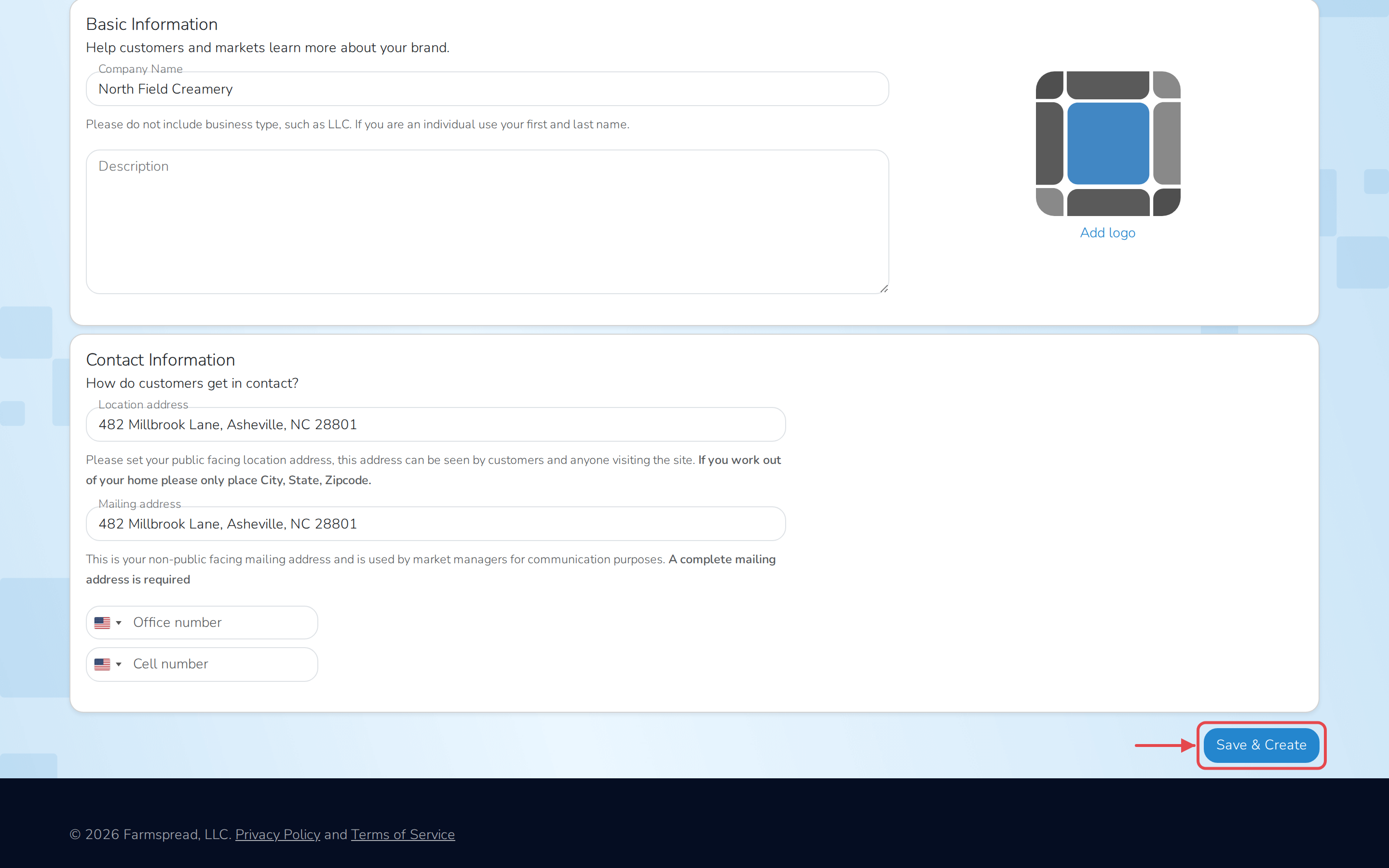
- Click Save & Create.
Note
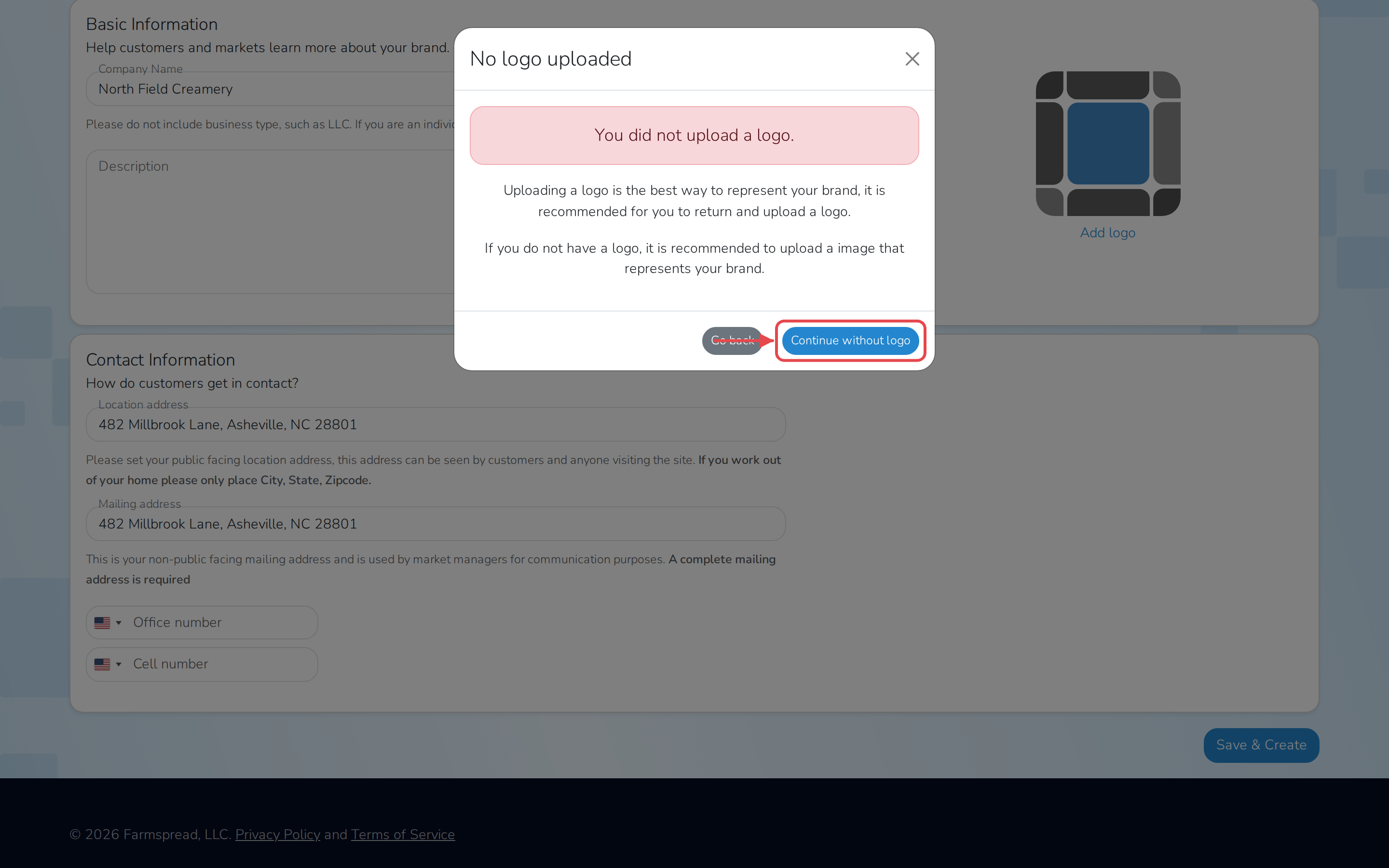
If you haven't uploaded a logo, you'll be asked to confirm before saving. Click Continue without logo to finish anyway, or Go back to add one first.
You'll land on your vendor dashboard. If your market already invited you to one of their events, you'll see it there — see Apply to a market invitation.