


Your vendor profile is what market managers and customers see when you apply
to sell at a market. It shows your business name, logo and how to reach you.
Set it up once, then use the same profile to apply to any market on
Marketspread.
Set up your vendor profile
- Sign in to your account. If you do not have one, create one first.
- Click Get started.
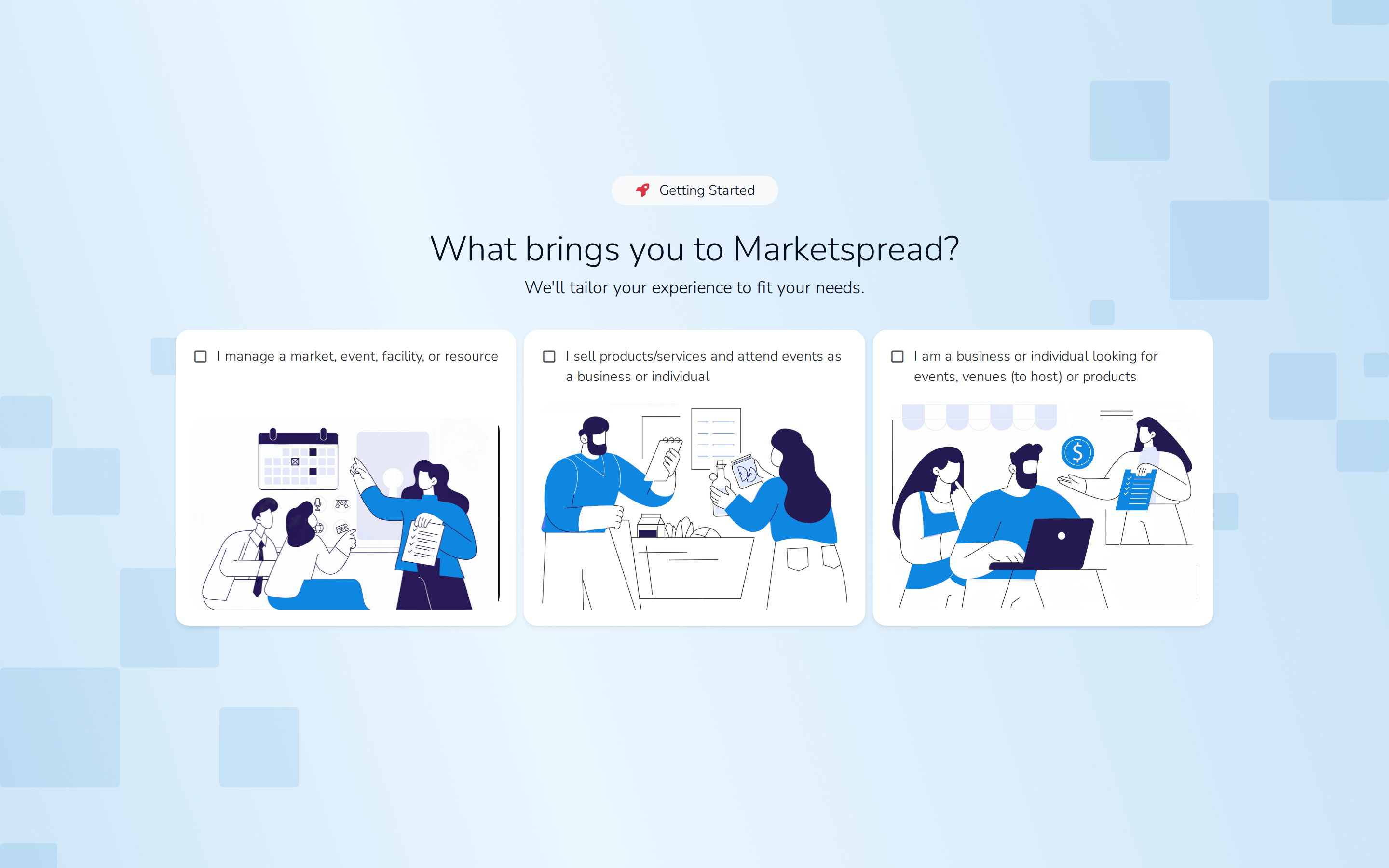
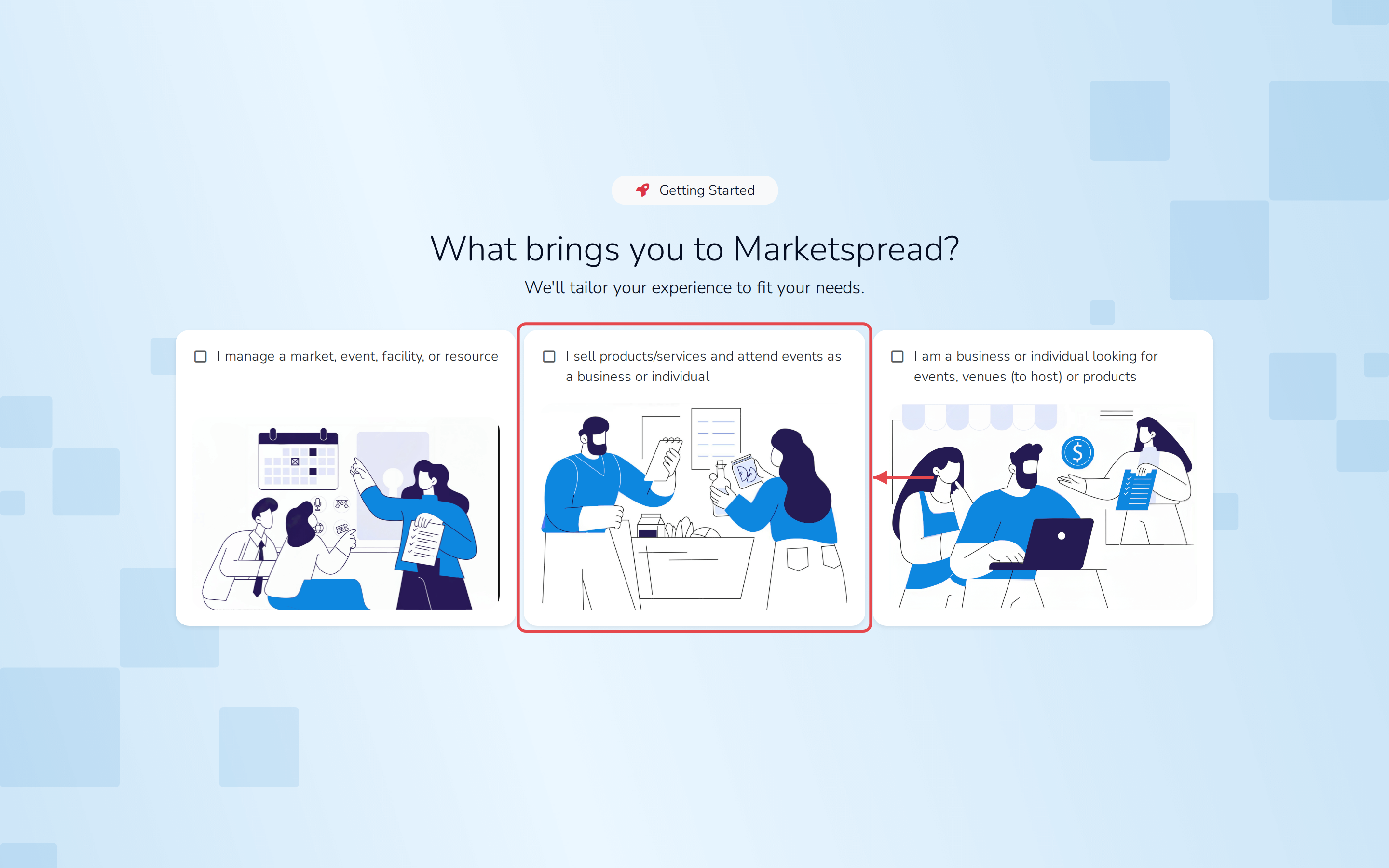
- Choose I sell products/services and attend events as a business or
individual, then click Next.
- Choose I am a business/vendor, then click Next.
- Click Build your profile.
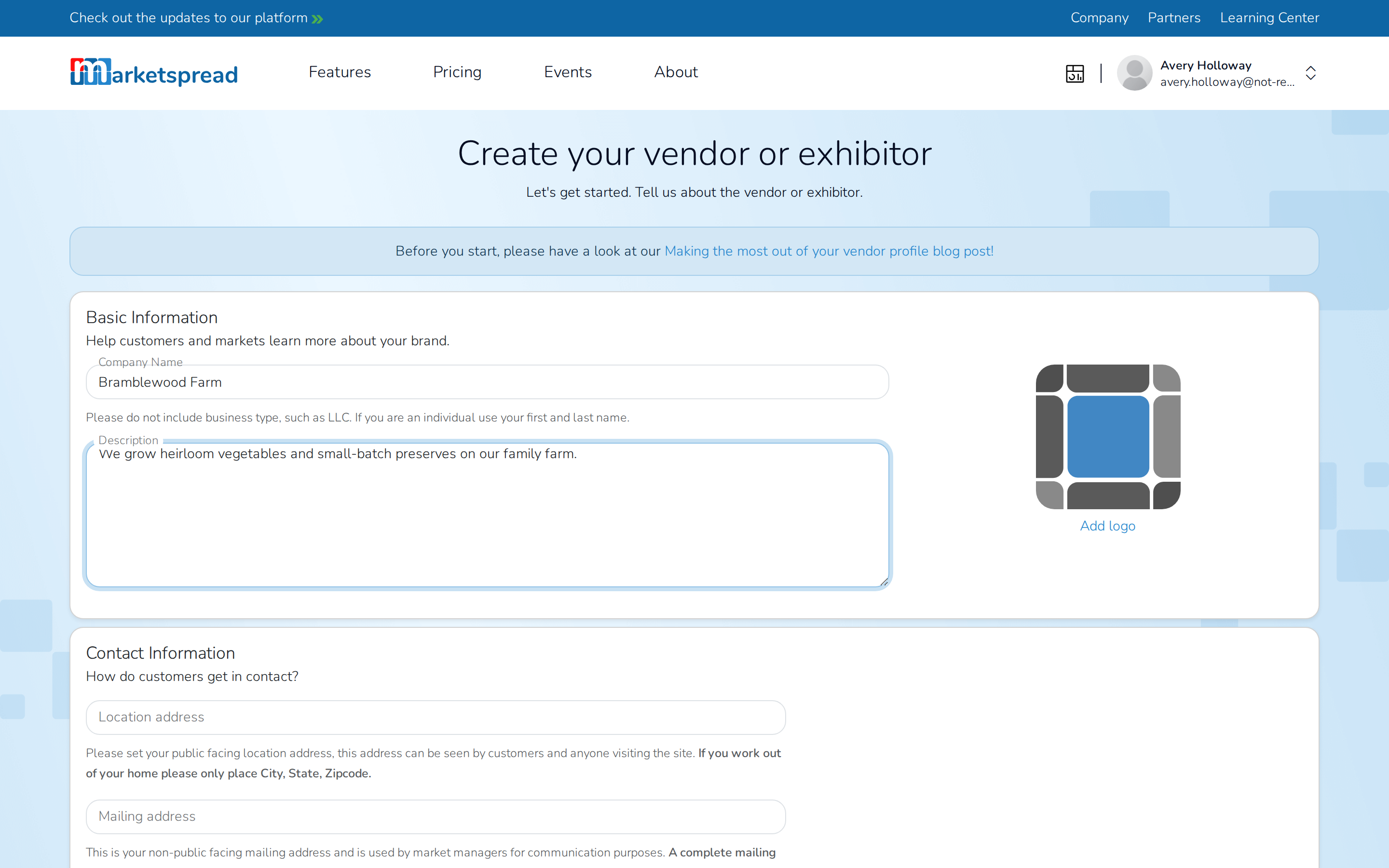
- Under Basic Information, fill in your Company Name and a short
Description of your business. Add a logo if you have one.
- Under Contact Information, fill in your Location address and
Mailing address.
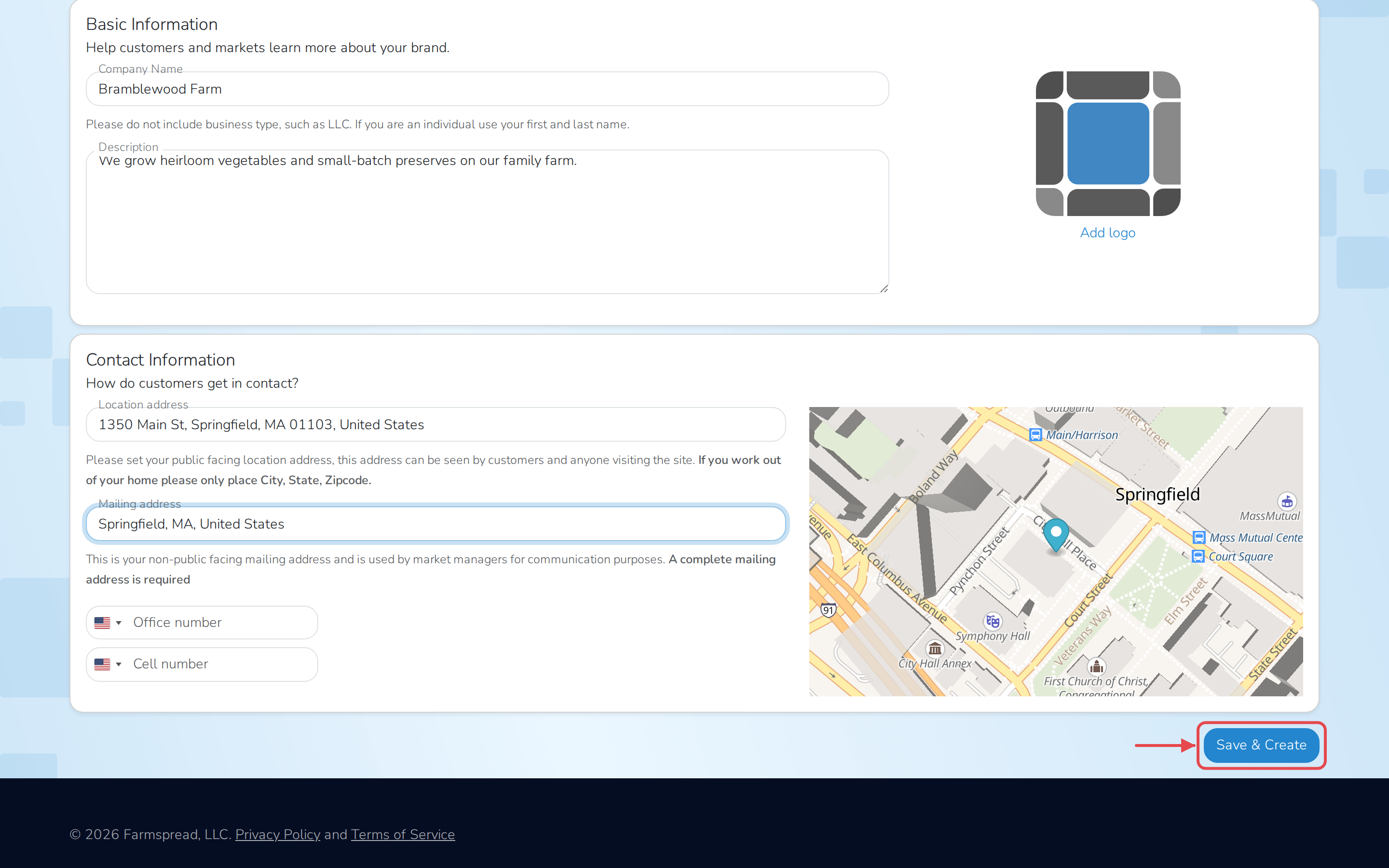
- Click Save & Create.
Important
Your Location address is public — anyone visiting the site can see
it. If you work from home, enter only your city, state and zip code. Your
Mailing address stays private — market managers use it to reach you,
but it is never shown to customers.
Selling as yourself, not a business?
When asked Are you a business or individual?, choose I am an
individual instead, then click Setup your account on the next
screen. You only need to fill in your contact information — an
individual profile skips the company details. Your profile will not be
public; only the markets you apply to can see it.
Apply to a market
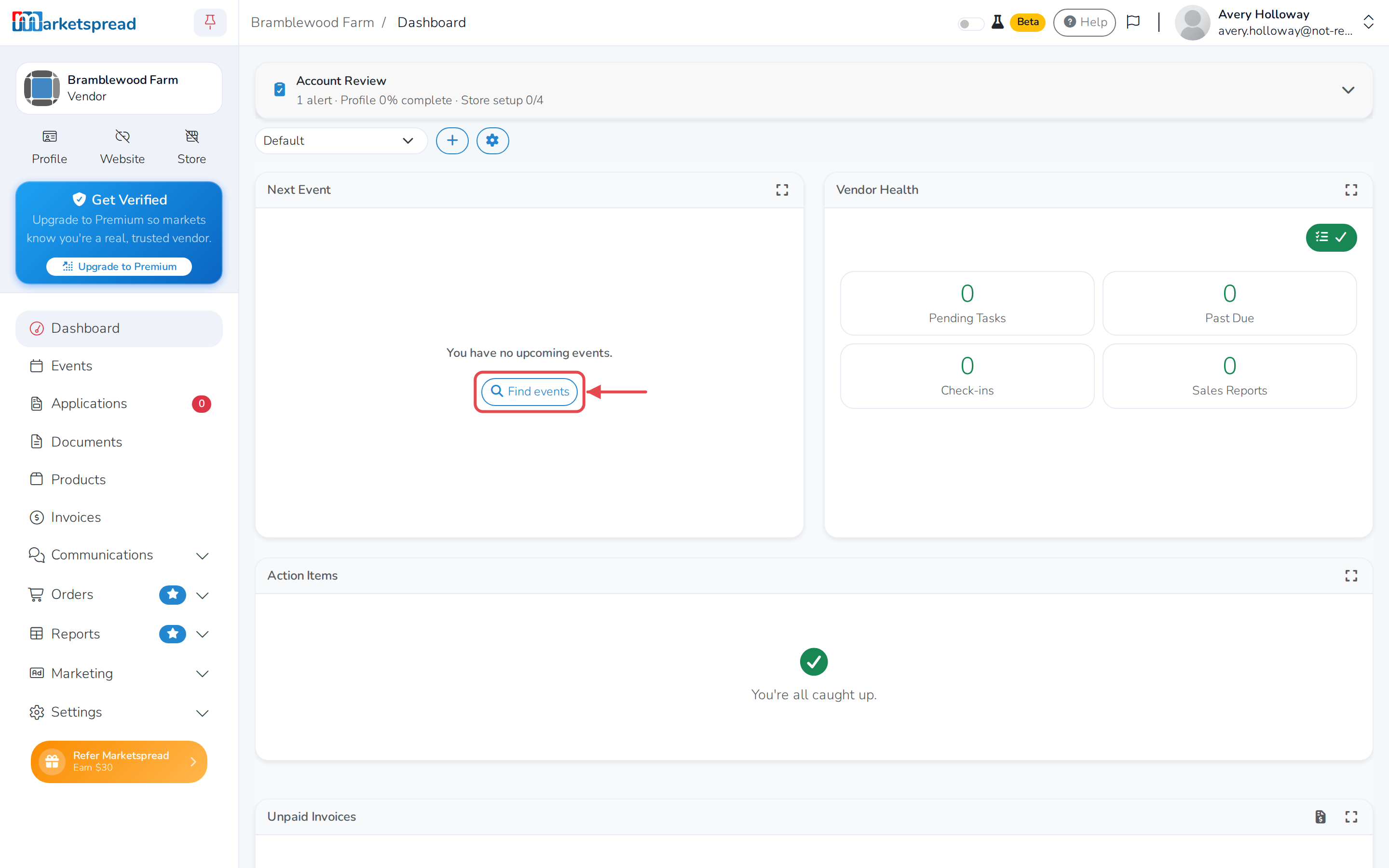
Saving your profile takes you to your vendor dashboard. If you have no
markets lined up yet, click Find events to search for ones near you.
See Apply to a market for the first time for the full walk-through of
filling out and submitting an application.