


If a market runs more than one event day and lets vendors choose which ones
to attend, your application includes a Days to attend section. It shows
the market's upcoming event days on a calendar, and it's where you say which
ones you want to be at.
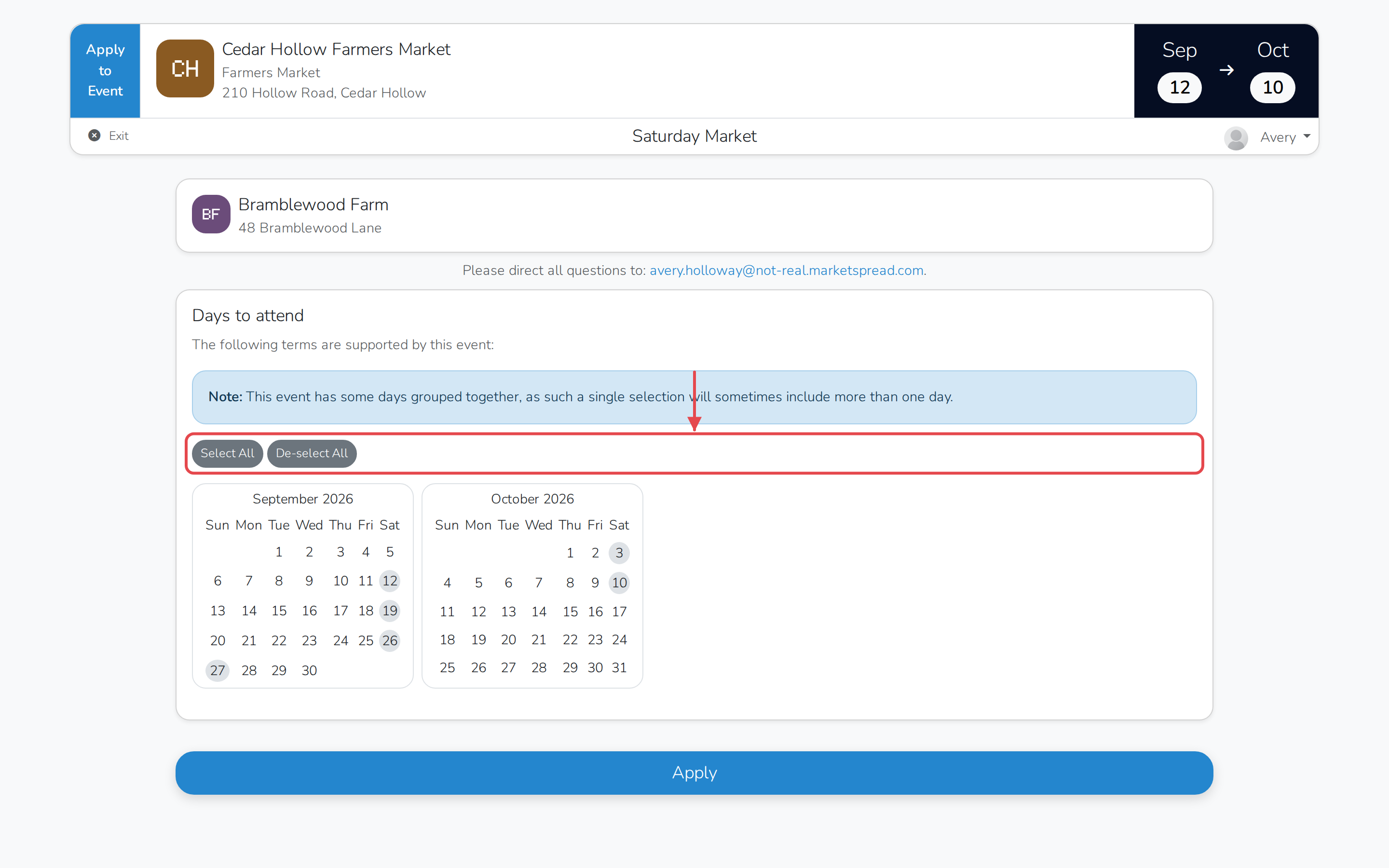
Select every day
- In Days to attend, click Select All.
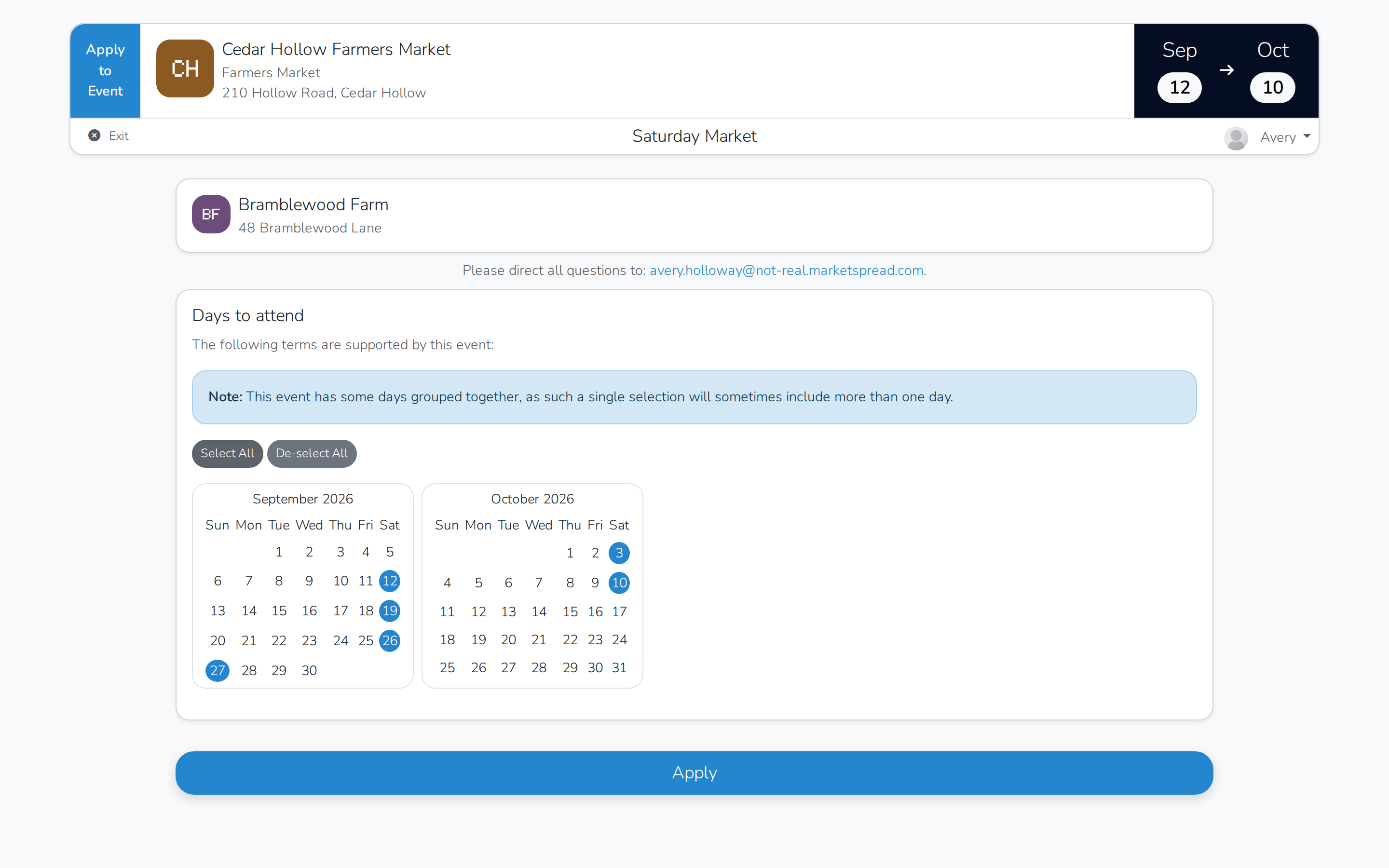
Every day on the calendar turns blue to show it's selected.
Choose only some of the days
- Click a day on the calendar to select it. It turns blue.
- Click a selected day again to remove it.
- To start over, click De-select All to clear everything you've picked.
Some days are grouped
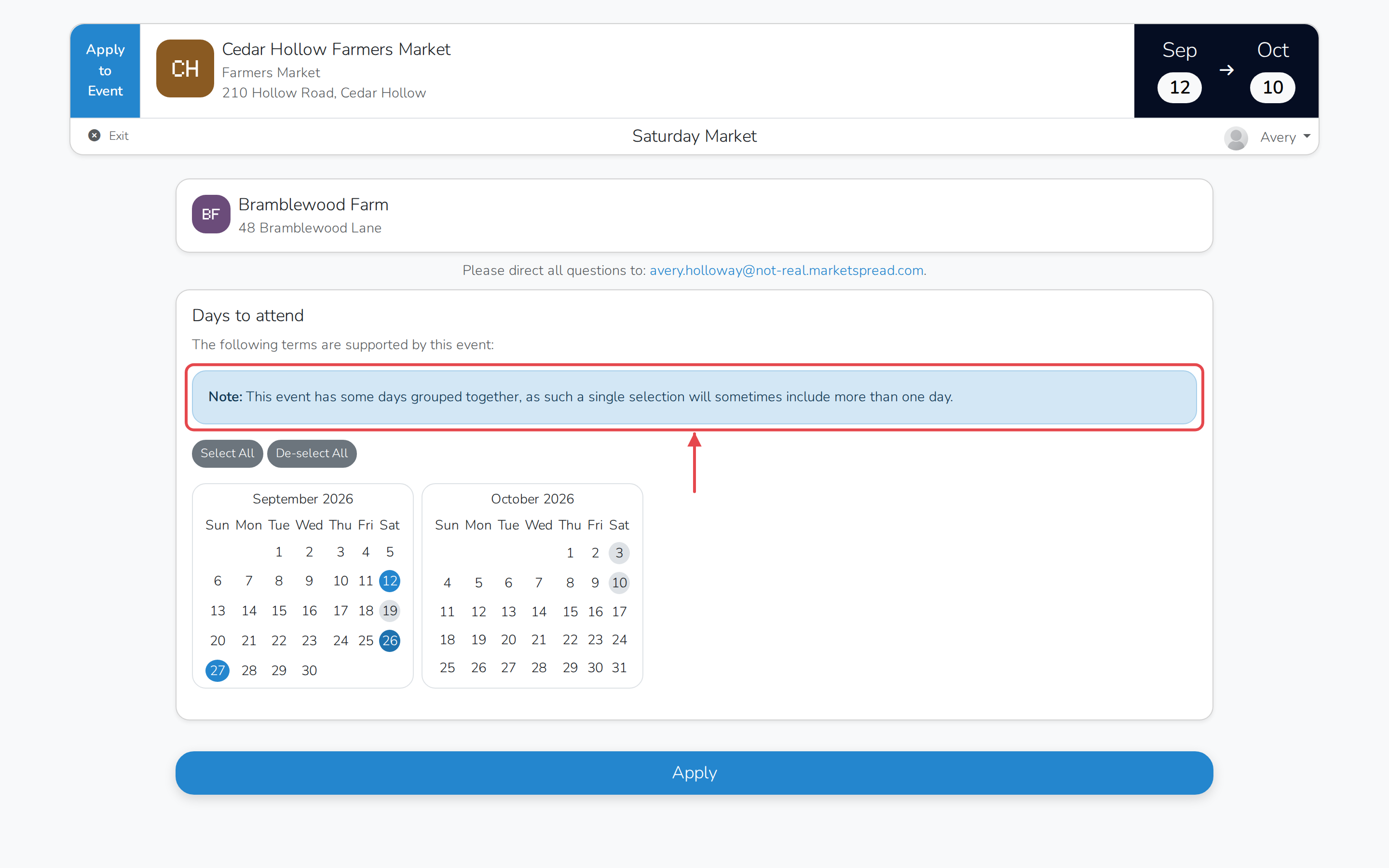
A market can group certain event days together. Selecting one selects
the whole group, and removing one removes the whole group. Where this
applies, an alert above the calendar tells you so.
Not every market lets you choose
Some markets sign you up for every event day automatically. If a market
works this way, you won't see a Days to attend section at all.
You need to select at least one day before you can submit the rest of your
application.