


Everyone starts with an account. Once you have one, a few quick questions
send you to set up what you actually do — running events, selling at them, or
looking for events and products as a customer.
Create your account
- Go to marketspread.com and click Register
in the top right.
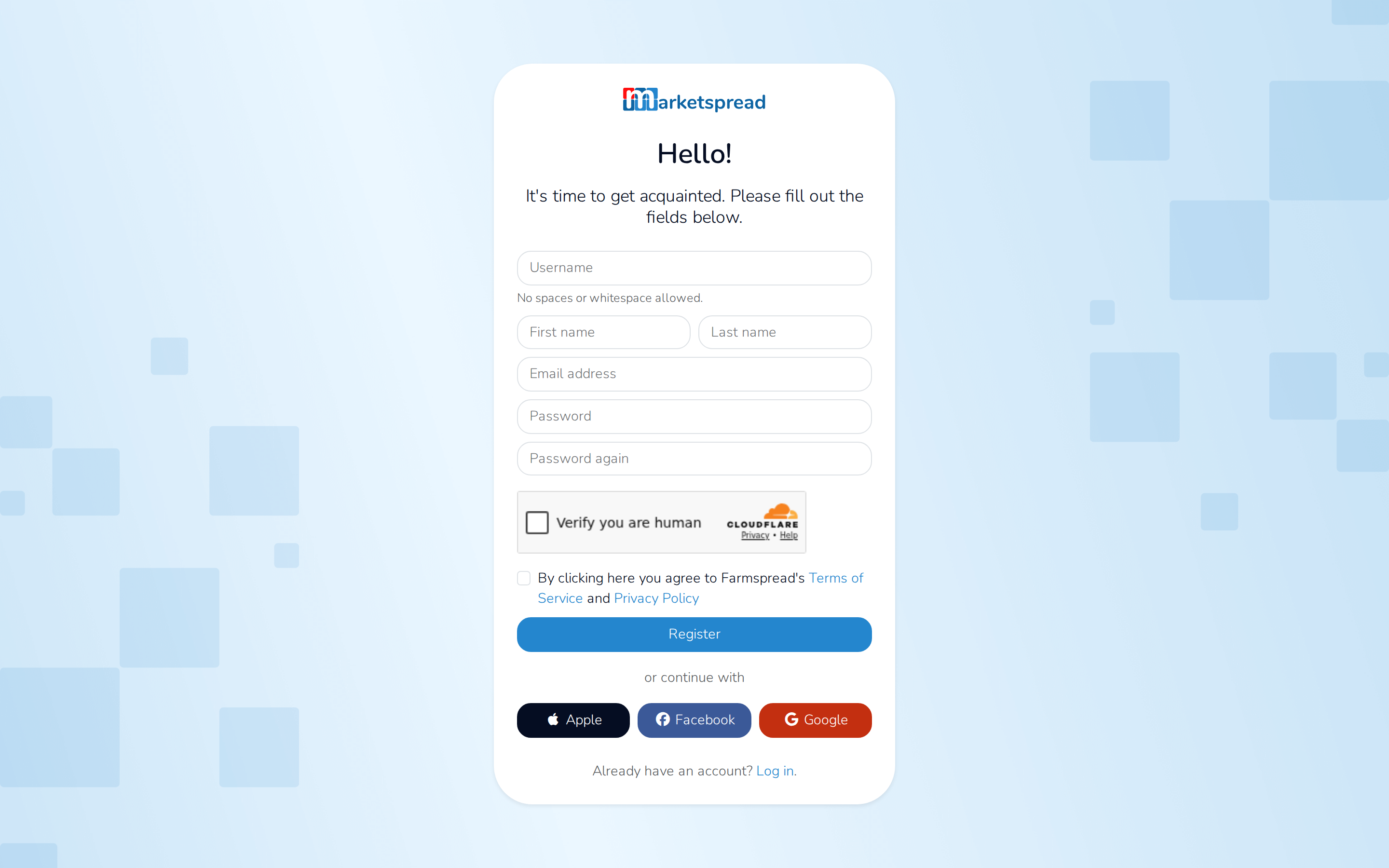
- Fill in a Username, your First name and Last name, and your
Email address. - Choose a password and type it again to confirm it.
- Tick the box confirming you are not a robot.
- Agree to the terms of service and privacy policy.
- Click Register.
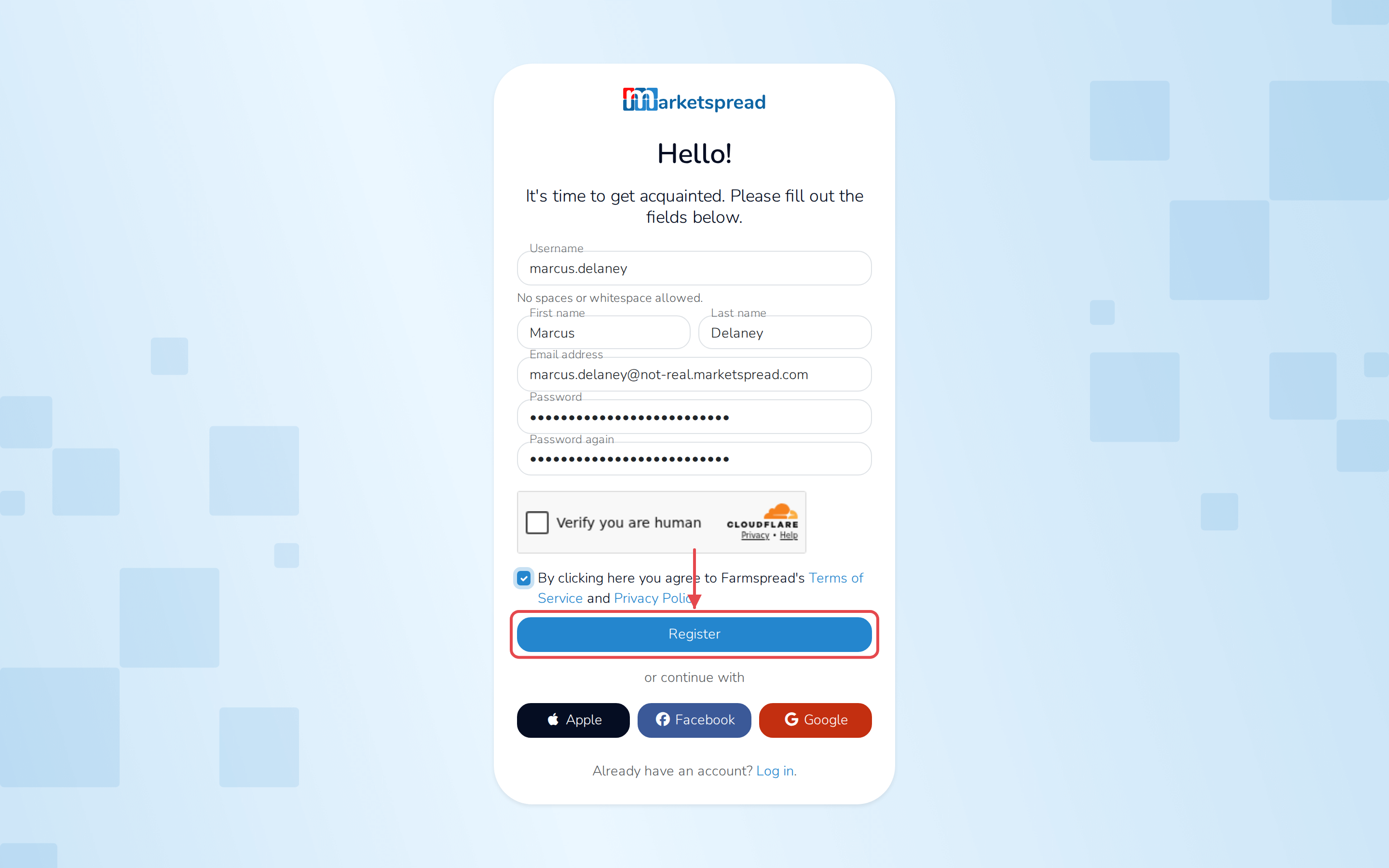
Sign up with Apple, Facebook or Google instead
Skip the form and click one of those buttons below it. You will not need
a separate Marketspread password — use the same button to sign back in.
Get set up for what you need
After registering, a short set of questions sends you to the right place:
- Choose what brings you to Marketspread — running events, selling or
attending as a vendor, or looking for events and products as a customer.
Click Next. - If you are running events, say whether it is a recurring market, a single
event, or space you lease out. If you are selling, say whether you are a
business or an individual. Click Next. - Click the button on the last screen. It takes you straight to setting up
what you picked — your market, your event, your venue, or your vendor
profile.