


If you can't remember your password, Marketspread can email you a link to set a new one.
Request a password reset email
-
Go to marketspread.com and click Login, in the top right of the page.
-
Click Forgot Password or Username?, below the password field.
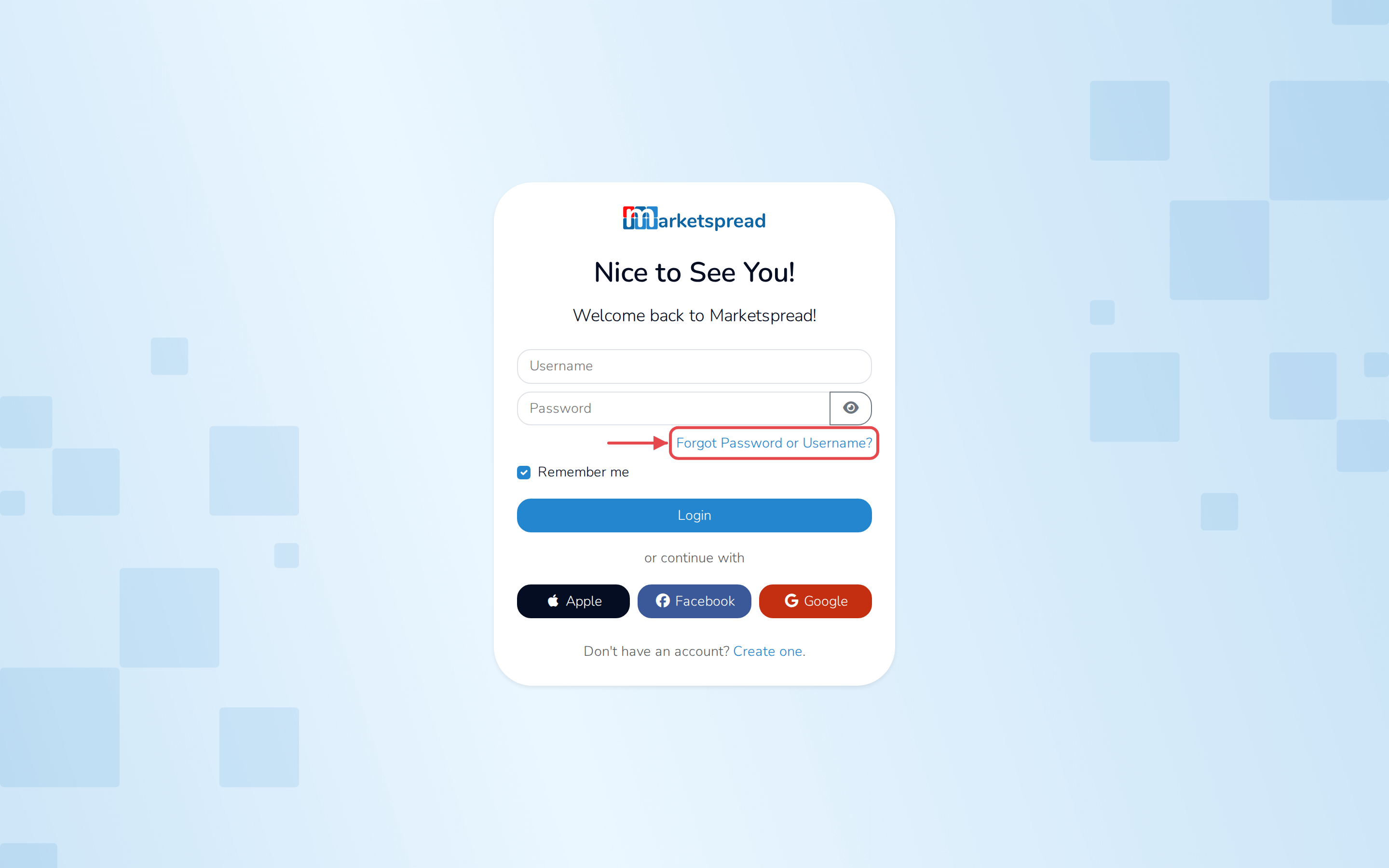
-
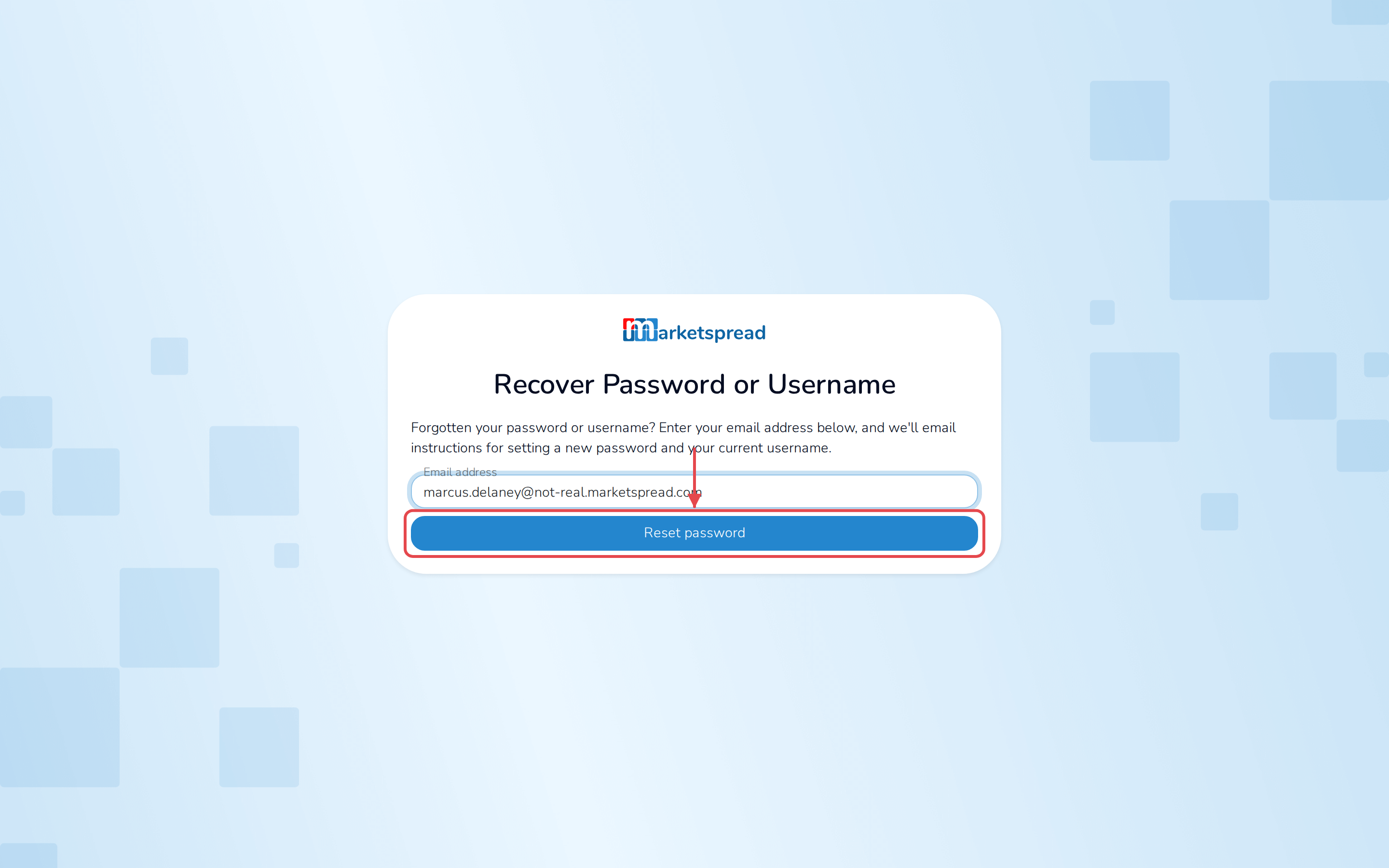
Fill in Email address.
-
Click Reset password.
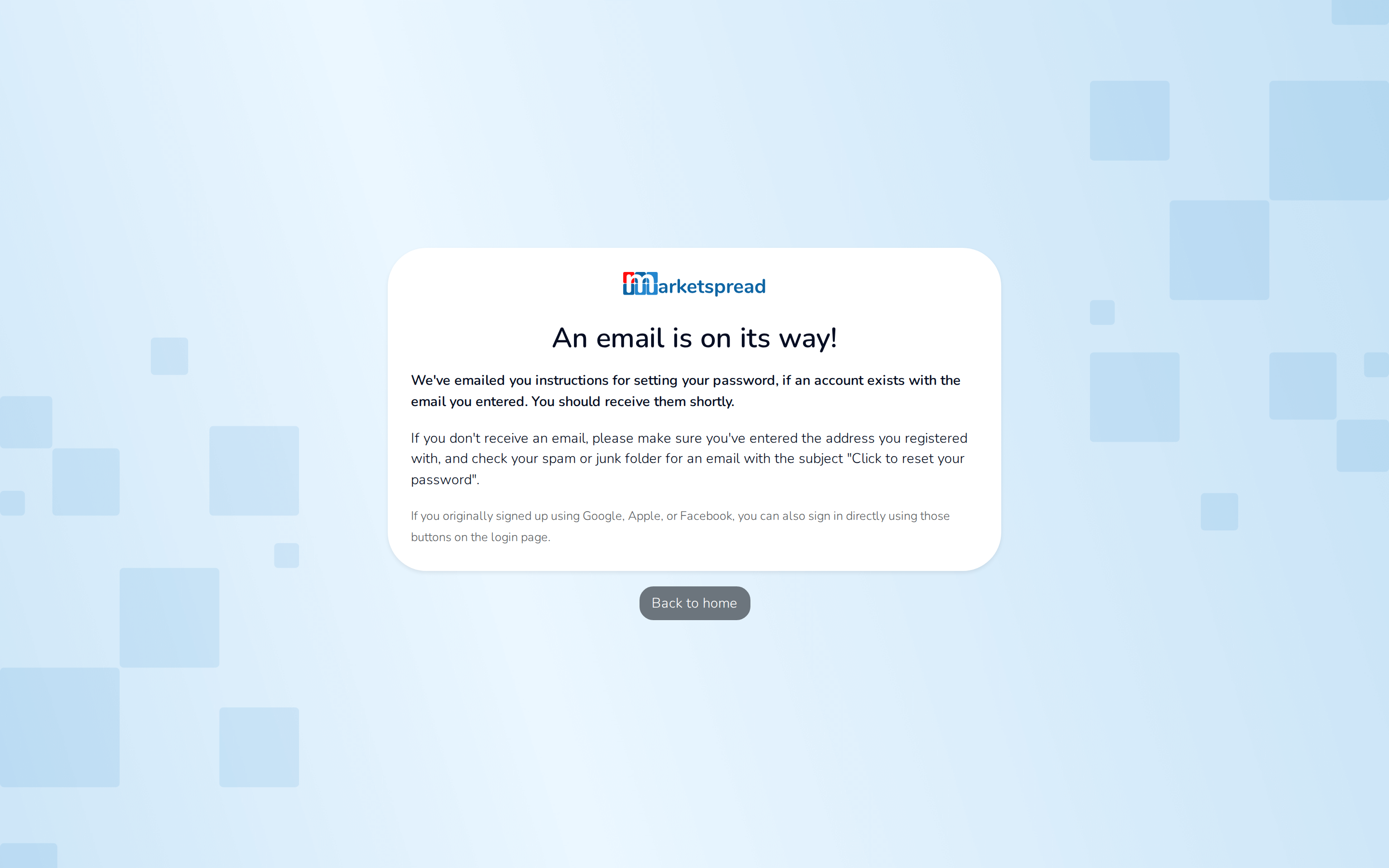
A message tells you an email is on its way, if an account exists for that address.
Note
If you signed up with Google, Apple or Facebook, you don't have a password to reset. Sign in with that button on the login page instead.
Set your new password
- Open the email from Marketspread. Its subject is Click to reset your password.
- Click Click to reset.
- Fill in New password and Confirm password.
- Click Change password.
- Click Login to sign back in with your new password.
Note
If the link says it's invalid, it's already been used. Request a new one and try again.