


Point of Sale collects money from your vendors on the day, on a phone or
tablet. You can take payment against an invoice they already have, or build a
new one on the spot.
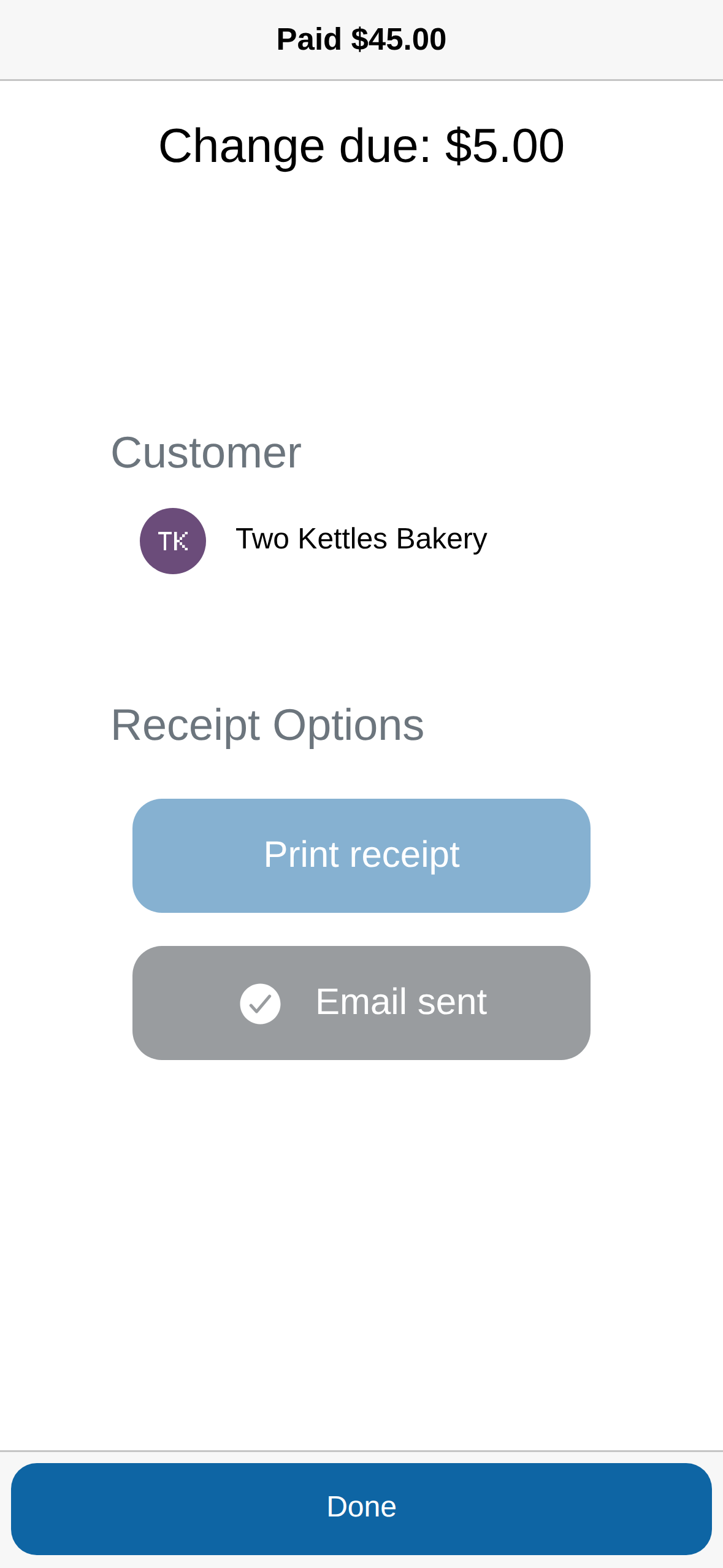
Whichever you do, the vendor gets a receipt by email automatically.
Take payment on an invoice they already have
-
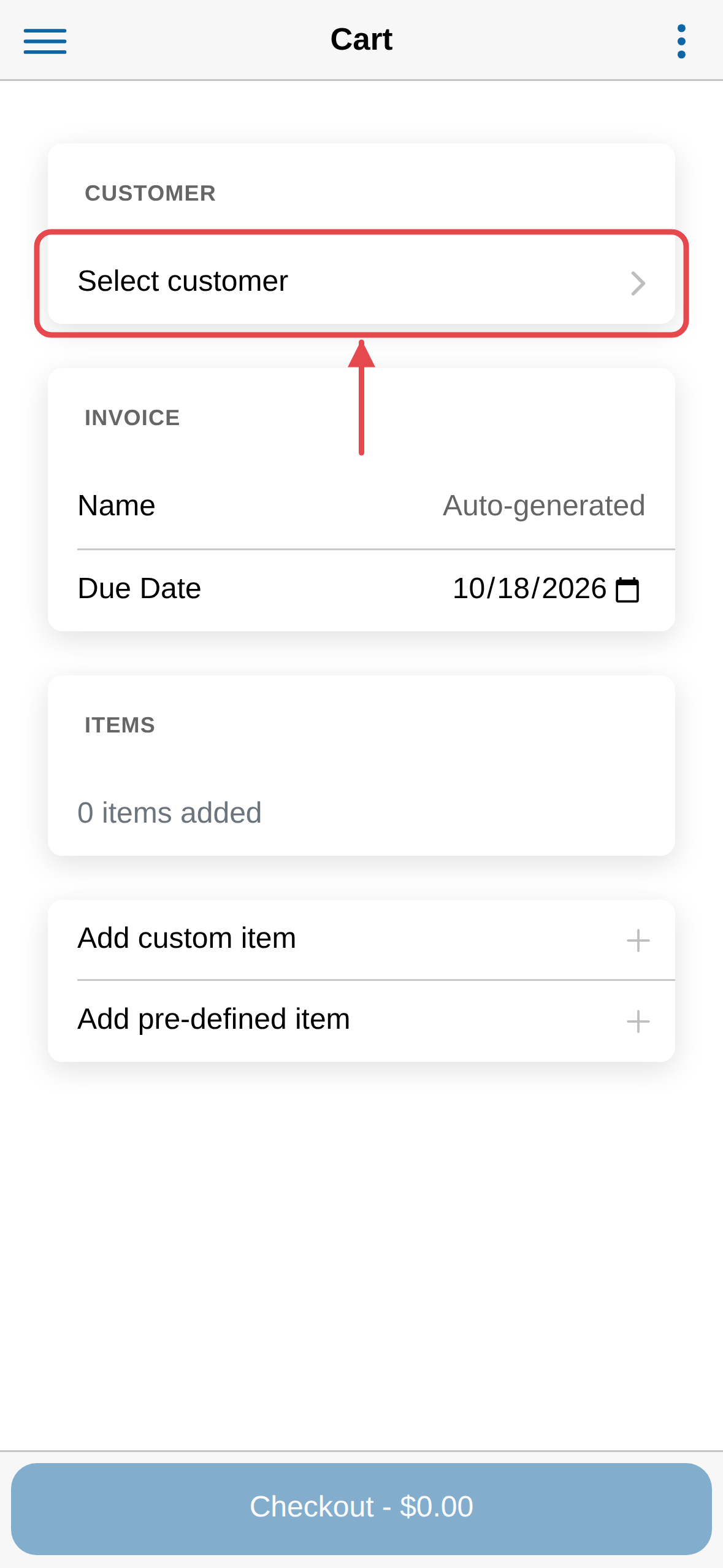
Open the app. In the Customer card, tap Select customer.
-
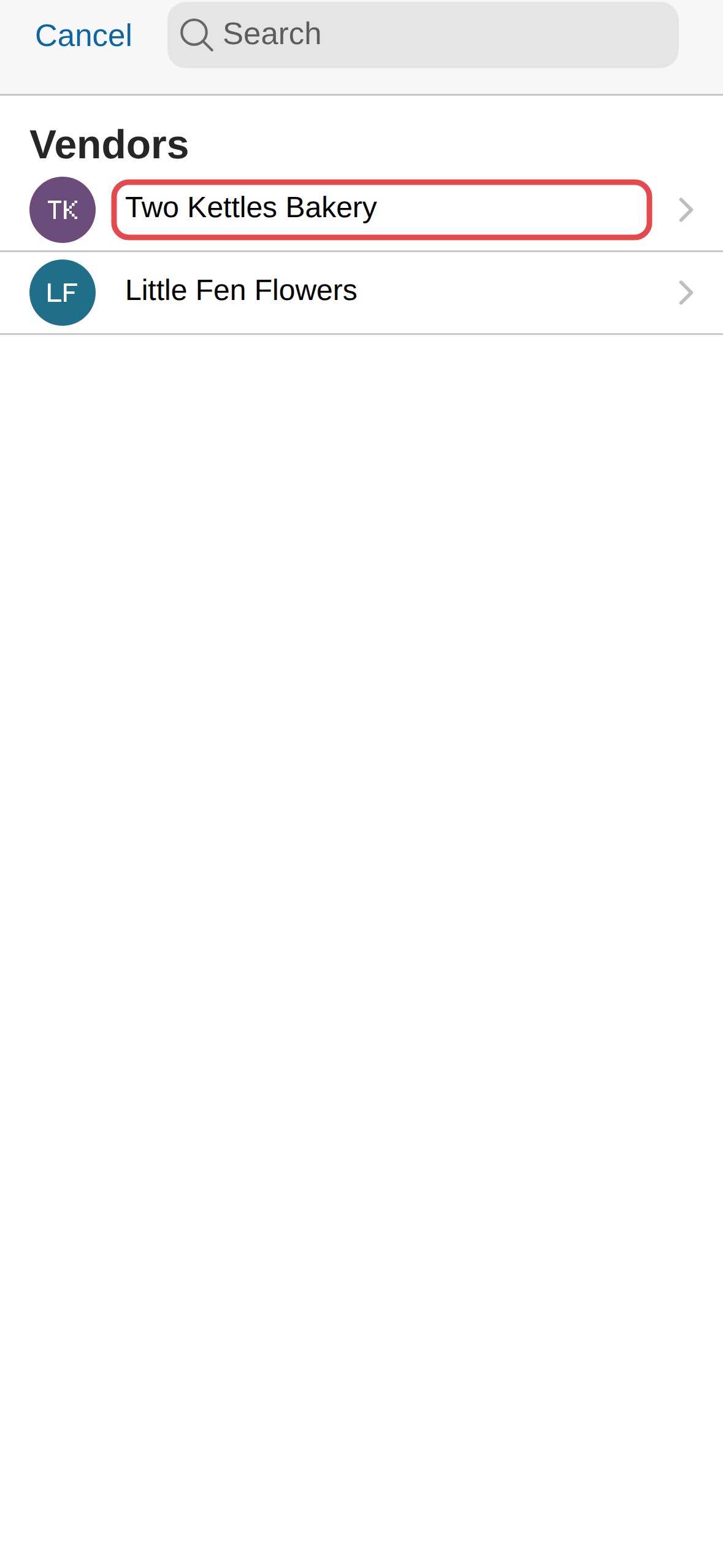
Find the vendor — scroll, or start typing their name — then tap it.
-
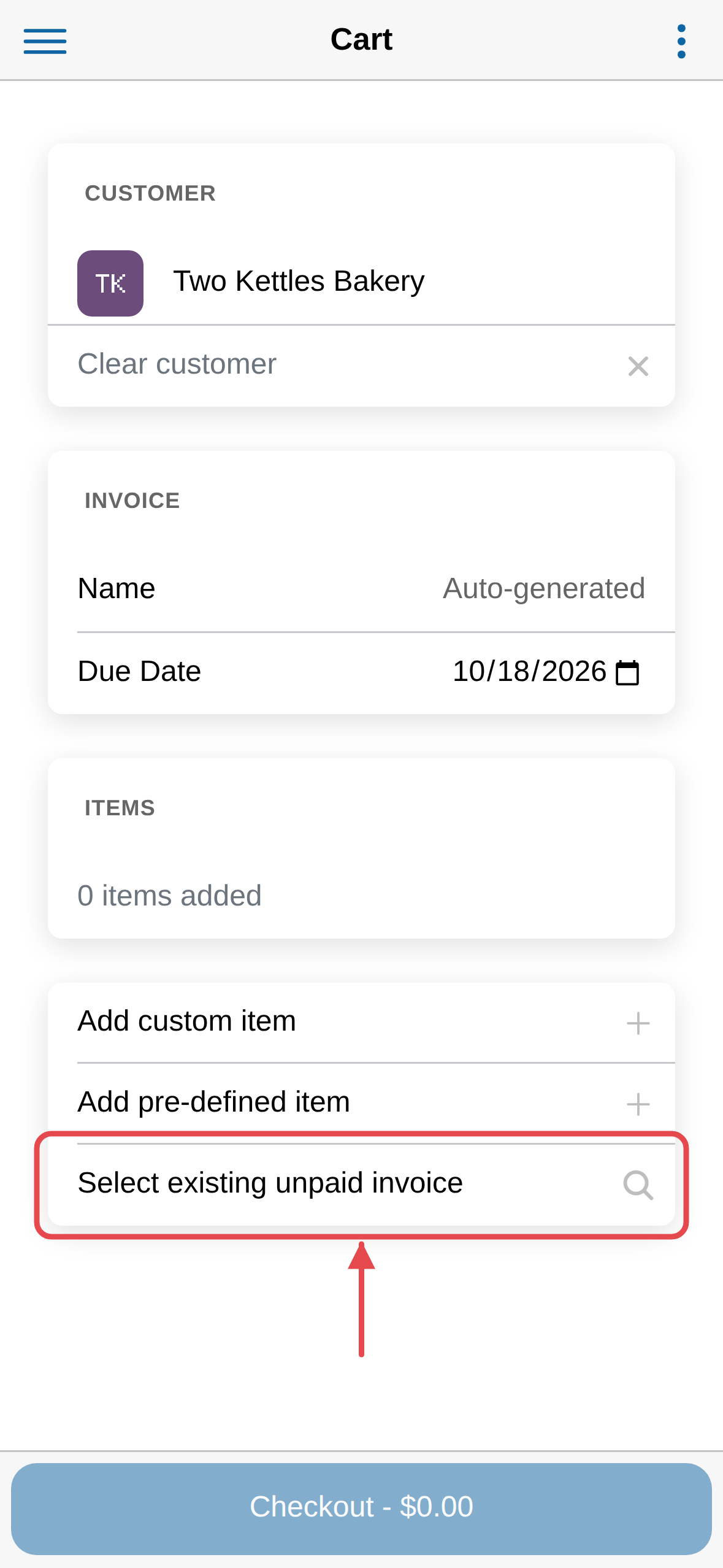
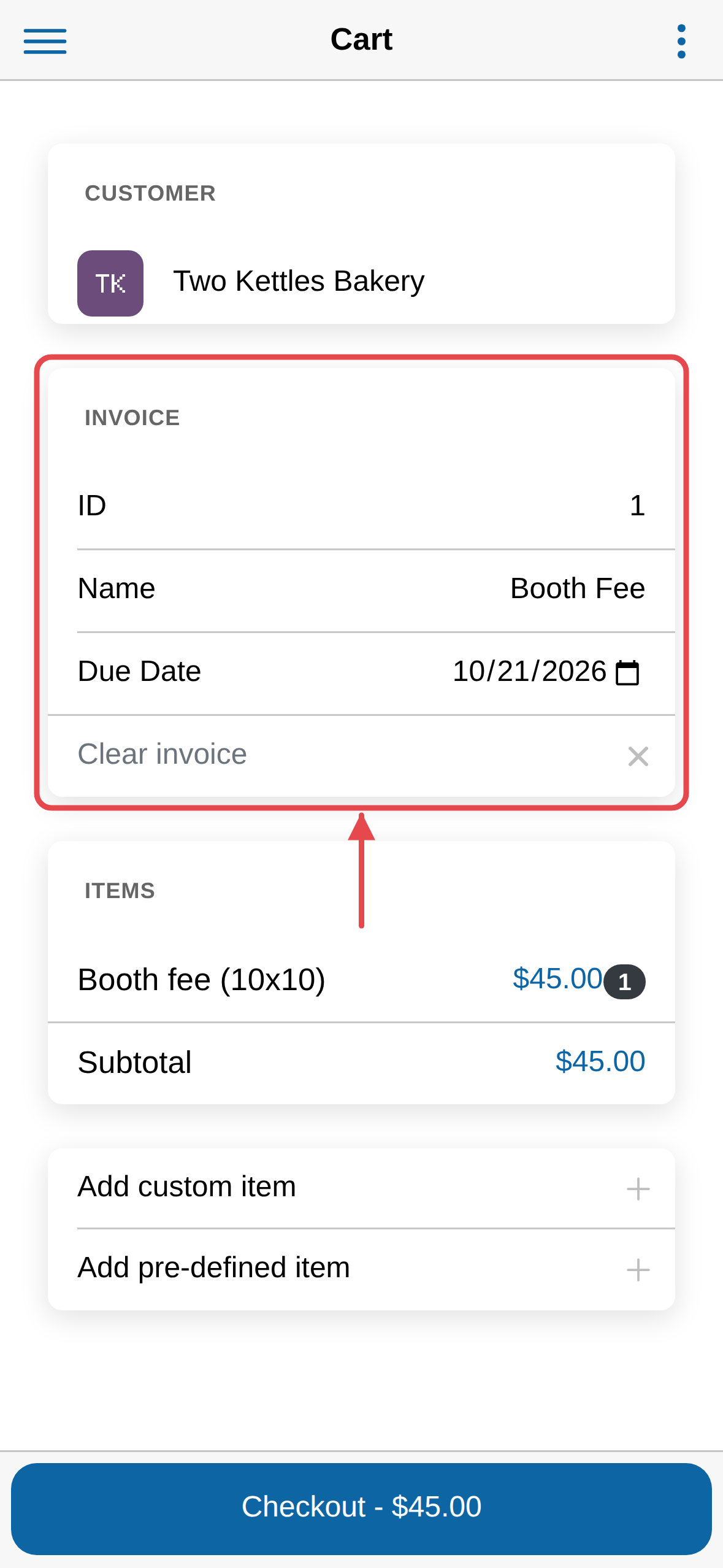
Tap Select existing unpaid invoice, then tap the invoice.
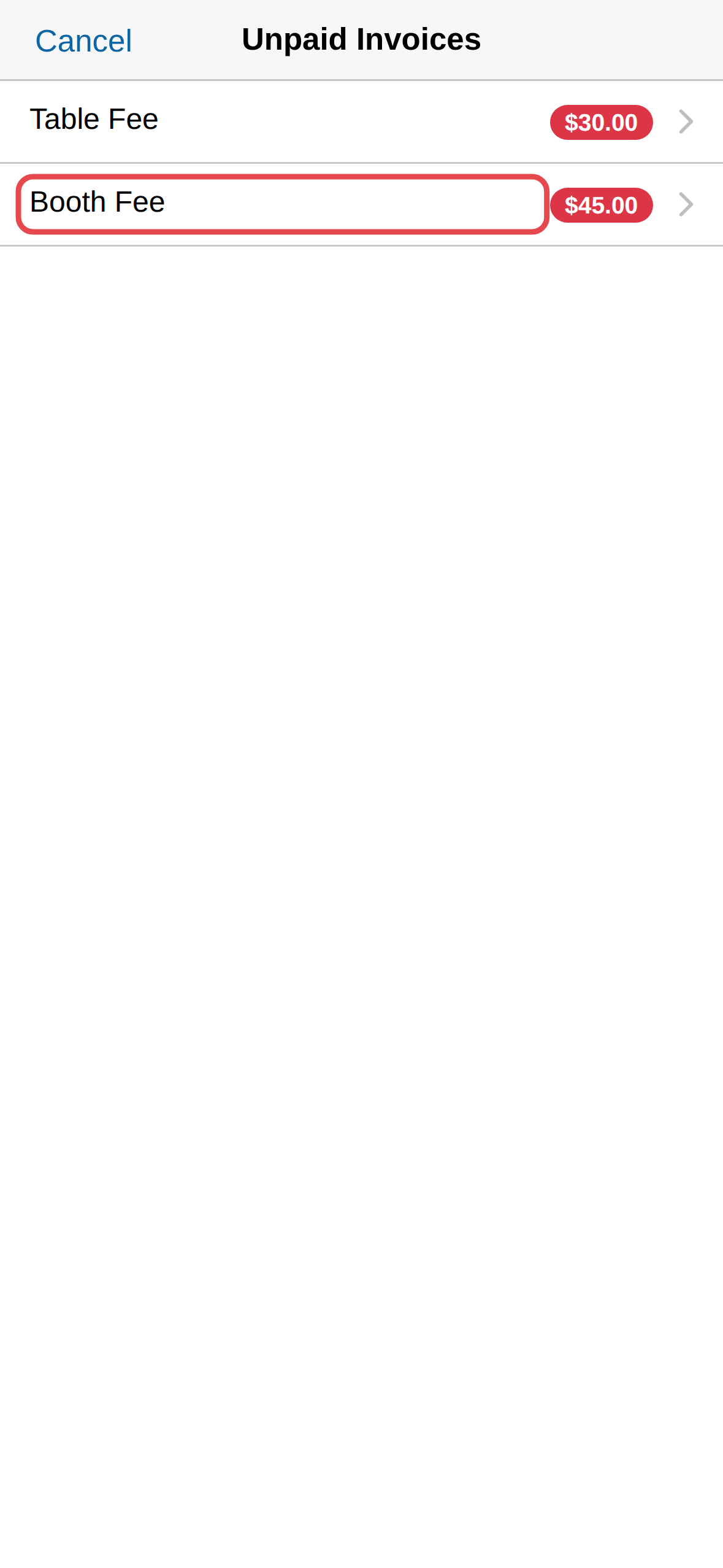
The invoice loads into the cart with its ID, due date, items and total.
-
Tap Checkout.
-
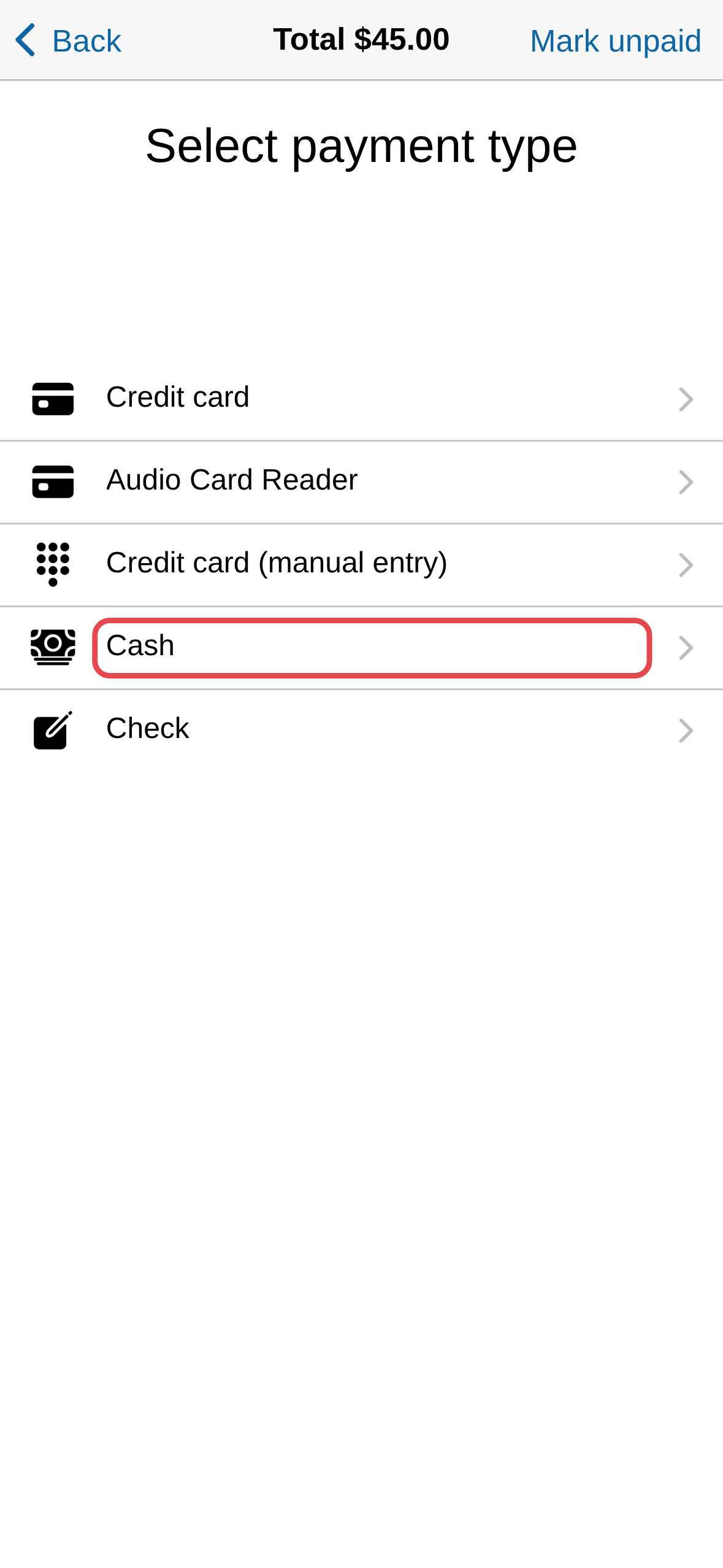
Choose how they are paying.
-
Tap one of the amounts, or type what they handed over, then tap
Accept cash. The app works out the change.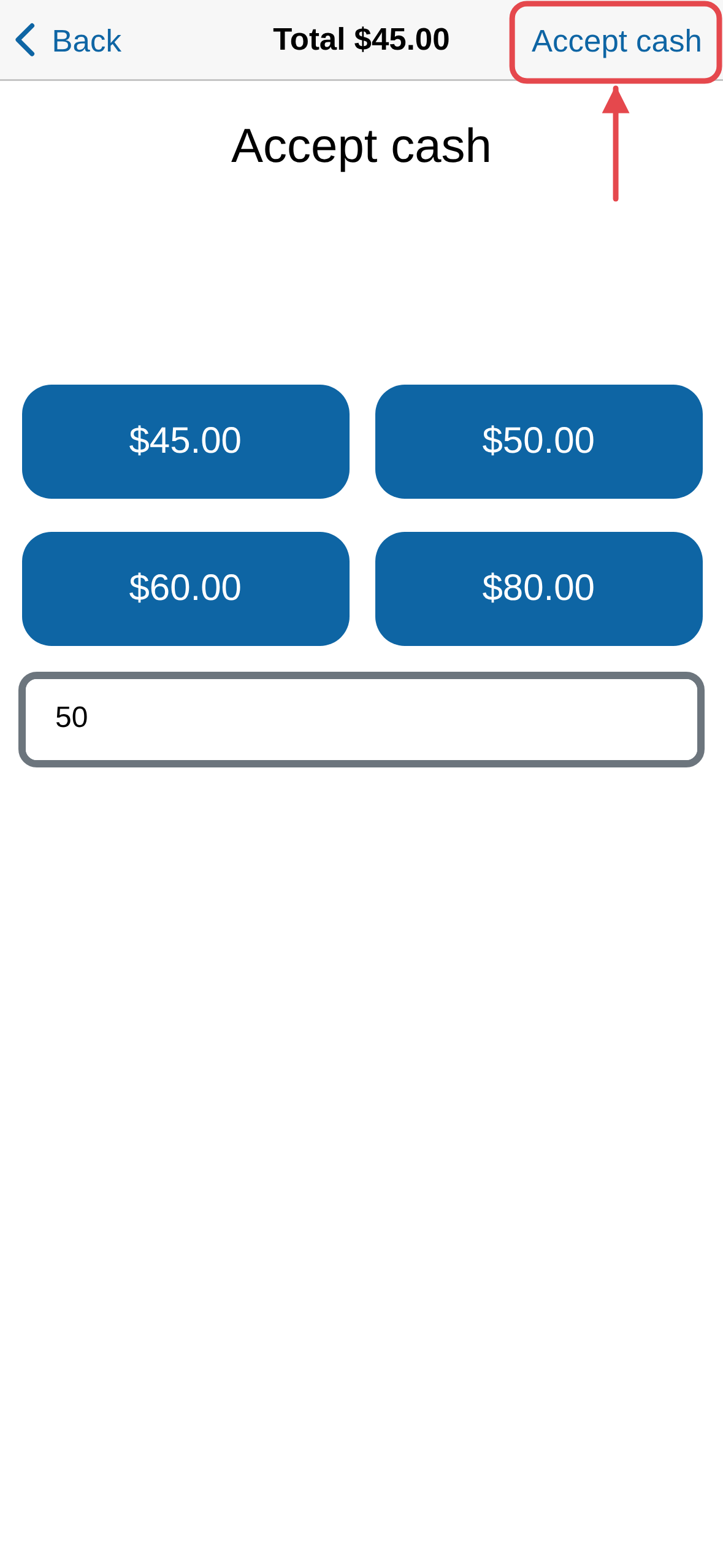
Build an invoice on the spot
-
Tap Select customer and choose the vendor.
-
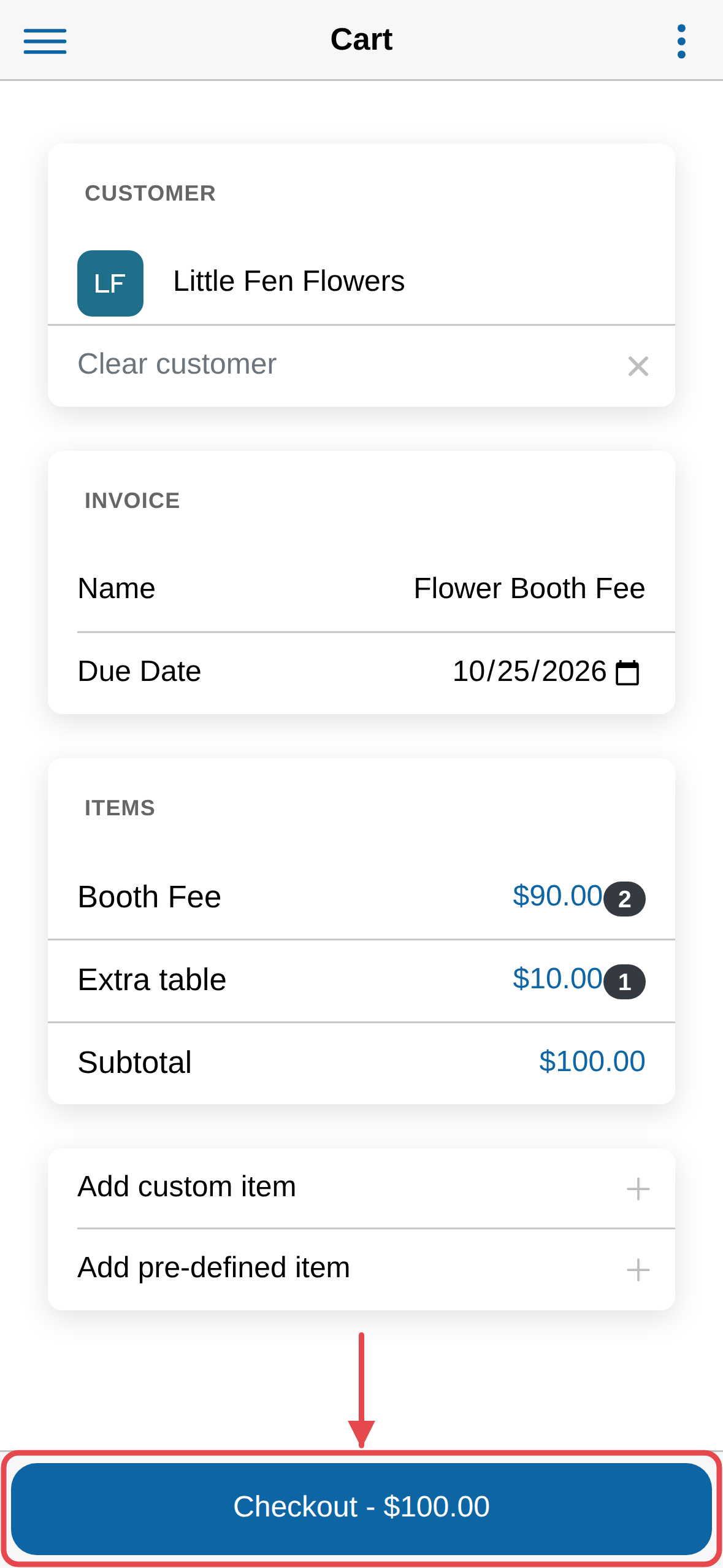
Change the invoice Name and Due Date if you need to. The defaults
are fine otherwise.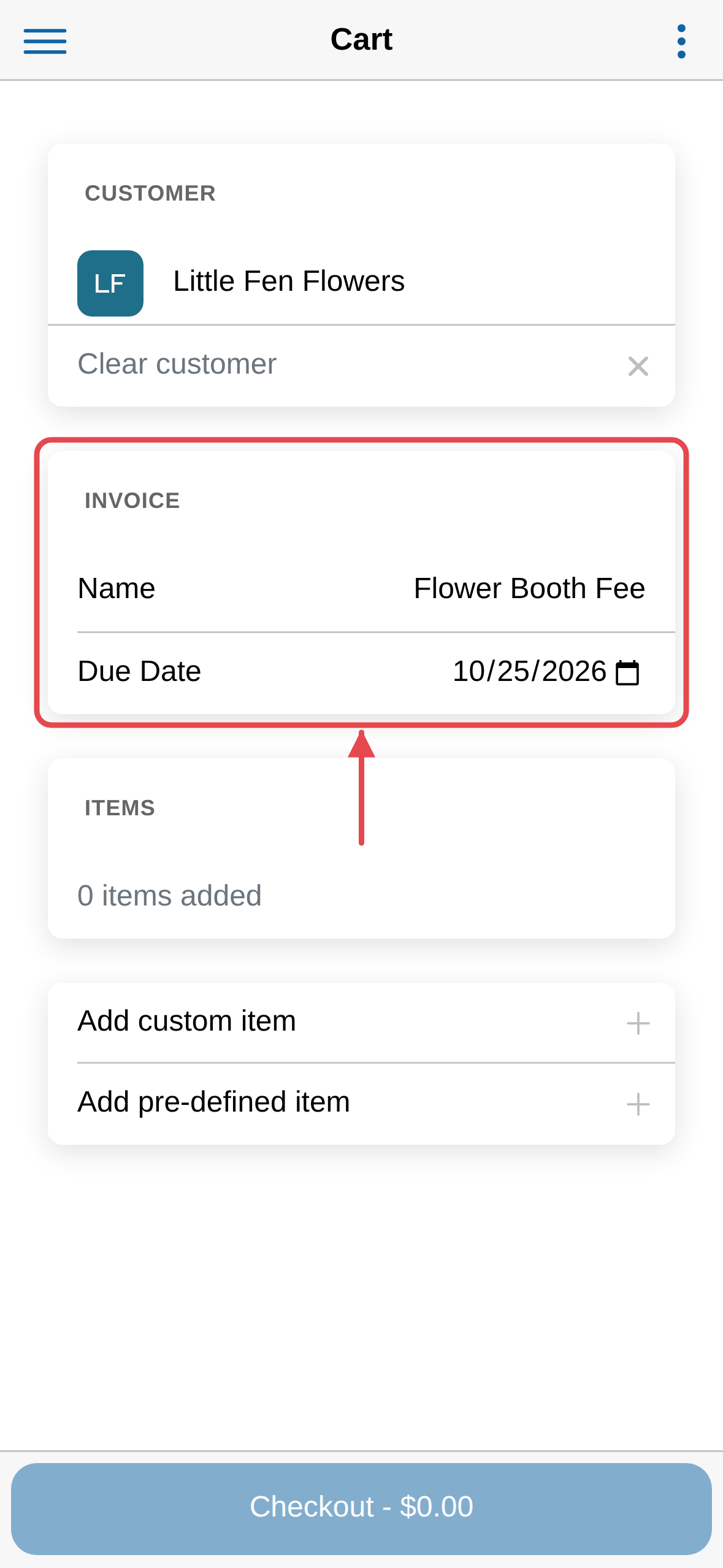
-
Tap Add pre-defined item to add something you have already set up,
such as a booth fee.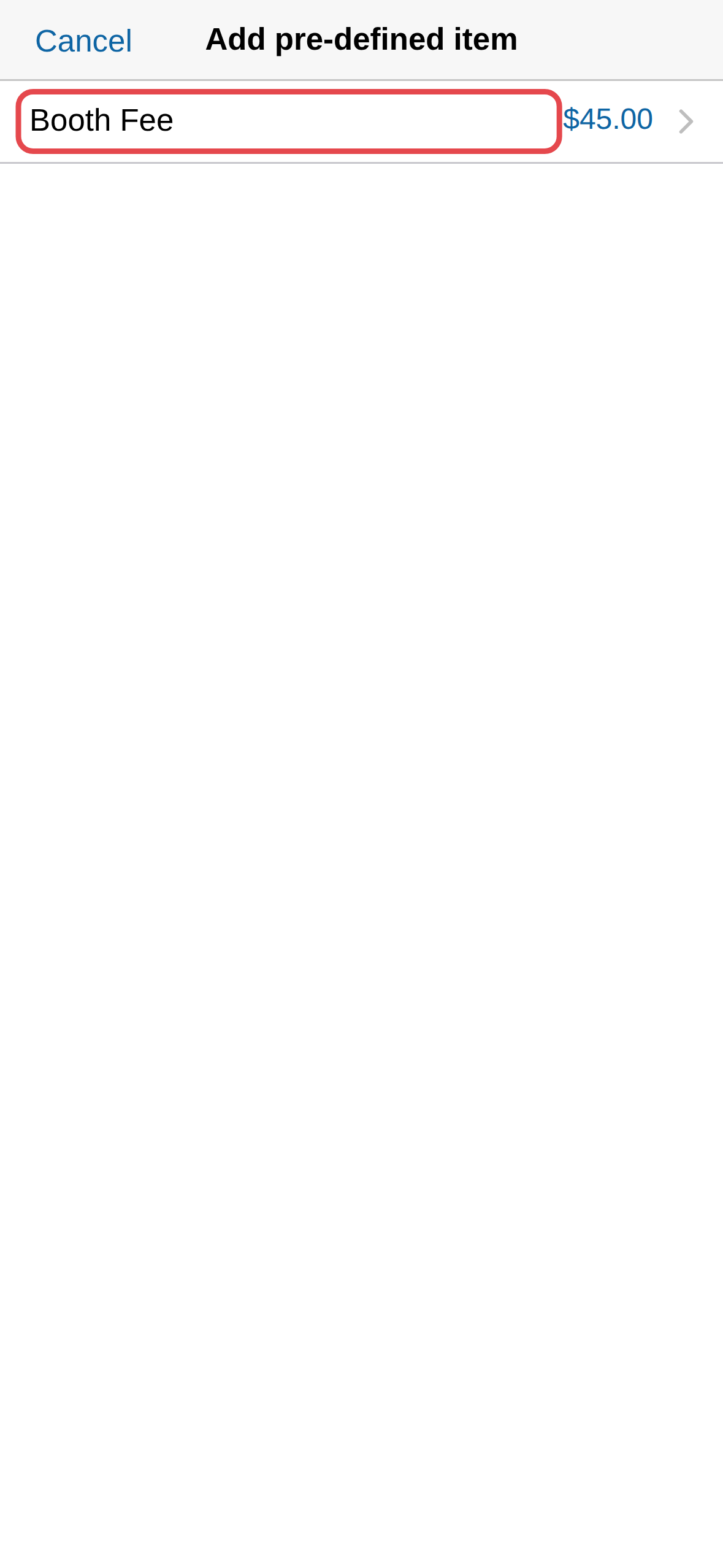
-
To change a price or quantity, tap the item in the Items list. Set
the Qty, then tap Save — set a booth fee to two booths, for
instance.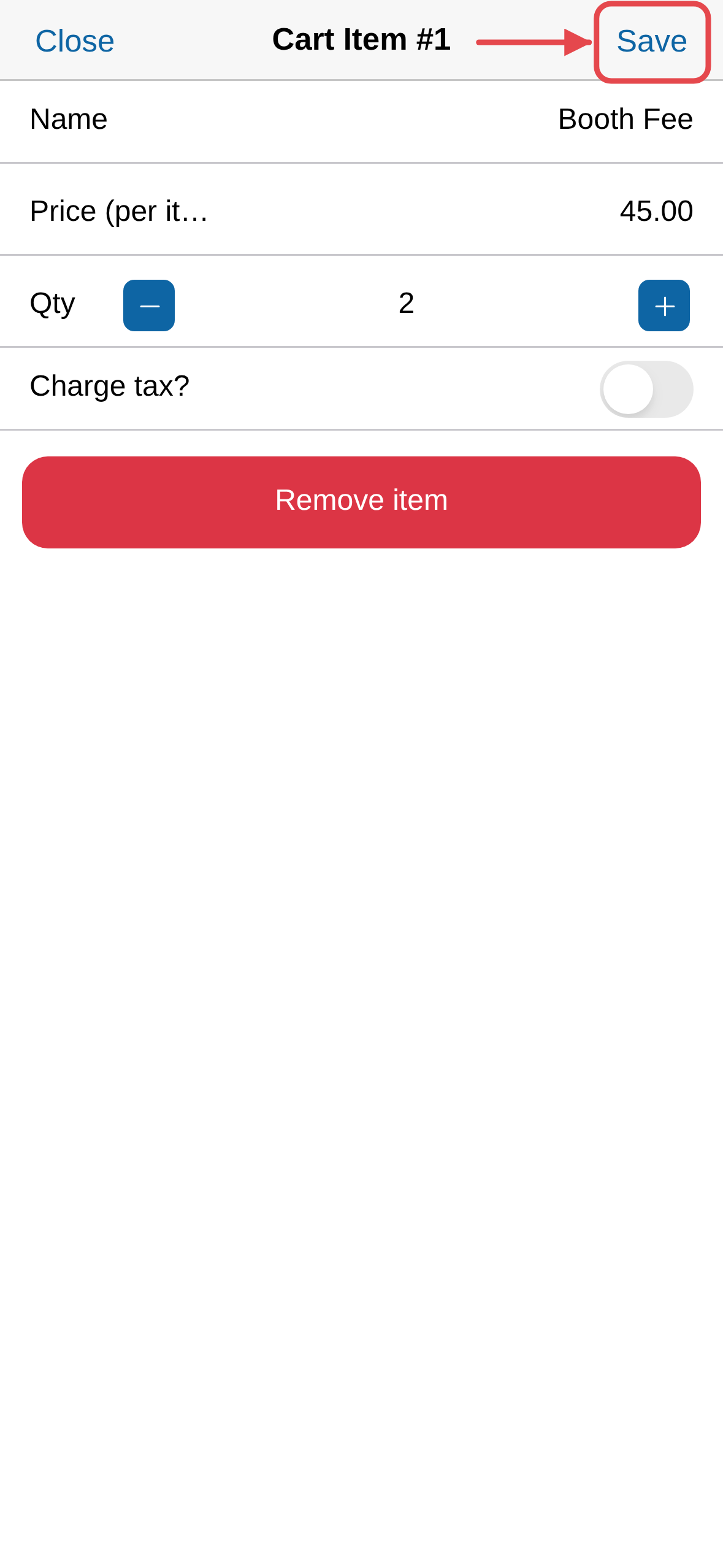
-
Tap Add custom item for anything not on the list. Give it a name, a
price and a quantity, then tap Add.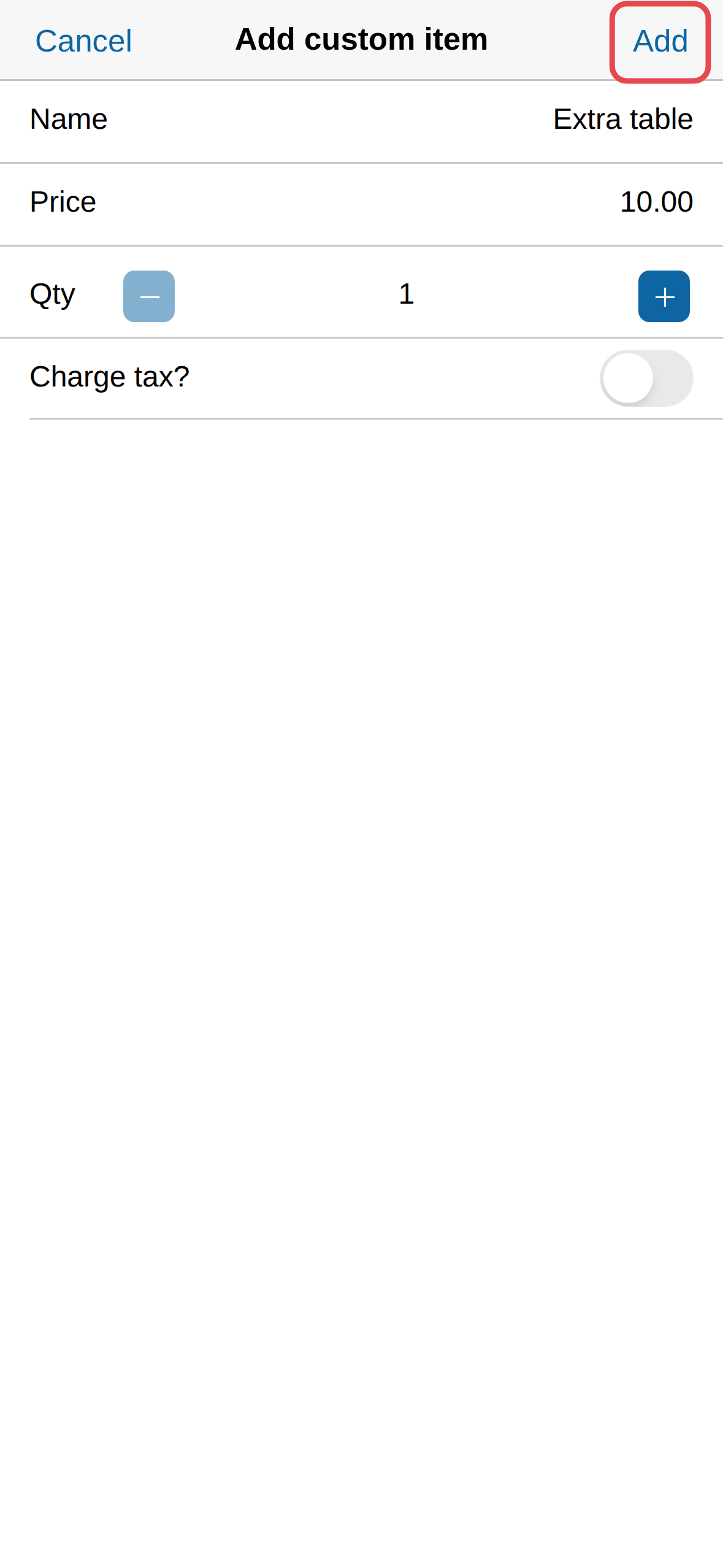
-
Tap Checkout and take the payment.
Find an invoice
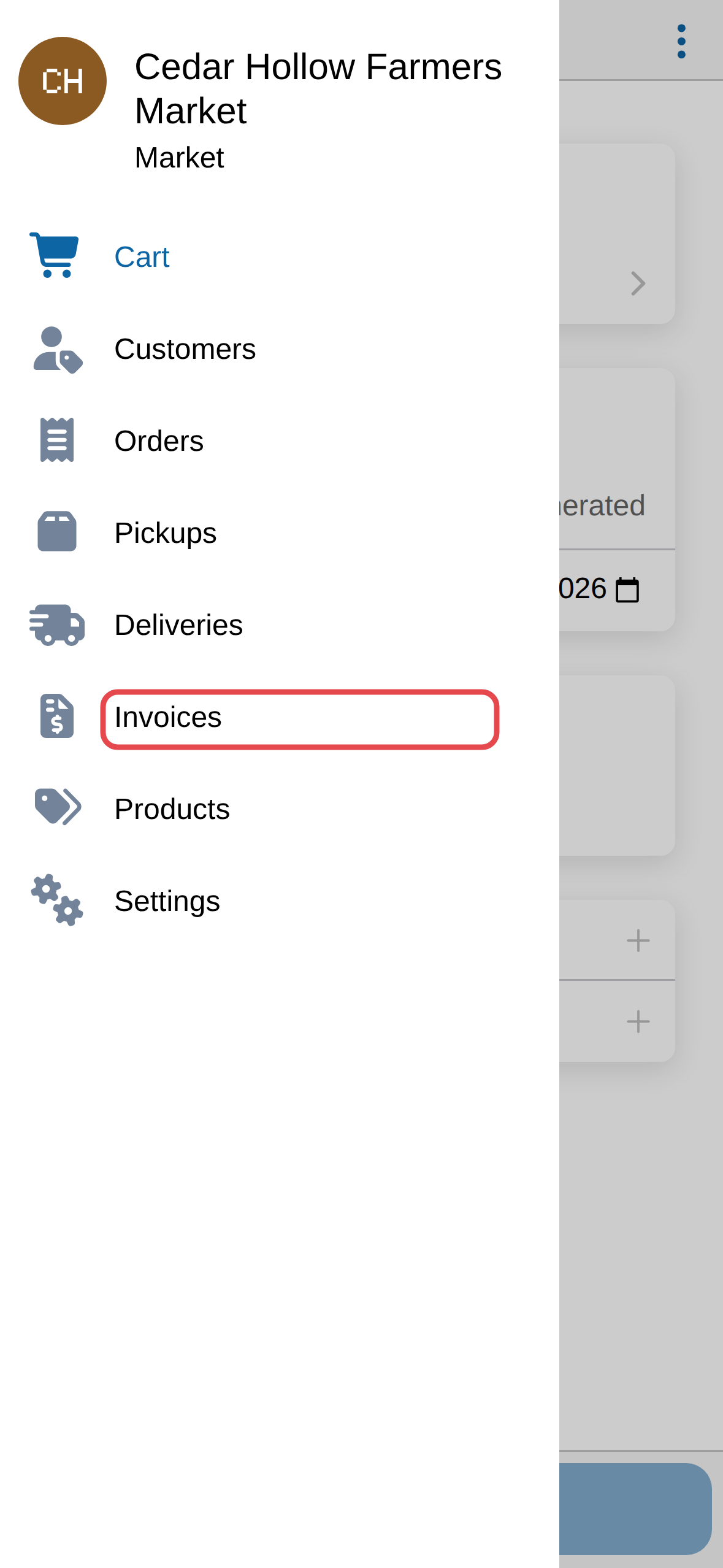
Open the menu at the top left, then tap Invoices for every invoice in
one list.
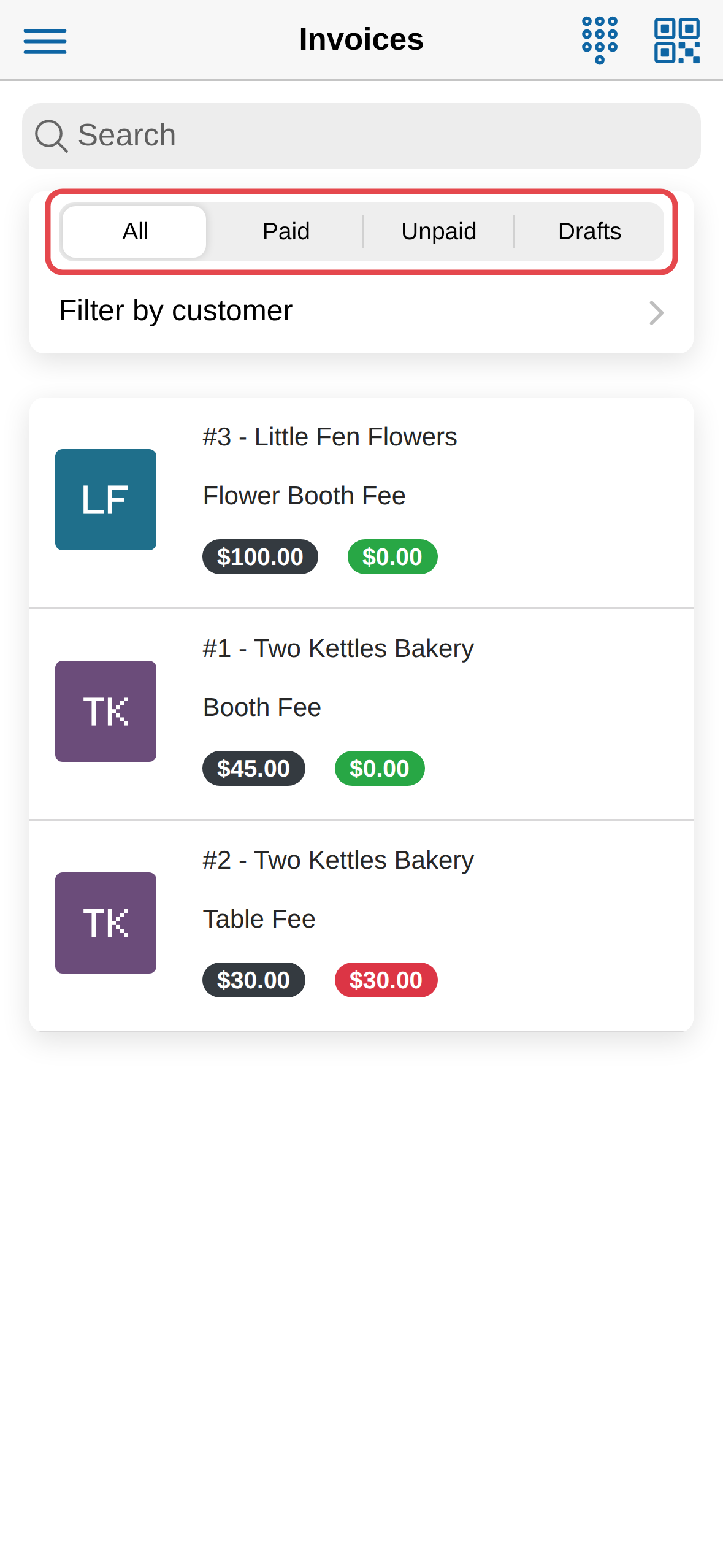
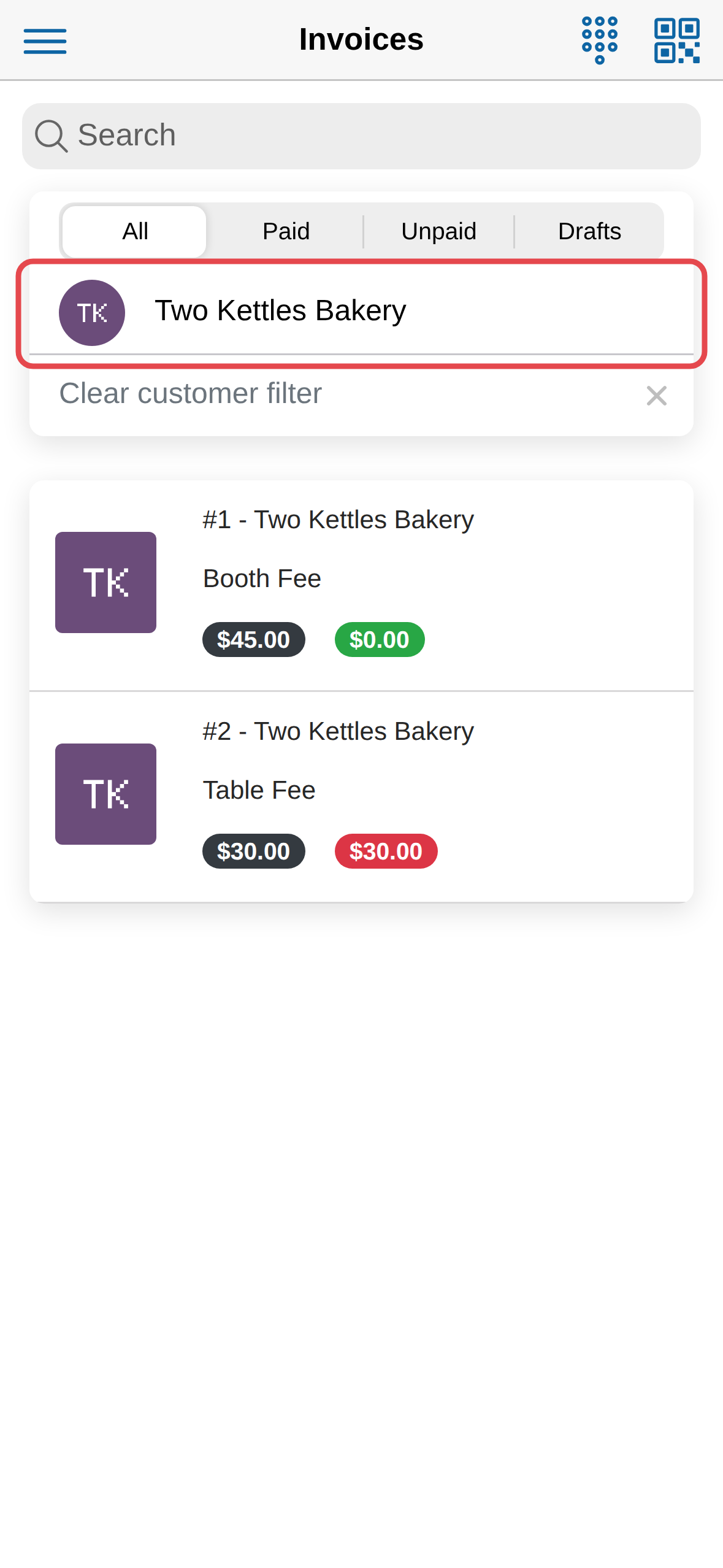
Across the top you can switch between all, paid, unpaid and draft invoices,
and narrow the list to one vendor. Filtering to a vendor is the quickest way
to see what somebody owes.
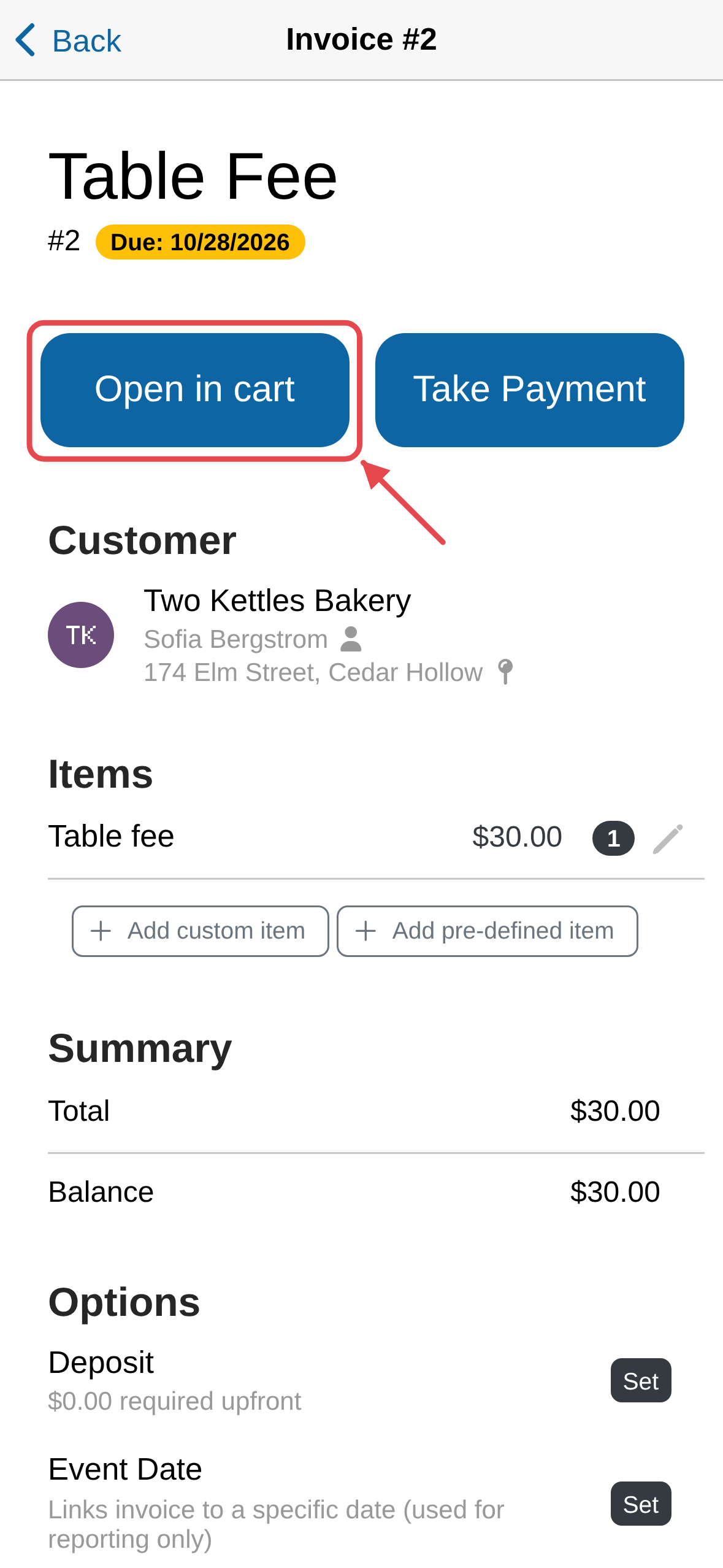
Tap an invoice to open it. If it is unpaid, tap Open in cart to load it,
then check out.
Card payments need your account approved
The Credit card option is always there, but it won't go through
until your account is approved to take payments — see Turn on credit
card payments. A card
reader is not required — you can key a card in by hand — but it is a lot
quicker with one.
Print a receipt as well
Emailed receipts are automatic. With a Bluetooth printer paired you can
hand over a paper one too.