


If you want to require payment of application fees before vendors can submit an application, you can enable an Application Credit Card Paywall.
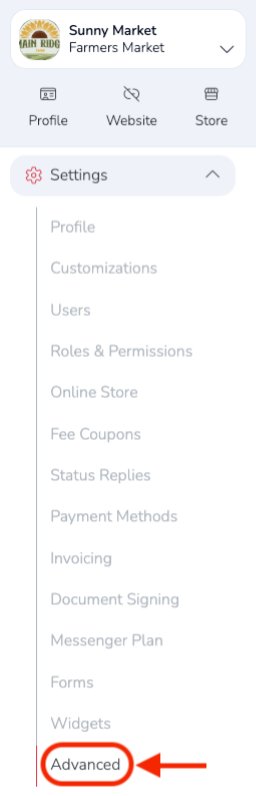
When logged in to your market account, go to: Settings → Advanced.
Under Advanced Settings, click the pencil edit icon to the far right of Credit card only for app/approval fees.

Then turn on the setting and click the blue Save button on the right.

Thats all you need to do to enable an Application Fee Paywall.