


Notifications are sent by default to the email address associated with your user account.
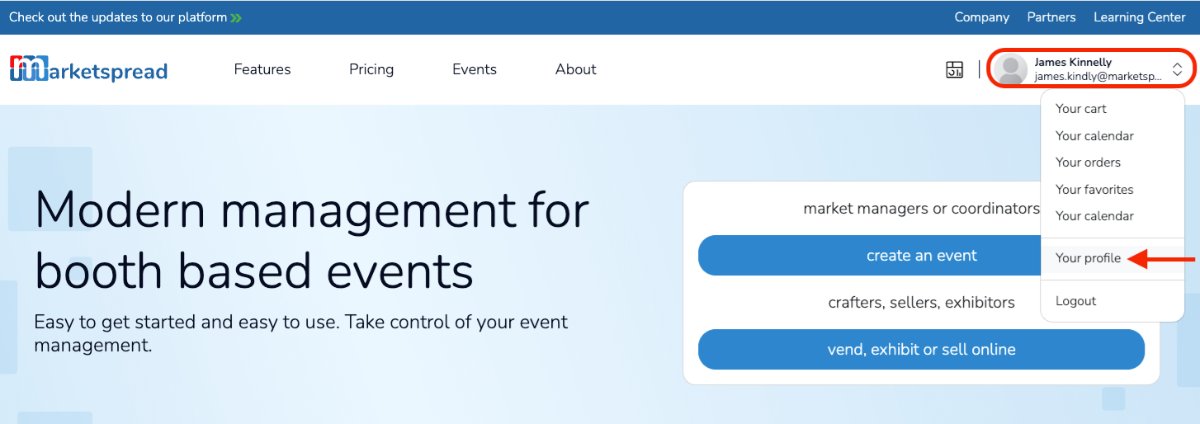
To manage your notification preferences, go to your user account profile.
Then select the Notifications tab and use the per-market or event notification toggles to turn notifications on or off.
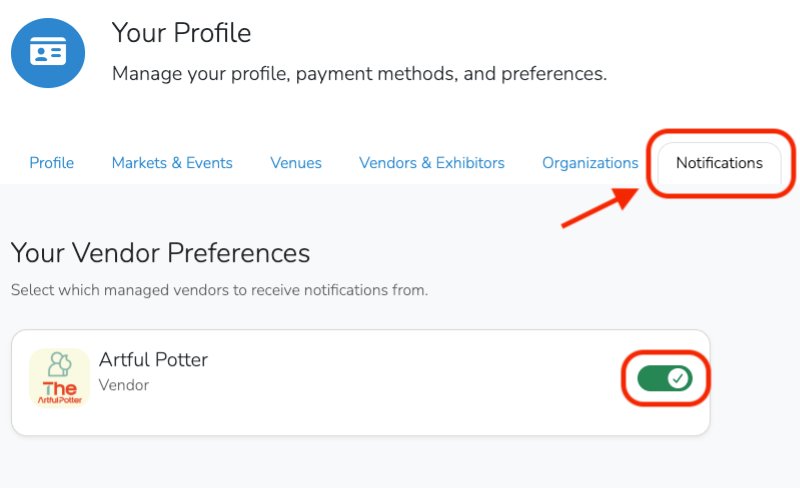
Use the toggle to turn notifications on or off.
Note
You can only manage notifications for your own user account. If other members of your team are set up as users, they will need to update their own notification settings individually.