
Update Your Profile
Your vendor profile is publicly visible and serves as your resume when applying to markets. You can also share it with new or returning customers who are interested in your products.
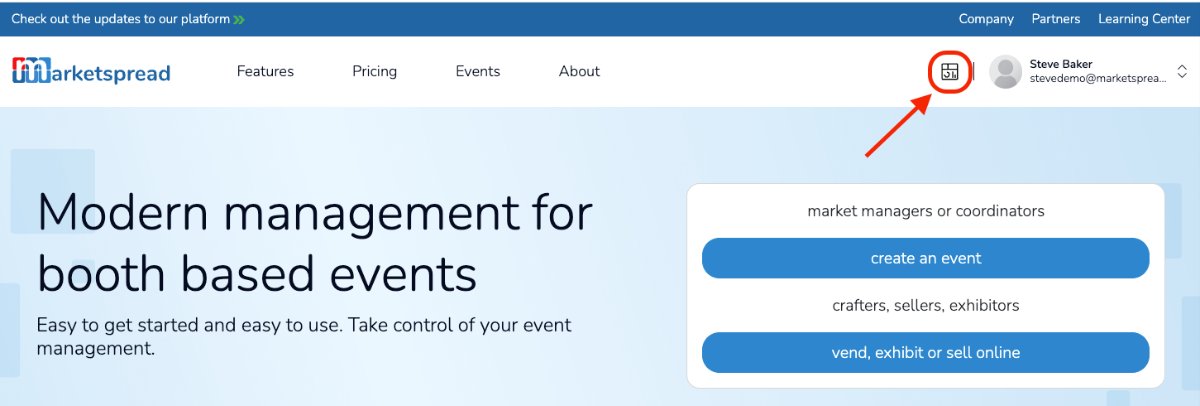
To update your vendor or exhibitor profile, log in to your account and click the Dashboard icon next to your name.
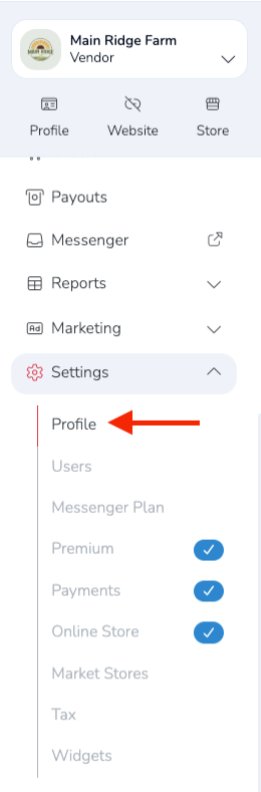
From your Vendor Dashboard, go to: Settings → Profile
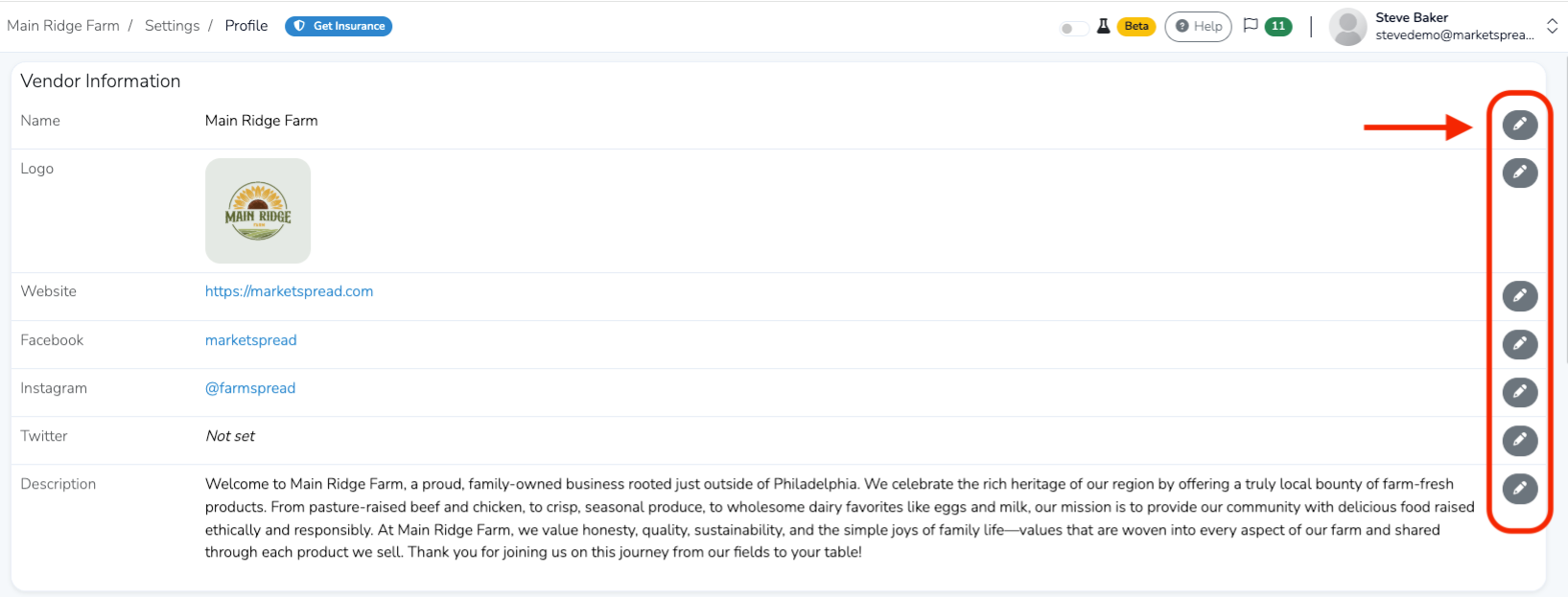
Your profile details page will open. To update a field, click the pencil icon to the right of that section.
Be sure to scroll down the page to view all available fields.
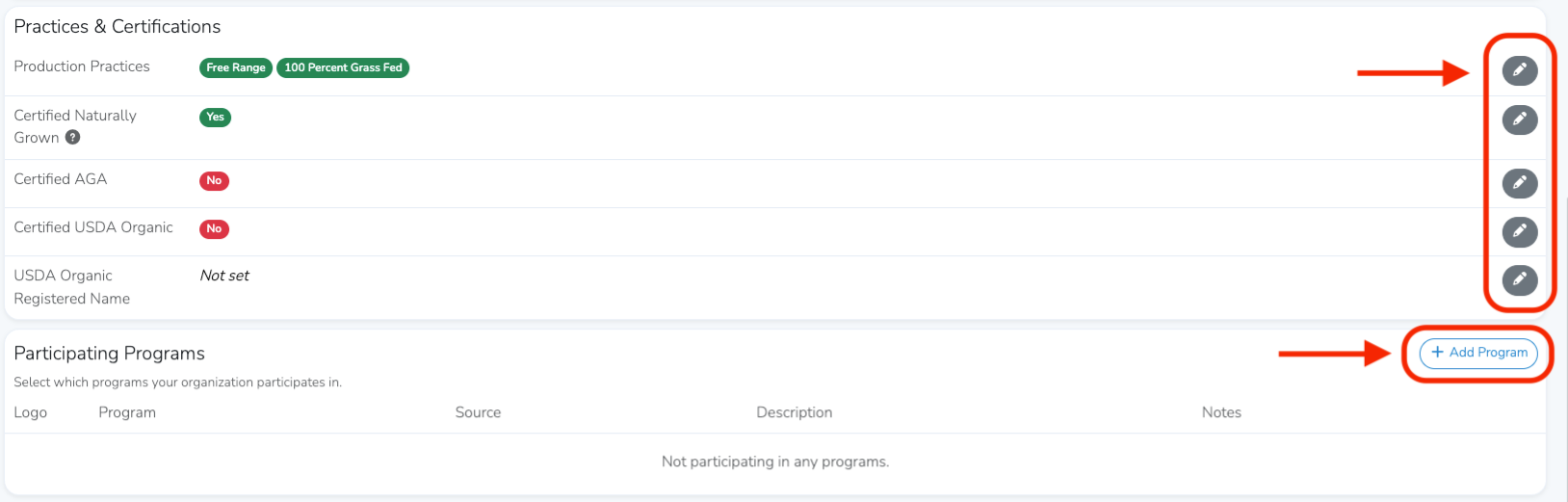
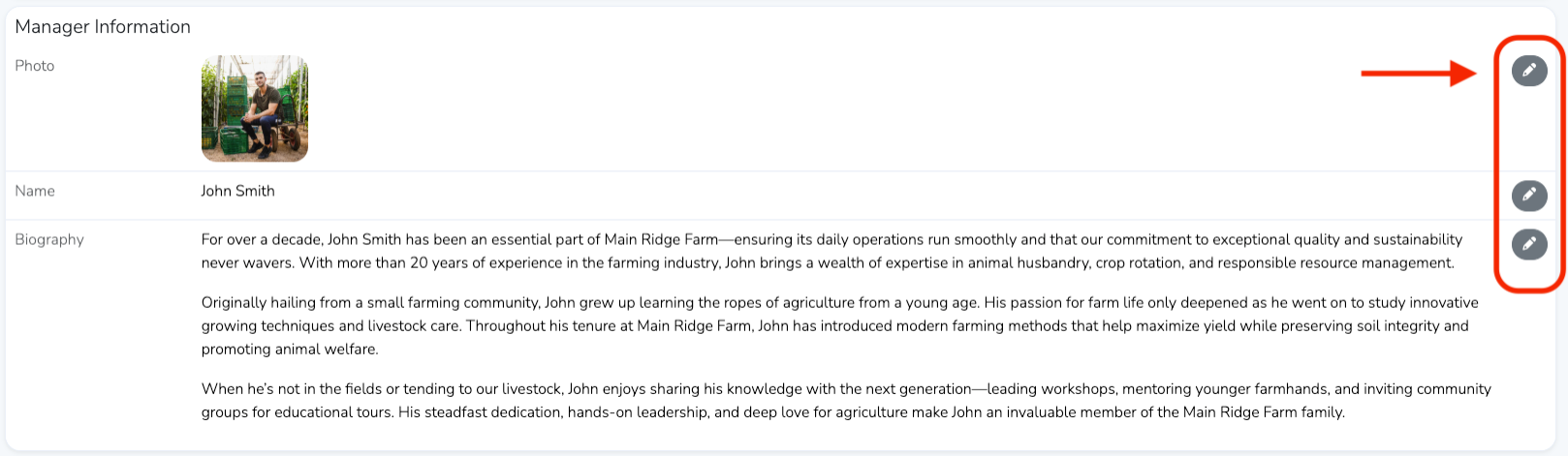
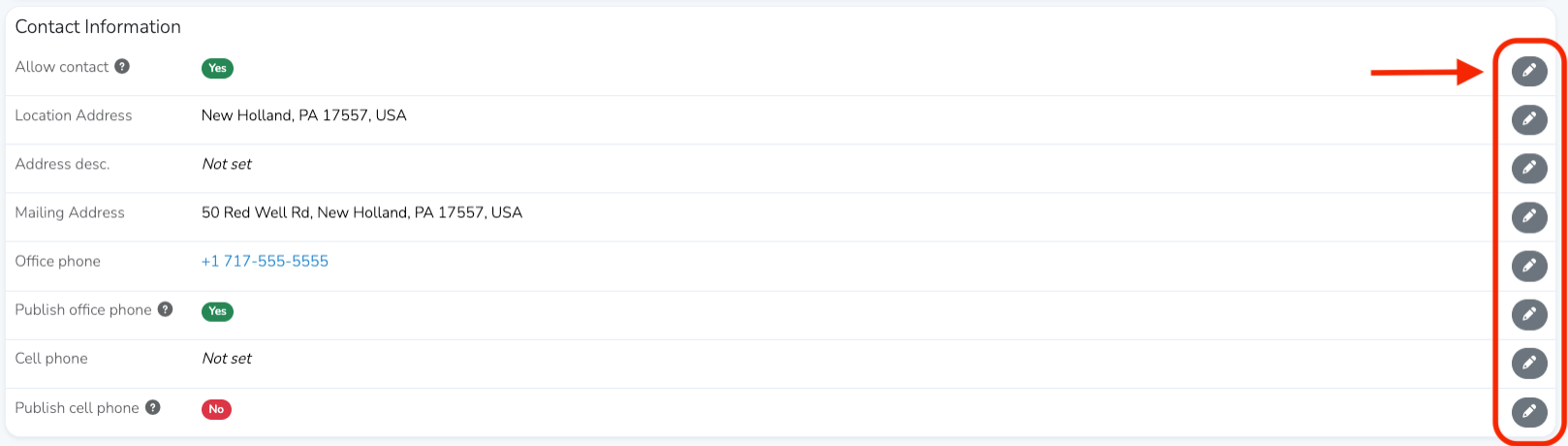
After making changes, click the blue Save button in each section you update.
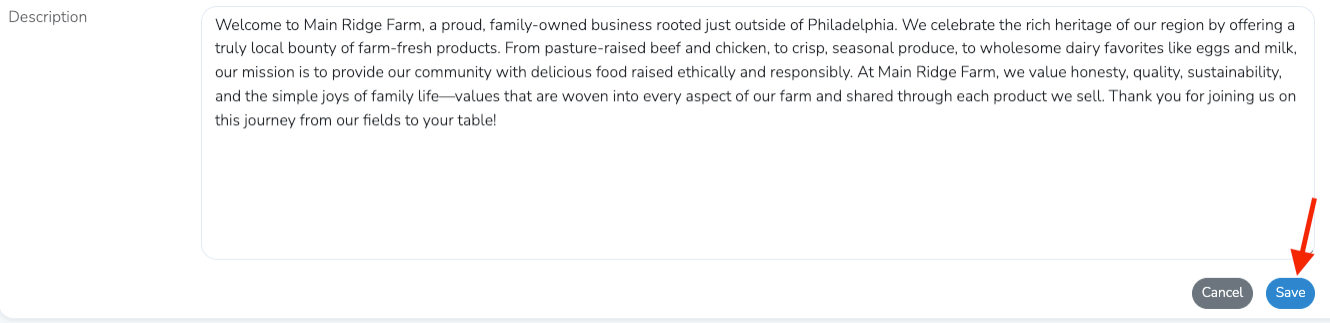
Keep in mind that any changes you make will appear immediately on your public profile for market managers and customers to see.
View Your Public Profile
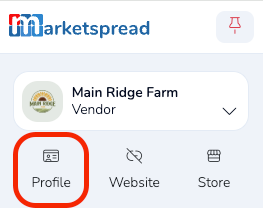
To view your public profile, click the Profile button below your vendor name in the dashboard.