
When is a vendor fee resync required
Marketspread Scheduler provides highly advanced vendor fee automation capabilities. These fees are configured in two primary locations, your event map and your event configuration.
- Your event map provides the ability to associate vendor fees with booths. When configuring booth fees each booth can have its own independent fee or all booths can be set to have the same fee. Additionally, each booth can have a different fee for each of the four supported booking Terms (day, week, month and event).
- Your event configuration (under Event Configurations->Events) provides you the ability to associate vendor fees with vendor types or vendor tags. These fees can be used in combination with booth fees or independently, in a stand alone fashion.
If any fee configuration in your event map or event configuration is added or modified after your event is activated you will need to resync your fees in order for the changes to be recognized in Scheduler.
Note
Re-syncing will make fee updates available for any future bookings as well as for any unreleased invoices. It will not update invoices that are already released.
How to resync vendor fees
To resync your vendor fees go to your event configuration in Event Configurations->Events.

Then navigate to the Actions tab.

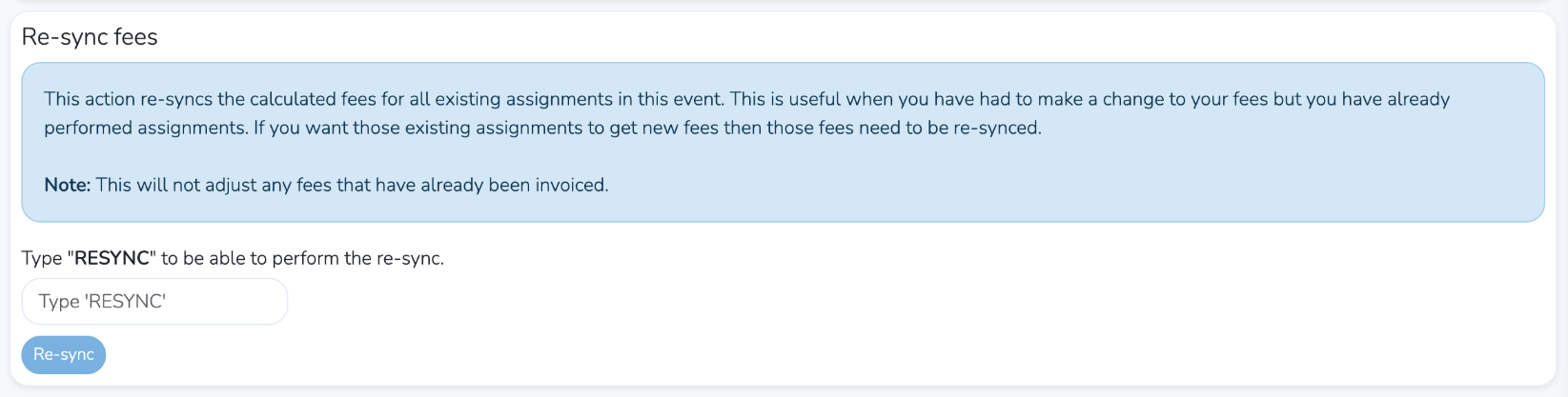
On that page is a the Re-sync fees section. Use this to perform your vendor fee resync.