


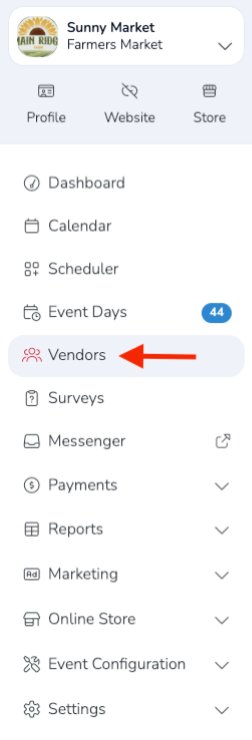
You can search for vendors to invite to your market event through the Vendors section of your Market Dashboard.
Go to: Market Dashboard → Vendors
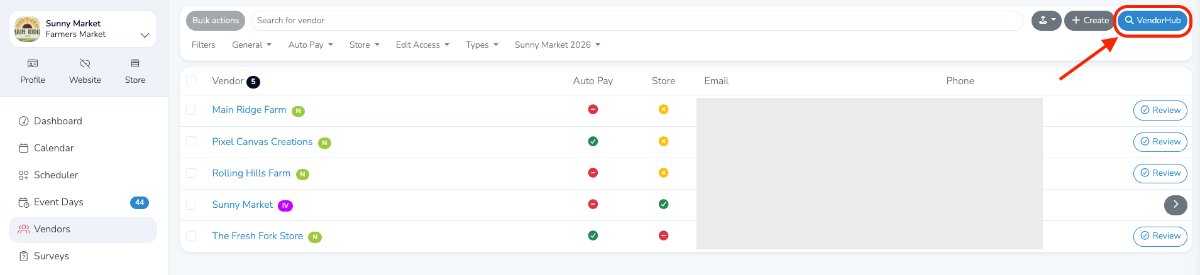
Then click VendorHub in the upper-right corner.
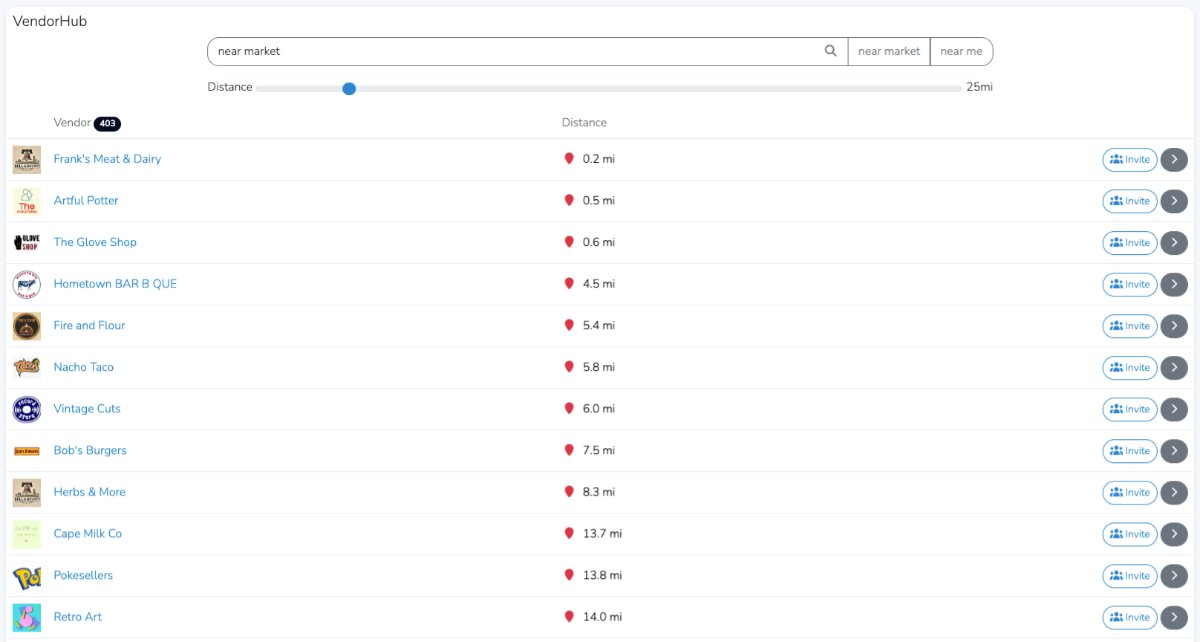
From there, you can choose whether to search for vendors near your location or near the market. This is especially useful for events that travel or operate in multiple regions across the country.
To view a vendor’s profile, click the grey arrow to the right of the listing. To invite a vendor to your market or event, click Invite. Doing so will automatically notify the selected vendor.
Continue inviting vendors until your market or event is full. Vendors can also search for your market or event on their own. Depending on which vendor types you allow to apply, they may also be able to submit an application directly.