
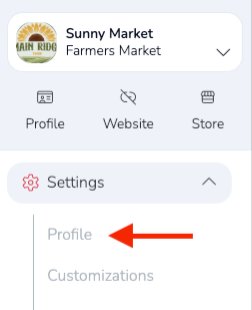
From your Market Dashboard, go to Settings → Profile in the left-hand navigation menu. You may need to scroll down to find it.
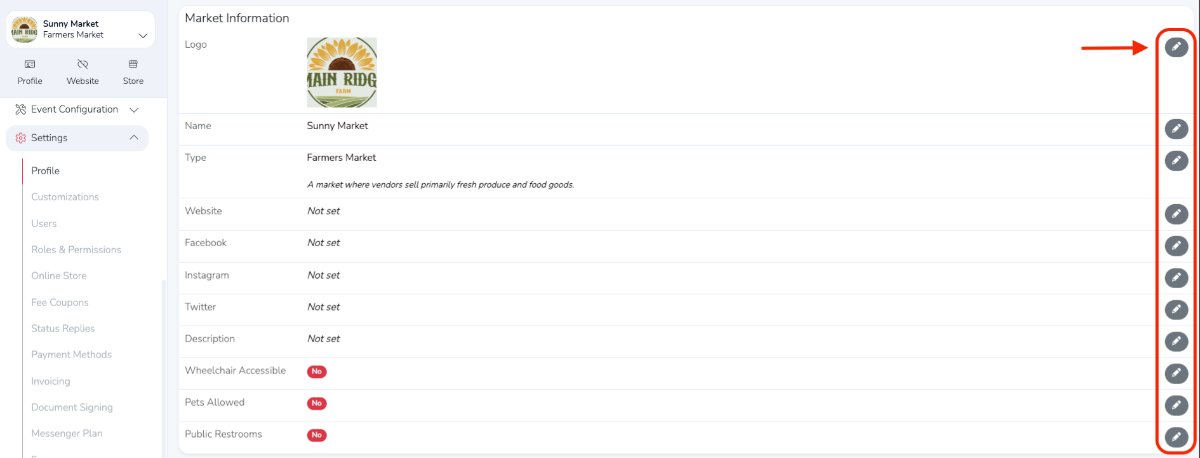
To update a section of your profile, click the corresponding pencil icon.
This information appears on your free public market profile.
Be sure to scroll through the full page to view all sections that can be edited.