


If a vendor needs help with their account and/or application, the market or event manager can request access to remotely assist. To facilitate the remote access, the market or event manager will "request access" to a vendor's account.
First, navigate to a vendor record, then click Request access button at top right.

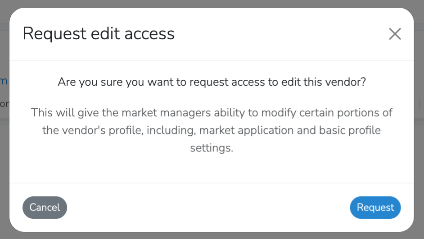
Then confirm the request via the confirmation pop-up.
The vendor will receive an email, dashboard notification and action item for the request that will take them to where they can approve the access request.

Once access is approved, as a market or event manager can navigtate to the vendor record, and you will now see the button "modify vendor" at top right.
Clicking that button will take you to a modified vendor dashboard, where you can edit their profile and applications to your market.